Participant
March 8, 2018
Answered

Calculating incorrectly

  • March 8, 2018
  • 2 replies
  • 526 views

Hello, I'm having issues getting my form to calculate the input information correctly and was hoping someone here could help me.

The first line seems to work ok:
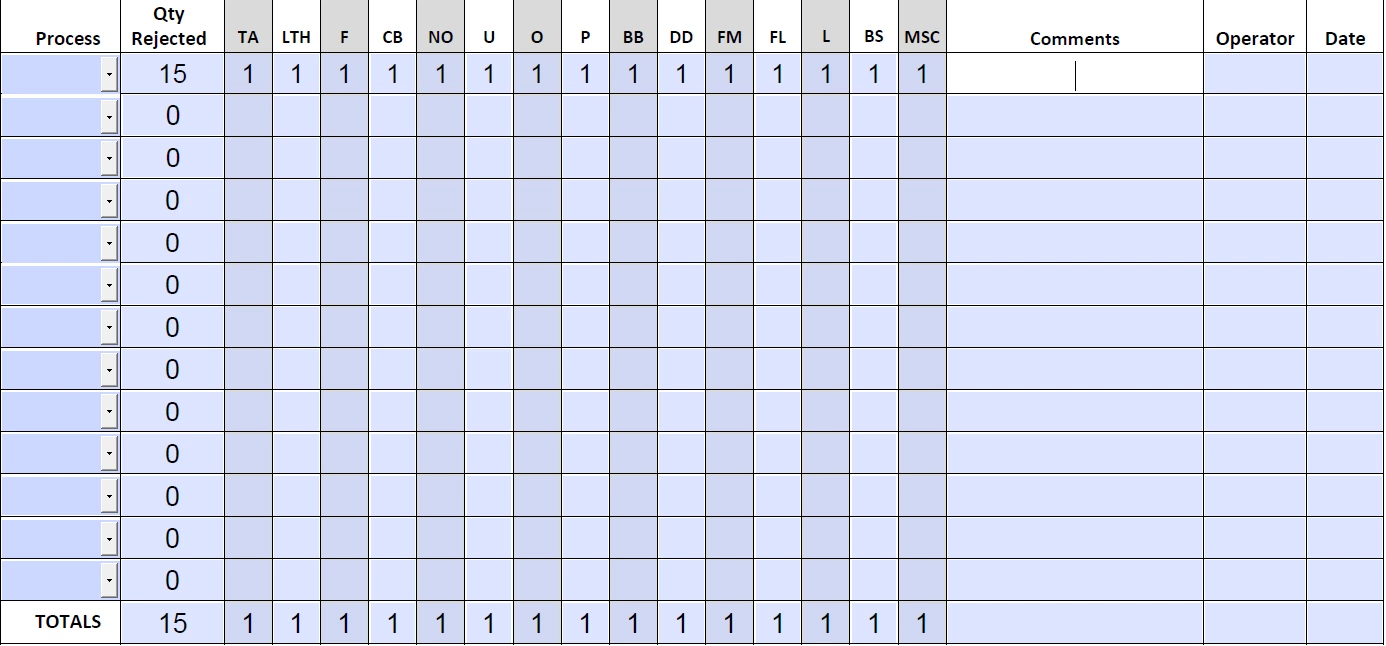
It's when the second one is entered that I begin to have problems:
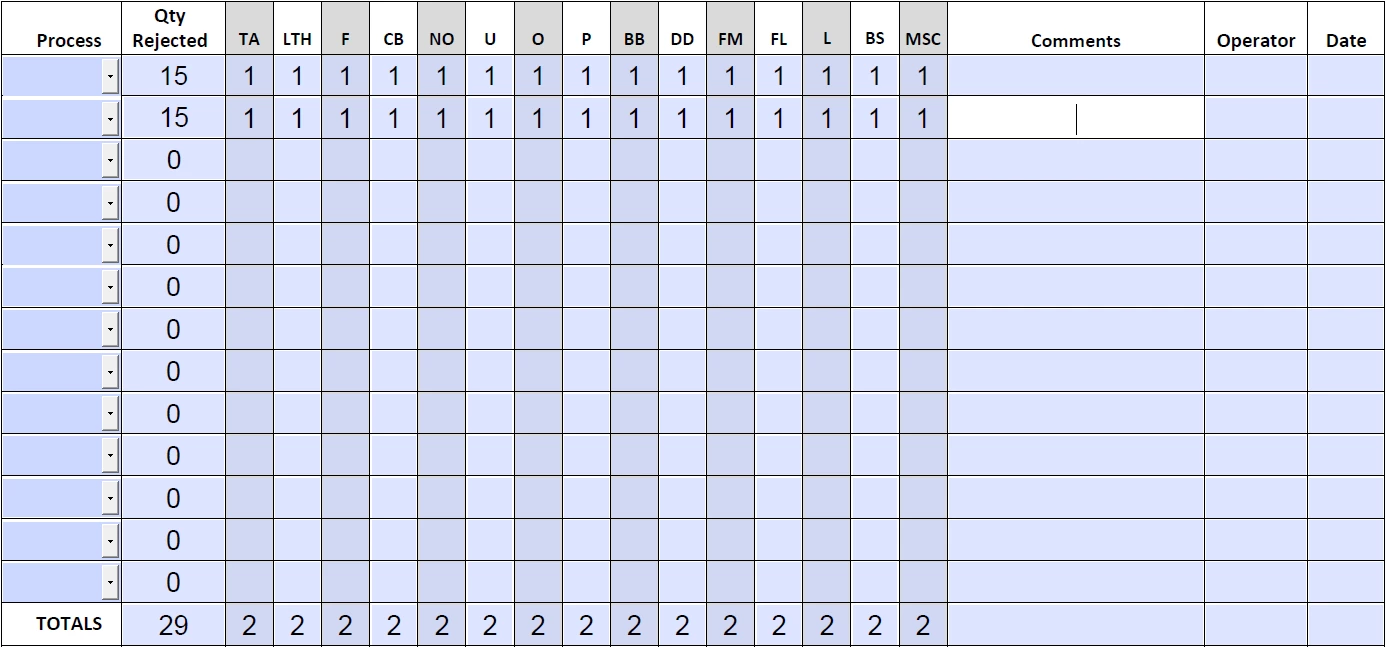
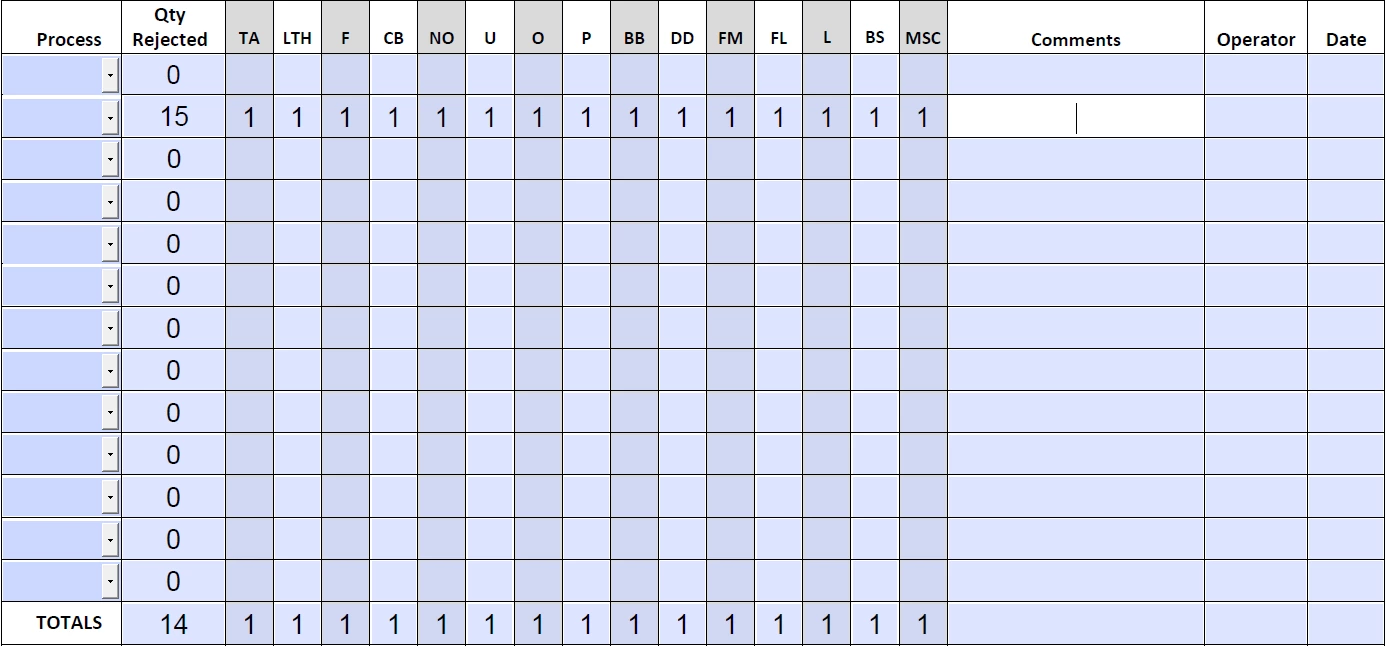
I can't figure out why it's doing this or how to fix it. I've triple checked to make sure that I've selected each field necessary and all have been properly selected. I've deleted the initial field and started it again from scratch. I've exited the form and re-entered. None of these has solved the problem. Can anyone help me out? Thanks!

    This topic has been closed for replies.
    Correct answer try67

    If you have Reader there's nothing you can do about it. Report the issue to the author of the form.

    If you have Acrobat then you can probably fix it. I would bet it's a field calculation order issue.

    2 replies

    try67
    Community Expert
    try67Community ExpertCorrect answer
    Community Expert
    March 9, 2018

    If you have Reader there's nothing you can do about it. Report the issue to the author of the form.

    If you have Acrobat then you can probably fix it. I would bet it's a field calculation order issue.

    jane-e
    Community Expert
    Community Expert
    March 9, 2018

    To be able to help you better, we need more info, such as how the fields are formatted, what they are named, and how the fields are being calculated.

    jane-e
    Community Expert
    Community Expert
    March 9, 2018

    Also, what version of Acrobat Reader are you using? Or are you actually using Acrobat Pro and accidentally posted to the wrong forum? (We can move it.)