
Participant
November 16, 2024
Question

Can not perform print related tasks

  • November 16, 2024
  • 2 replies
  • 580 views

Hello guys. I am using adobe acrobat reader on MacBook Pro 2019, MacOS Sequoia.

I could use command + P before but after installing a new HP printer that I was using before this message started to pop up

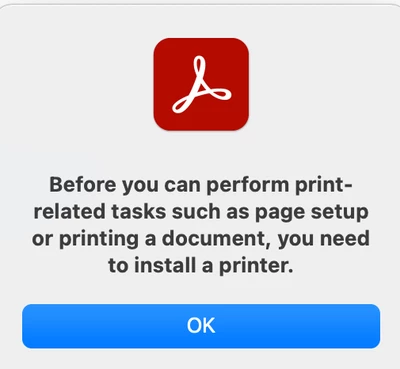
Before you can perform print-related tasks such as page setup or printing a document, you need to install a printer.

I have already uninstalled and reinstalled the application but it still doesn't work.
 

This topic has been closed for replies.

2 replies

Adobe Employee
November 28, 2024

Hi @Mostafa37972755b5k9 

Are you able to print using other softwares like Microsoft Word, notepad etc to same HP printer?

Thanks,

Shakti K

try67
Community Expert
Community Expert
November 17, 2024

[Question moved to the Acrobat Reader forum]


What's your exact version of Reader? You can find out via About Acrobat Reader in the app menu.

Participant
November 17, 2024

I have the last update 2024.004.20219