
Participant
December 4, 2020
Question

Can not perform print related tasks

  • December 4, 2020
  • 2 replies
  • 13825 views

Hello guys. I am using adobe acrobat reader on MacBook air 2020, MacOS Big Sur.


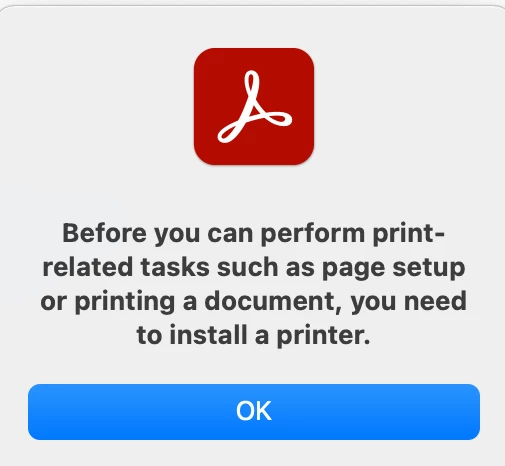
I could use commad + P before in case to export some pages of a PDF to a new PDF file. But it's been a while when try to do this I get this Error:


Before you can perform print-related tasks such as page setup or printing a document, you need to install a printer.


I have already uninstalled and reinstall the application but still it doesn't work. 


2 replies

Participant
August 3, 2024

You can work around this by installing a virtual PDF printer. I used Print to PDF - Printer app on the Mac App store and it worked.

Participant
January 28, 2025

Thank you so much! I needed a document signed for an interview and your solution worked!

try67
Community Expert
Community Expert
December 4, 2020
Participant
December 7, 2020

Thanks for your help.


But actually the problem is that I do not have any printer to install its driver! I just wanna use this option to be able to export to a new PDF and now I can not do it because when I press print button it gives me that error.


Any idea how to solve it? Should I just install any printers driver?


try67
Community Expert
Community Expert
December 7, 2020

Reader does not come with a virtual PDF printer.