Participant
May 17, 2023
Question

Cannot download adobe acrobat reader

  • May 17, 2023
  • 2 replies
  • 1921 views

I have bought a new laptop, and I am trying to download and install a version of Acrobat Reader to my PC.

When I go to the download page (https://get.adobe.com/reader/direct) it redirects me instantly to https://get.adobe.com/reader/otherversions.

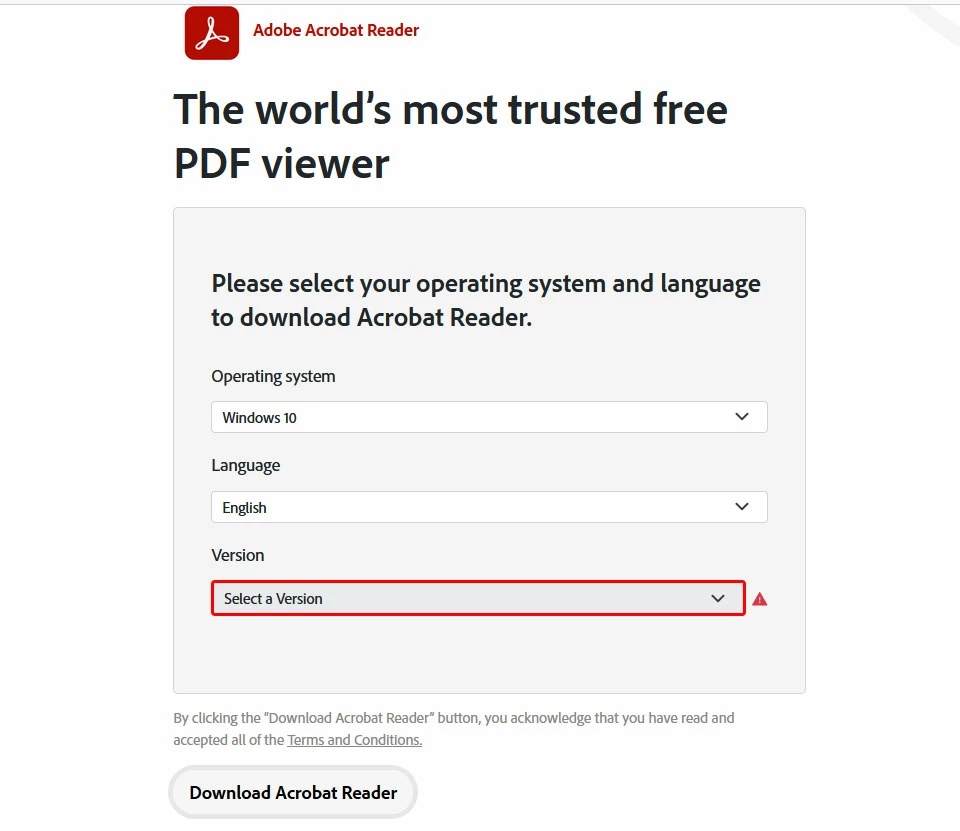
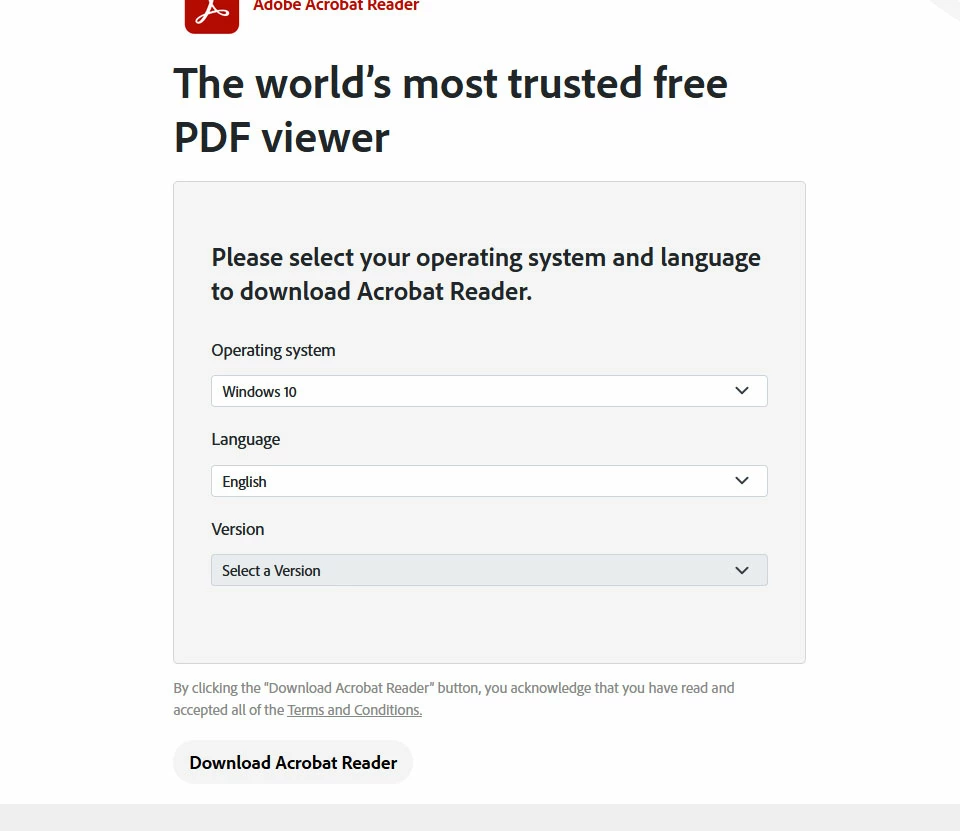
In the "Please select your operating system and language to download Acrobat Reader." form I can enter the Operating system and the Language from the dropdown list but the Version drop down is always greyed out and cannot be selected and if I press the "Download Acrobat Reader" Button I get a red exclamation mark on the "version" dropdown which is required.

Any suggestions would be appreciated!
 

2 replies

Meenakshi Negi
Community Manager
Community Manager
May 18, 2023

Hi evaki,


Thank you for reaching out, and sorry about the trouble.


We did check the link, and it works fine on our end.

Please try deleting the cache and cookies for the browser. Then try to install Adobe Acrobat Reader from this page: https://get.adobe.com/reader/enterprise/

Let us know how it goes.


Thanks,

Meenakshi

evakiAuthor
Participant
May 25, 2023
Nop, unfortunatelly the same thing happens and the selection is greyd out.
Maybe it has something to do with the locale? I am located in Greece
Meenakshi Negi
Community Manager
Community Manager
May 26, 2023

Hi evaki,


That should not be happening. The installer is available for your geolocation.

Please try installing the application for this page https://get.adobe.com/reader/enterprise/ via a new incognito window on Chrome browser. 

If you still get the same error, confirm if you are trying to install it on your personal or work machine.

Share the screen recording of what happens so we can share it with our team for further investigation.


Thanks,

Meenakshi


evakiAuthor
Participant
May 17, 2023

I have tried from both Firefox & Edge, same thing 😕😕