
Participant
July 13, 2020
Question

Cannot extract the embedded font 'GlyohLessfont'. using Acrobat Reader DC Version 2020.009.20074

  • July 13, 2020
  • 2 replies
  • 1887 views

Dear All


i am facing the issue on the PDF file which is created by scanning and done OCR while opening the file I get 'Cannot extract the embedded font 'GlyohLessfont'' message. I am using Acrobat Reader DC Version 2020.009.20074, I also tried to re-install but the issue is the same. the same PDF file is opening without any issue in Foxit PDF reader. even I tried to do the same with other scan document issue is same. below are the screenshots of the message, properties(fonts tab), and version of Acrobat.
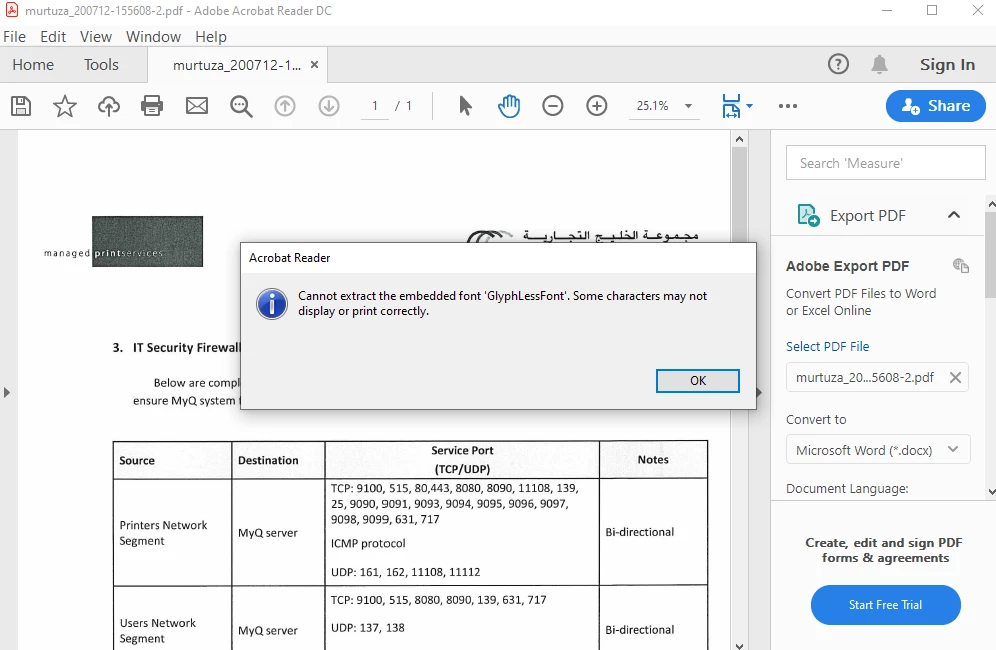
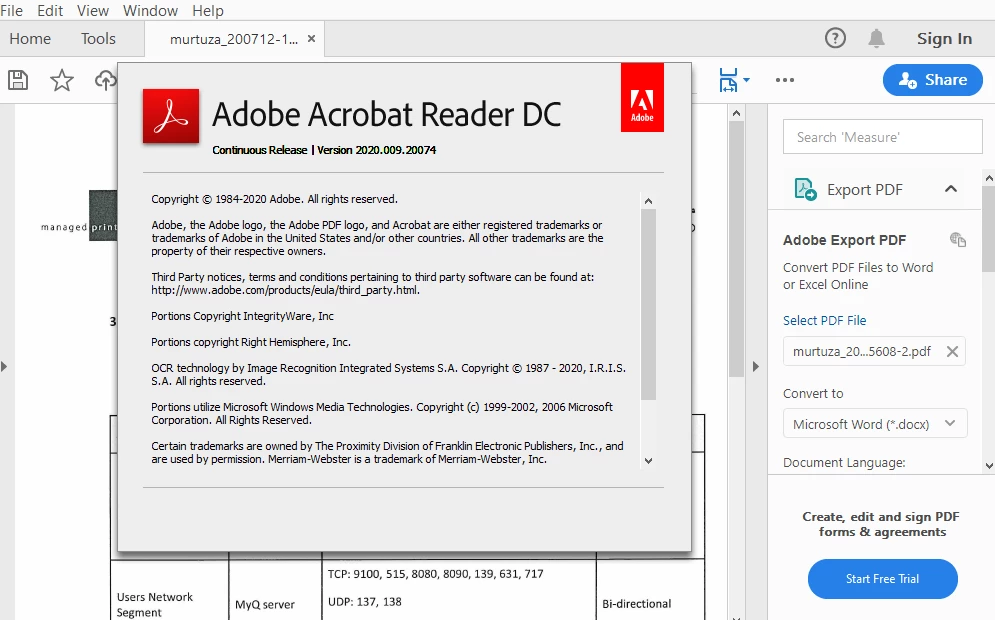


Sample file link

https://www.dropbox.com/s/js59c59exvxxzuu/sample%20file.pdf?dl=0


waiting for reply to resolve this issue.

2 replies

Participant
April 2, 2025

3 April 2005 - Same bug exists in acrobat reader  2025.001.20435 | 64-bit  on Windows 11.   

I have other documents that it occurs on.  Also some PDF files created by Microsoft Document Intelligence OCR where a simliar error  occurs  (they call the font DummyFont), but the issue is the same.   I have investigated this issue extensively as I am a develper of PDF products.    It is occuring on the Tf command in the content stream for anyone at adobe who interested.  Happy to provide more details to aid debugging this issue.    The PDFs in question display fine in numerous other readers not from Adobe.   


Participant
April 2, 2025

For the PDF "sample file.pdf"  the issue is the pdf.ttf file is not present in the PDF .  The /FontFile2 entry in the FontDescriptor points to a stream that is:

17 0 obj
<<
/Length1 19
/Length 19
>>
stream
tessconfigs/pdf.ttf
endstream


However I have other examples where this is not the case and the fontfile is present.

Participant
April 2, 2025

Think it is to do with the PDF version number at the start of the file.  The documents I was having trouble with (they were old ones, the file starts with:
%PDF 1.1 
...
If i changed this to PDF 1.3, no issues.  Acrobat reader works fine.
Fingers crossed, problem solved!

Participant
October 18, 2020

I am getting the same error when I scan documents and OCR them with Adobe Acrobat Pro DC 2020.012.20048. I scanned 27 files, and I see the error in at least 6 of them. The error appears if I OCR the files individually or when I run them as a batch, with the only difference that the batch OCR generates a bit larger files. Adobe Acrobat crashes and never finishes the OCR for all files above 1.4 MiB, often with a memory error. I use a Lenovo P72 with 32 GiB memory. The error appears even when I run the OCR after PC restart.