
Cannot find or create the font 'AIKNIP+Arial-BoldMT'.
I am running Acrobat Reader DC, According to the About box, the version is 2015.006.30461. I have 2 documents that were received from an outside source, which, after I save them to my documents folder and then try to open them, I get either Cannot find or create the font 'AIKNIP+Arial-BoldMT' or Cannot find or create the font 'AIEGHJ+Calibri'. When the documents open they just show blue and black dots where the text should be. When I check in the documents' properties, they show that the fonts used are Arial-BoldMT and Calibri, respectively. So I do not have any idea where the font names that it says it can't find are coming from. I even tried googling the font names in the error message, and no such fonts exist.
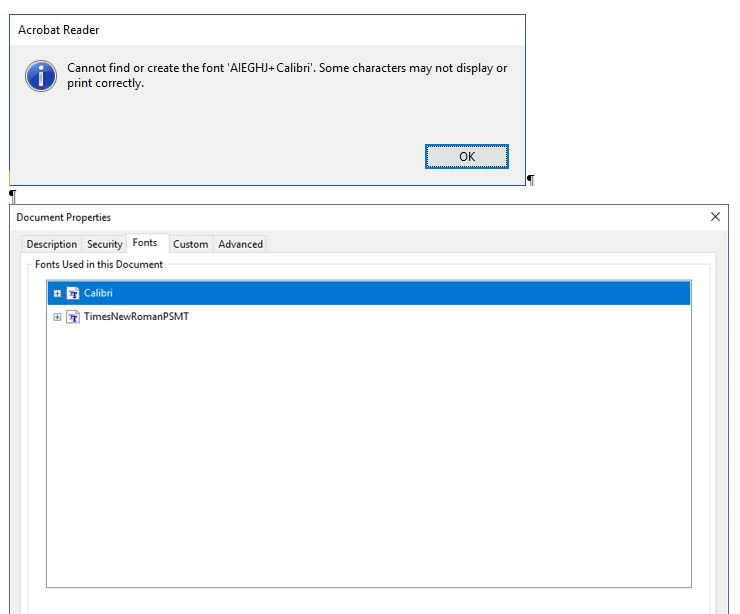
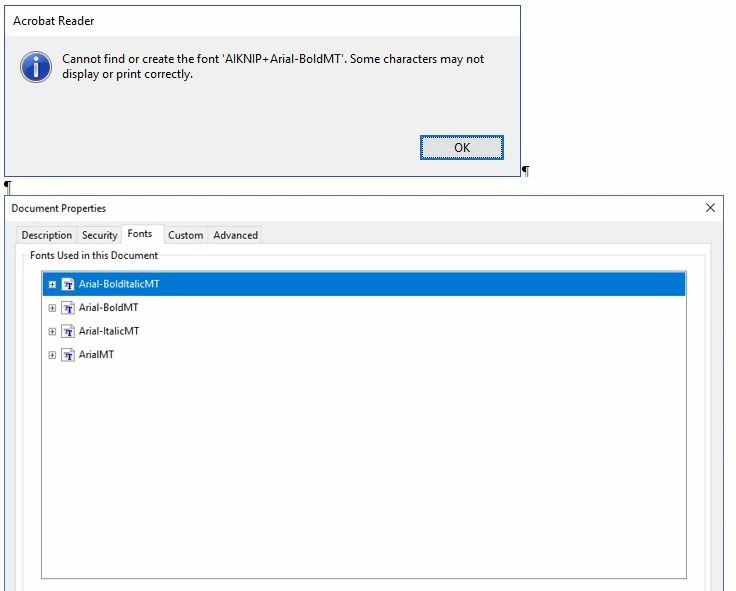
Please note that these documents are not our own. They were received from another source. Also note that the same error occurs if you try to open these 2 documents with Adobe Acrobat Pro.
Thank you.
Tim David
 AdChoices