Participant
May 19, 2022 7:34 AM UTC
Answered

Cannot install Acrobat Reader DC
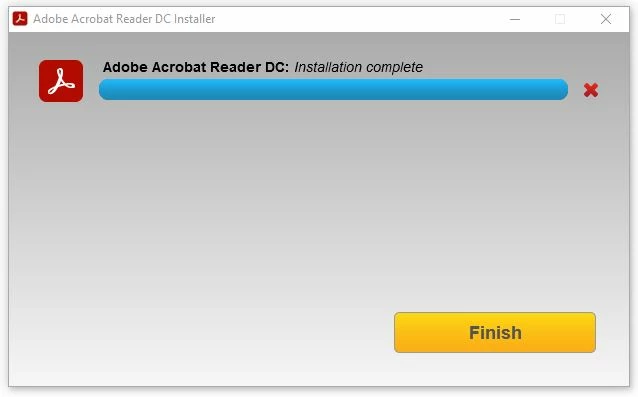
When I click finish, it will said "did not install successfully". I click Start over and download the file again, and install again, but still not succesfully

 

This topic is closed to new replies. Start a new post to keep the conversation going.
waihong.kongCorrect answer
Participant
May 19, 2022 8:09 AM UTC

Fixed by edit register

HKEY_LOCAL_MACHINE\SOFTWARE\Policies\Microsoft\SystemCertificates\AuthRoot

change DisableRootAutoUpdate to 0


3 replies

waihong.kongAuthorCorrect answer
Participant
May 19, 2022 8:09 AM UTC

Fixed by edit register

HKEY_LOCAL_MACHINE\SOFTWARE\Policies\Microsoft\SystemCertificates\AuthRoot

change DisableRootAutoUpdate to 0


Translate
Participant
Oct 15, 2022 10:21 PM UTC

Hello, I have the same problem in Windows 11. That register doesn't exist in my case, what can I do to solve it?

Translate
Participant
May 19, 2022 7:41 AM UTC

For more information

OS was Windows 10 Pro 21H2 64-bit. It was new install Windows, no any anti-virus was installed.

Translate