
Participant
January 28, 2022
Question

Cannot view pdf files in preview pane

  • January 28, 2022
  • 1 reply
  • 3084 views

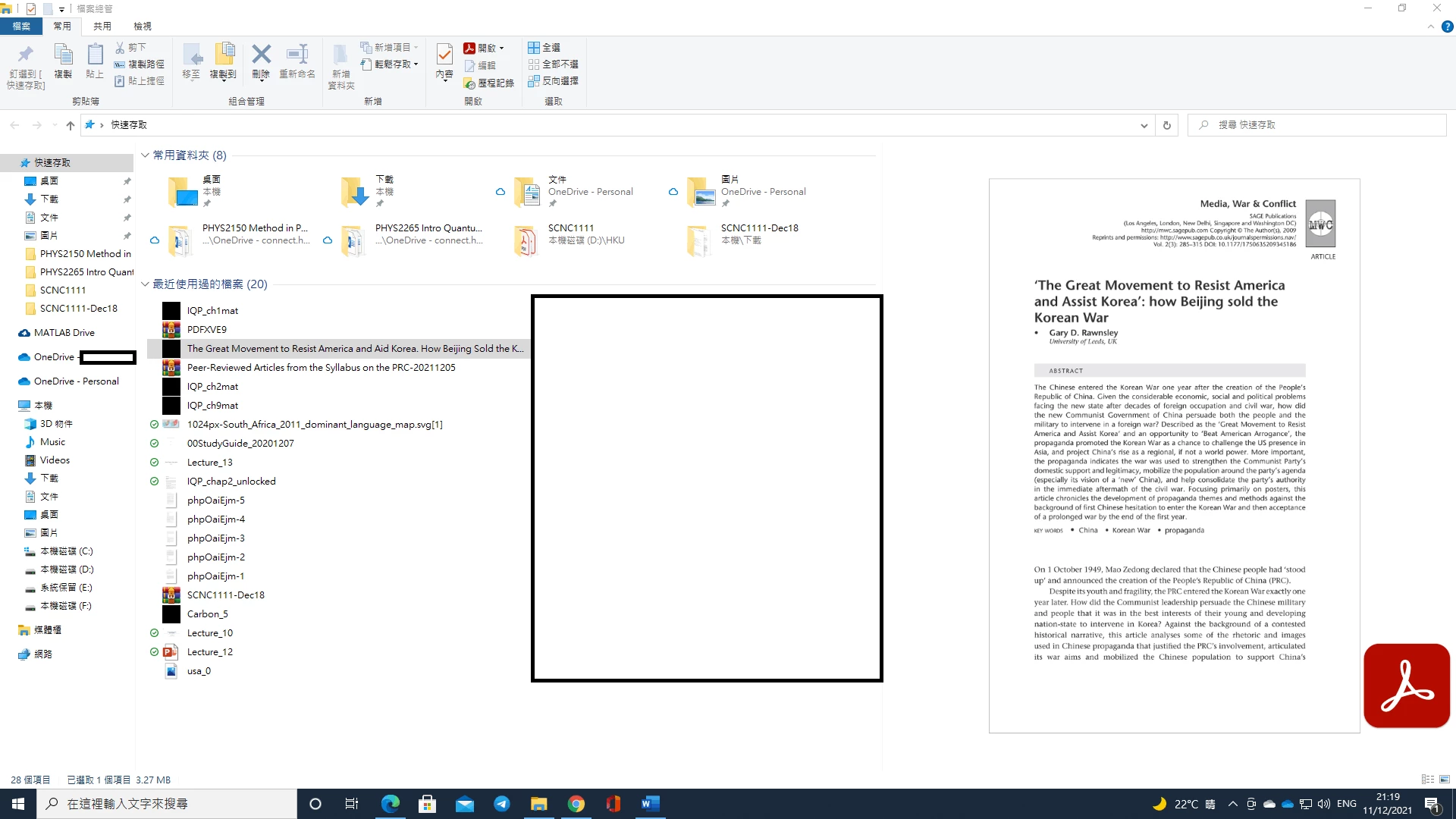
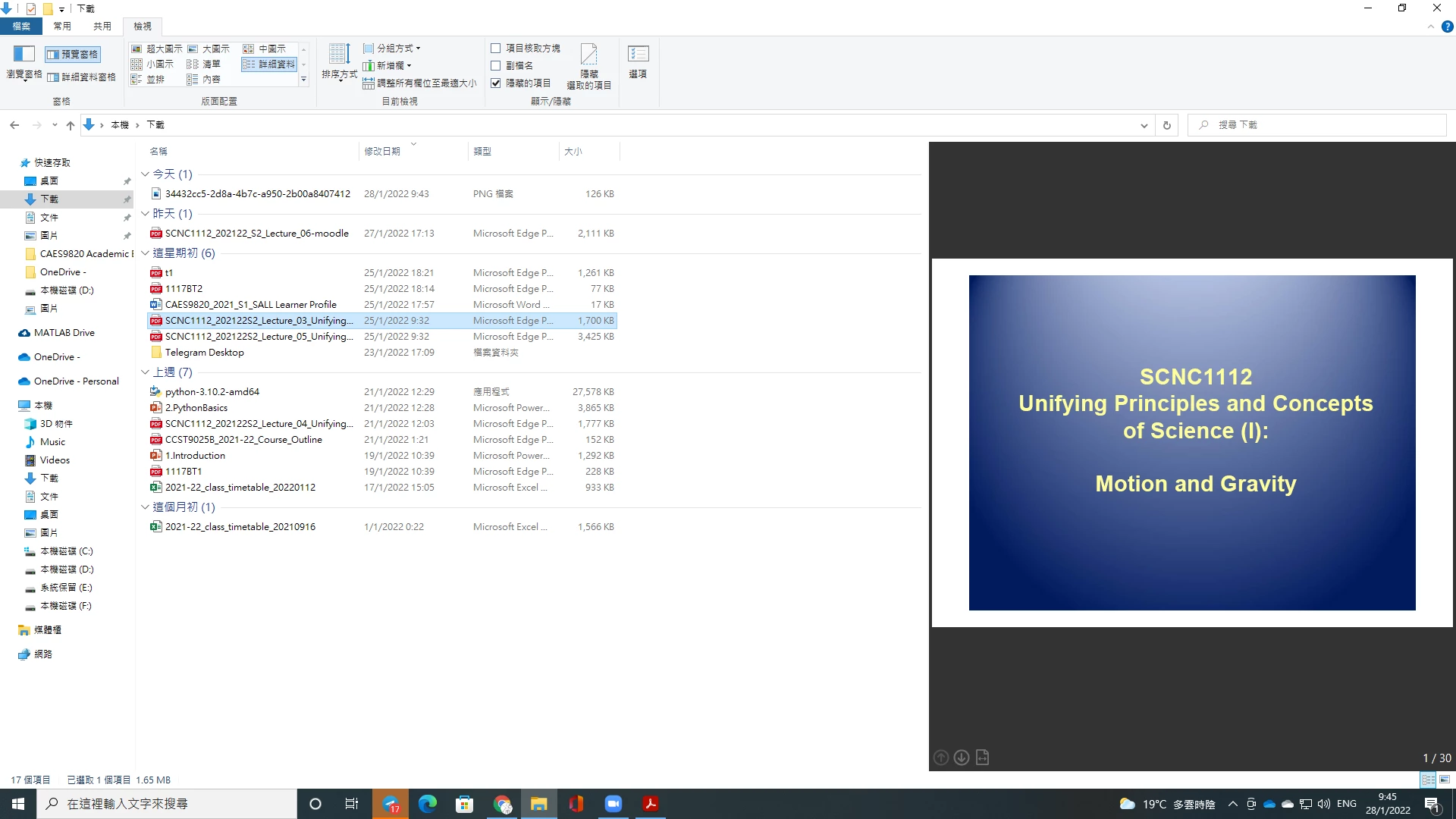
Recently I found that the preview plane of Windows File Explorer failed to show the whole pdf file when Adobe Acrobat Reader is set to be the default program for viewing pdf, instead showing a static thumbnail of the pdf with an Acrobat logo in the bottom right. The problem doesn't appear when other programs are set to be default. How can I solve this problem? I believe this may have something to do with a previous program (PDF-XChange Editor).


Preview pane with Acrobat Reader as default pdf viewer
Preview pane with Microsoft Edge as default pdf viewer
This topic has been closed for replies.

1 reply

Participant
April 10, 2022

Tried all that, but it never worked.  I found this article:  https://www.winhelponline.com/blog/enable-or-disable-thumbnail-preview-for-pdf-files/

which tessl you to install powertoys from microsoft, open the File Explorer add-ons, then make sure "Enable PDF (.pdf) preview.  That got me over the problem.


The source of my problem was I subcribed to the online acrobat pro, which hosed my prview ability anad when I removed it and cancelled my subscription, it hosed my acrobat reader install and kept forcing acrobat pro back in...  A whole mess that could not be resolved with the current downloads, so I found an old copy of  the reader msi file and installed that.  Presto! all fixed!