Barut404
Participant
June 2, 2026
Question

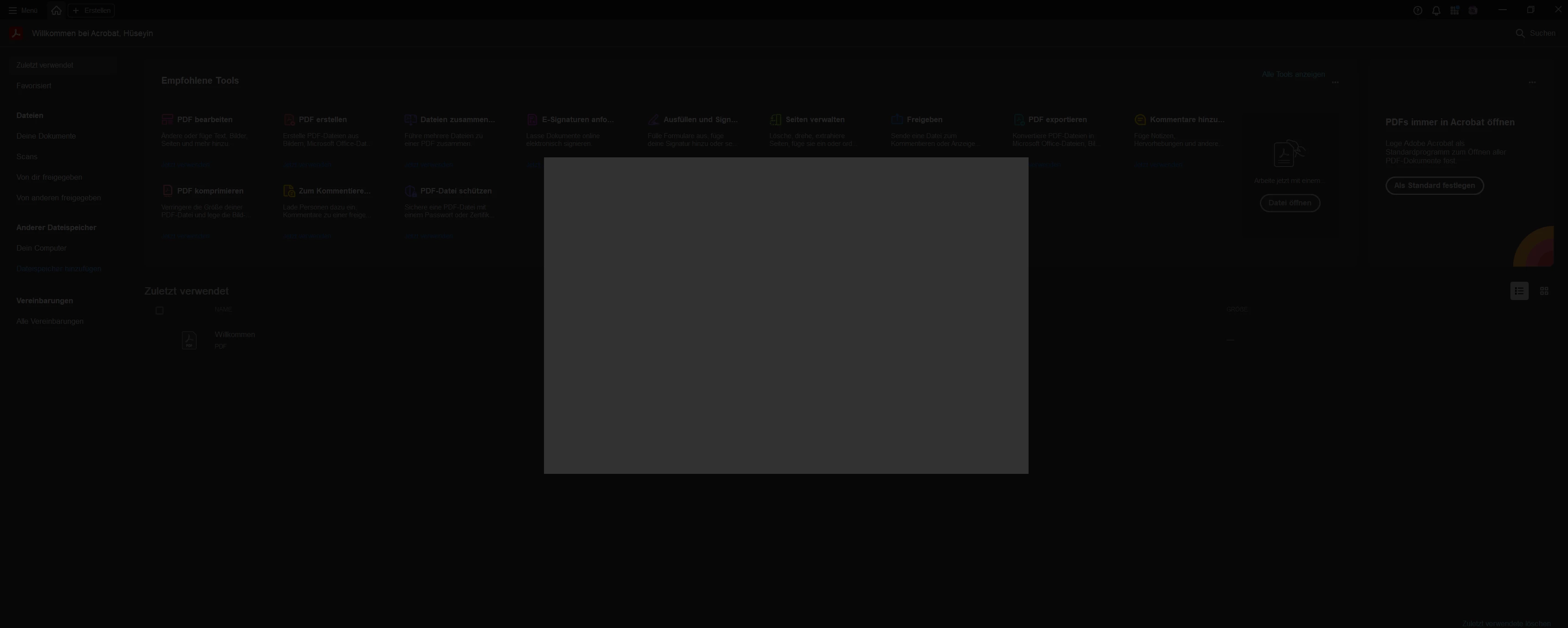
Cant skip pop up

  • June 2, 2026
  • 1 reply
  • 25 views
i did a brand new installation, restarted, reinstalled Creative Clound and installed Adobe Acrobat again NOTHING works here.

Whats the point of paying a software when it dosnt even work ??????

Why are you like that adobe ? my 3000€+ cant handle it ?????

[Profanity removed by moderator]

 

    1 reply

    Anand Sri Bhattacharya
    Community Manager
    Community Manager
    June 2, 2026

    Hello @Barut404,


    I hope you are doing well, and thank you for reaching out. We're sorry for the trouble you had with the app.


    Could you please share more details about the issue? Are you on a Mac or Windows machine, and what is the version?

    Please close all the Adobe apps, including the Creative Cloud desktop app. Restart the machine once, then open Acrobat, click on Menu(Windows)/Acrobat(Mac) > Help > Repair installation. Follow the onscreen instructions to repair Acrobat. Restart the machine, launch Acrobat, and check if you still get the same window.

    If you are able to launch the app and navigate to sections, then go to Menu(Windows)/Acrobat(Mac) > Preferences > Security (Enhanced) > uncheck the protected mode at startup for testing purposes, > Click OK, restart the app, and check the performance.

    Please enable the security settings to On after testing.


    If the issue continues, please close the Acrobat app, use the Acrobat Cleaner tool to remove the installed app, and any corrupt files causing the issue. Restart the computer, and install Acrobat from the direct link: https://adobe.ly/3Pz71ec


    Let us know how it goes after trying these steps, and share your observations.

    Regards,

    Anand Sri.

    Barut404
    Barut404Author
    Participant
    June 2, 2026

    cool story bro i did that allready (Windows 11)

    Meenakshi0101
    Community Manager
    Community Manager
    June 2, 2026

    Hi Barut404,


    Could you please confirm if installing from this link: https://helpx.adobe.com/acrobat/desktop/get-started/access-the-app/install-acrobat-enterprise.html?linkId=100000424659011 results in the same behaviour?

    Please share the screen recording showing what happens when you launch Acrobat. Try collecting logs using the steps suggested here: Adobe Acrobat Diagnostics. Please share the log ID with us.


    Thanks,

    Meenakshi