Answered
cant wite with arbic
there no arbic there too many peole are arbic but threre no here most porgrams have this

there no arbic there too many peole are arbic but threre no here most porgrams have this
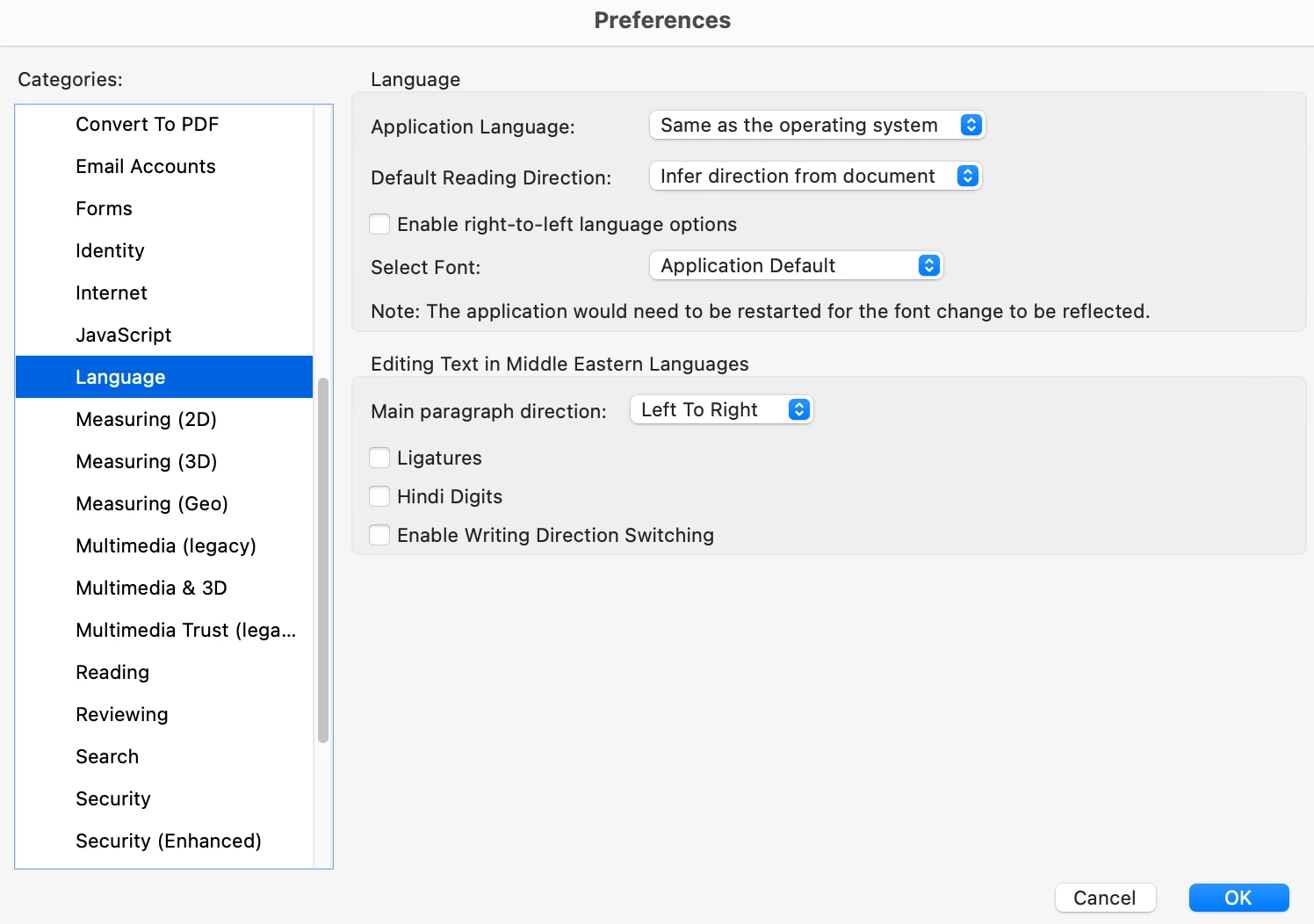
@fmmygfd_4222 The absence of Arabic language support within Adobe Acrobat's interface or its inability to correctly display Arabic text in PDFs could stem from a few potential issues, and it's more likely related to Acrobat's language settings and font handling rather than a fundamental limitation of your computer's operating system, especially since you mention other programs handle Arabic correctly. To address this, first ensure that your Adobe Acrobat application has the necessary language packs installed. Navigate to Acrobat's preferences or settings, look for "Language" or "International" options, and verify if Arabic is listed as an installed language. If not, you might need to download and install the appropriate language pack from Adobe's website. Additionally, confirm that the font used in the PDF documents you are viewing or creating supports Arabic script. If the font lacks the necessary glyphs, Acrobat won't be able to display the characters correctly. In such cases, you might need to change the font to one that includes Arabic script, such as Arial Unicode MS, Times New Roman, or specific Arabic fonts like Arial Arabic or Adobe Arabic, within the document's properties or when creating new content.
Already have an account? Login
Enter your E-mail address. We'll send you an e-mail with instructions to reset your password.


 AdChoices