
Change install destination folder doesn't work - Adobe Reader DC Free
Hello, I have Windows 10 Home with 64-bit operating system, x64-based processor. It is a Dell Inspiron Laptop with 8GB of RAM and Intel Core i7 processor.
I have the install file AcroRdrDC2200120085_en_US.exe to install Adobe Acrobat Reader DC (the free version).
My C: Drive is full, but my 😧 Drive has about 900 GB available. I have two physical drives.
So I changed the destination folder for the install to an empty folder on the 😧 Drive.
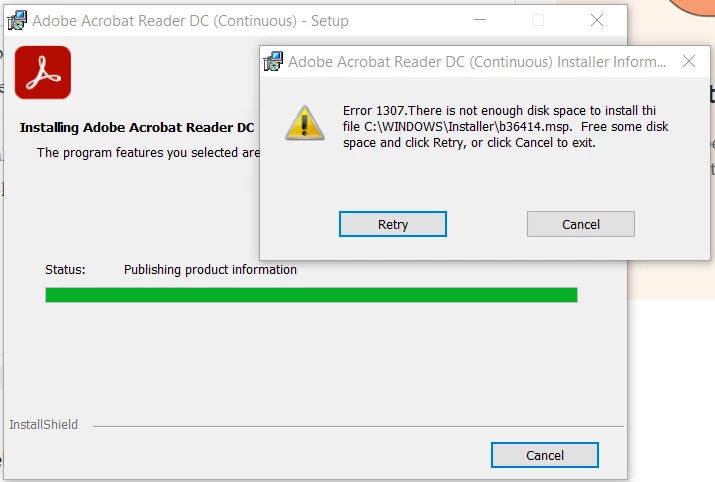
The install almost finishes but then gives the following error. "Error 1307: There is not enough disk space to install the file C:\Windows\Installer\b36414.msp Free some disk space and click Retry. Cancel to exit"
This makes no sense. I have told it to install to an empty folder on the 😧 drive with over 900 GB of space. Any ideas of what is happening here? Thank you in advance.


 AdChoices