
Participant
December 13, 2023
Answered

Change menu bar and toolbar view on acrobat reader DC

  • December 13, 2023
  • 3 replies
  • 27427 views

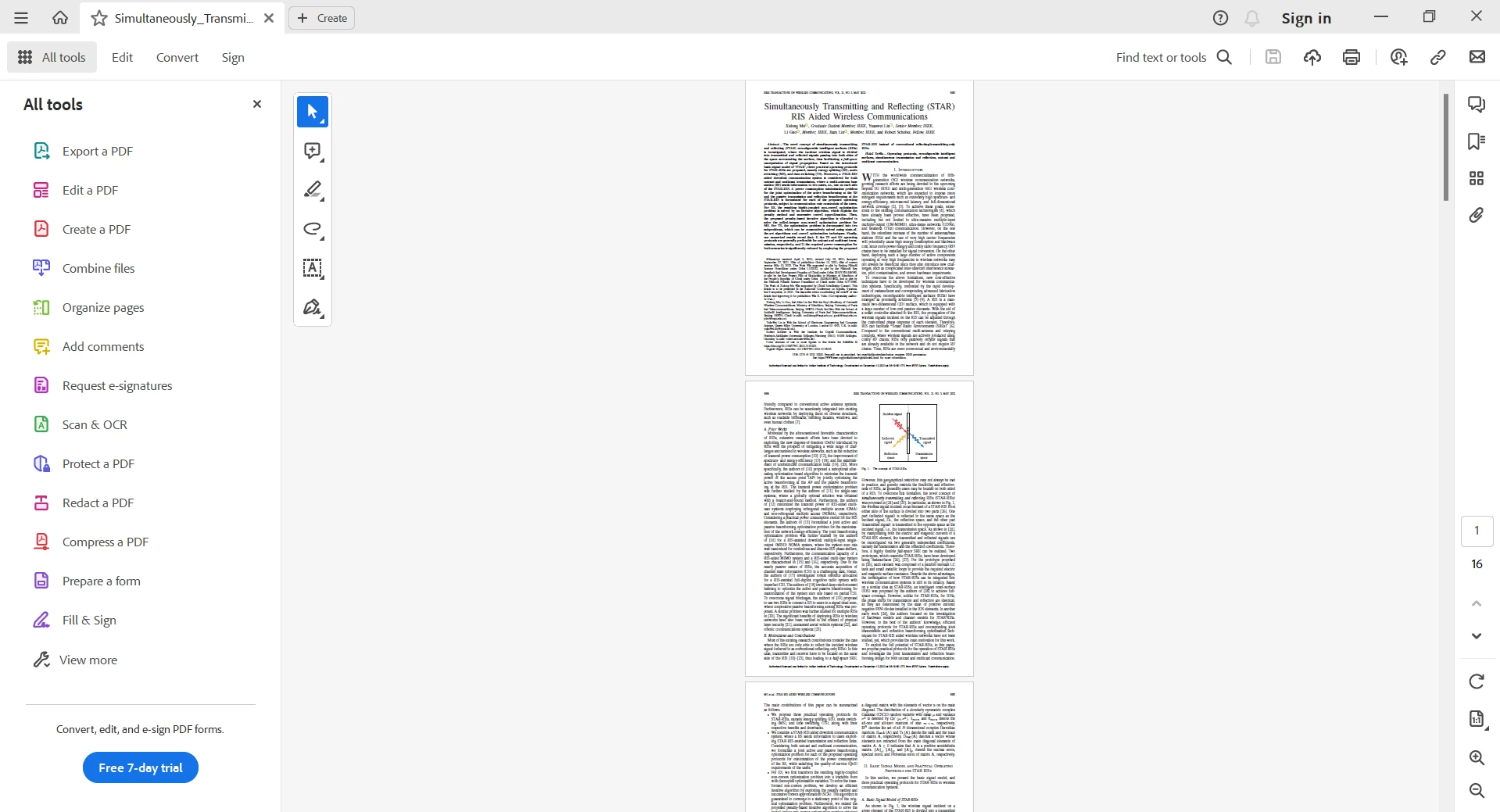
I installed Acrobat Reader on a Windows 11 machine and am getting a view in which all tools are spread across the screen at different locations as shown in the first image below.

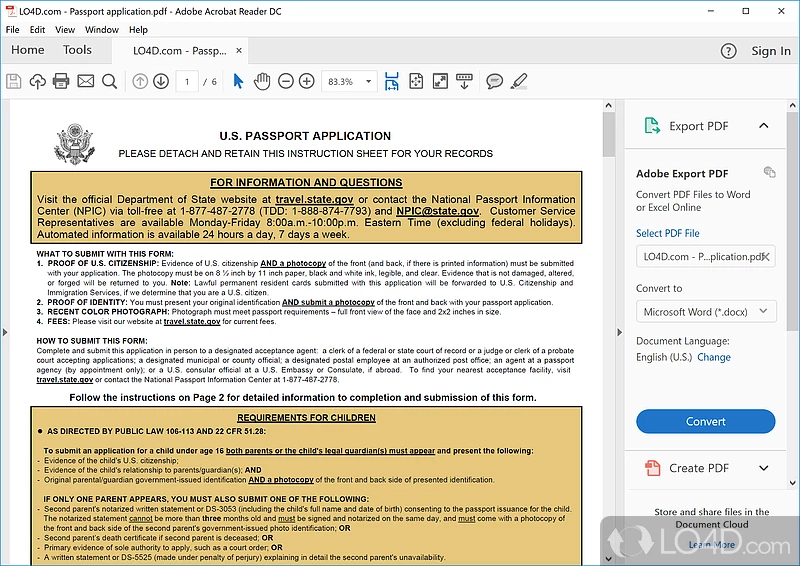
Also, some tools are floating around. which I want to avoid.  I want to change the view back to old one I am used to as in second image below. How to get the view on the second imave on a Windows 11 machine.
 

Correct answer ii34107938b8s8

Hi @sarvendranath34232001zm6e,


Thanks for writing to us. We acknowledge that we are enabling New Acrobat UI for users, however we hope that as you get familiar with the new interface, you can be more productive & get more out of Acrobat.


In case you still want to switch to the older view, you have the option to switch back to the old UI from the “Menu” on the top left corner on windows, and "View" Menu on Mac. Use option 'Disable New Acrobat' and Acrobat will switch to its classic view.


Regards,

Bhawna.

3 replies

ii34107938b8s8Correct answer
Participant
December 13, 2023

Hi @sarvendranath34232001zm6e,


Thanks for writing to us. We acknowledge that we are enabling New Acrobat UI for users, however we hope that as you get familiar with the new interface, you can be more productive & get more out of Acrobat.


In case you still want to switch to the older view, you have the option to switch back to the old UI from the “Menu” on the top left corner on windows, and "View" Menu on Mac. Use option 'Disable New Acrobat' and Acrobat will switch to its classic view.


Regards,

Bhawna.

Participant
December 13, 2023

Thank you very much. Exactly what I wanted.

JR Boulay
Community Expert
Community Expert
December 13, 2023

[MOVED TO THE ACROBAT READER DISCUSSIONS]

Acrobate du PDF, InDesigner et Photoshopographe
Amal.
Community Manager
Community Manager
December 13, 2023

Hi @sarvendranath34232001zm6e 


Hope youa re doing well and thanks for reaching out.


Please go through the help page https://community.adobe.com/t5/acrobat-discussions/learn-about-new-acrobat/td-p/14078856 to know more about the new Acrobat and see if that works.


~Amal