Participant
August 10, 2018
Answered

date stamp

  • August 10, 2018
  • 1 reply
  • 1176 views

Hi,

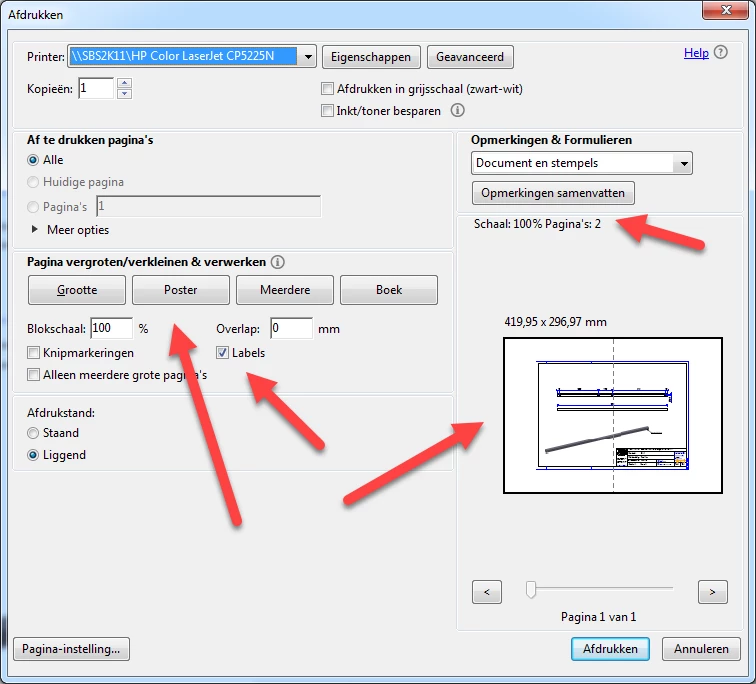
When i use poster to get the option for a date stamp, adobe automaticly choses to use two page´s, see pict.

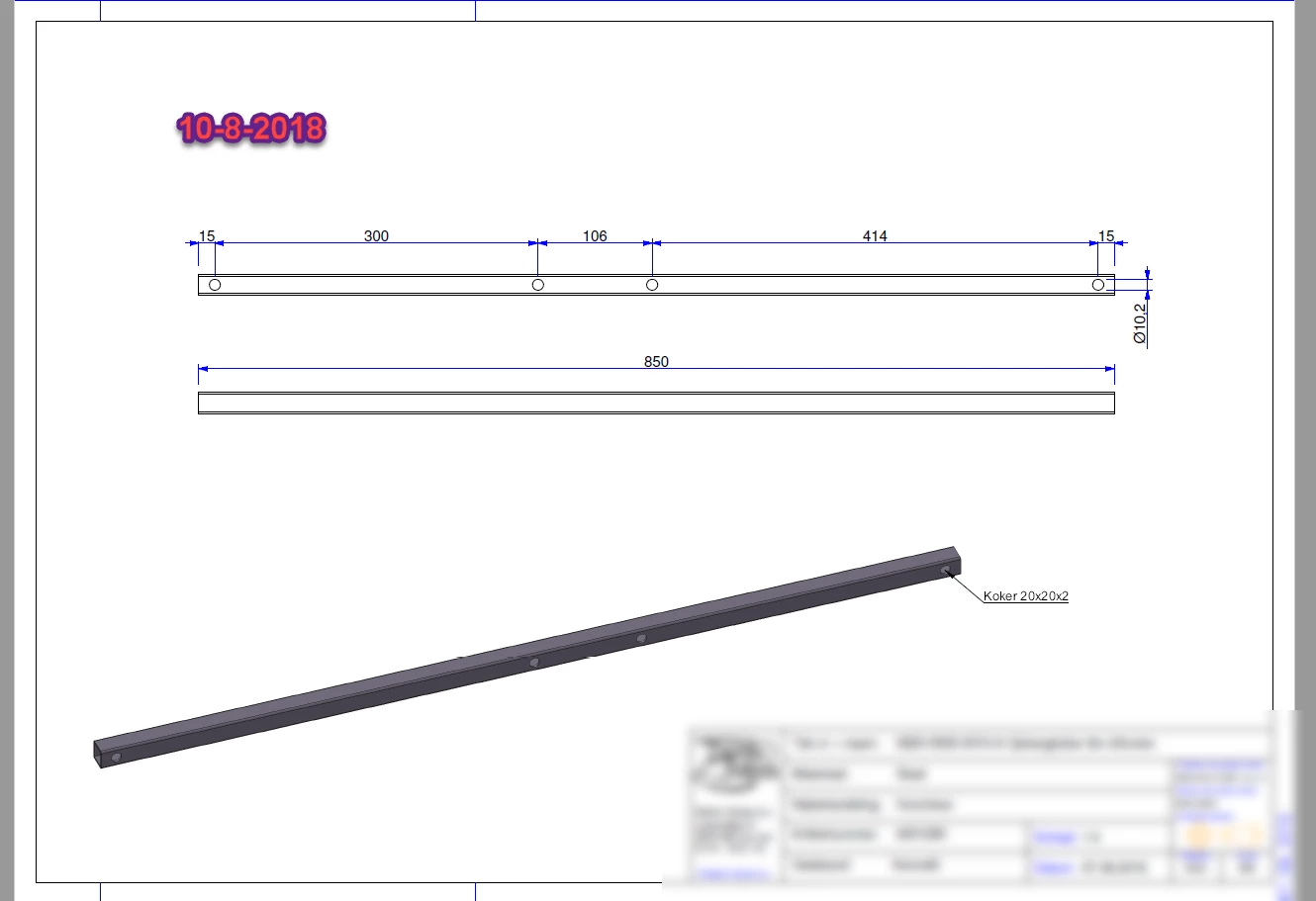
Is there a way to get a "print date stamp" on top of the origenal pdf page, see pict.

tnx for helping,

greetings,

Kenneth

    This topic has been closed for replies.
    Correct answer try67

    Maybe I misunderstood... If you're asking how to add it, then you can use a text field, as I suggested earlier.

    You would need a script to populate it with the current date. Let's say the field is called "PrintDate".

    Go to Tools - JavaScripts - Set Document Actions and under the Document Will Print event enter the following code:

    this.getField("PrintDate").value = util.printd("dd-m-yyyy", new Date());

    You can set the field's visibility to "Hidden, but printable" if you don't want the print date to be visible when the file is viewed on the screen.
    1 reply

    try67
    Community Expert
    Community Expert
    August 10, 2018

    The two things are not related. The "Labels" option only adds the file-name and page number to each "tile".

    If you have a print date on the page it comes from something else, like a (print-only) text field, or something like that.

    try67
    Community Expert
    try67Community ExpertCorrect answer
    Community Expert
    August 10, 2018

    Maybe I misunderstood... If you're asking how to add it, then you can use a text field, as I suggested earlier.

    You would need a script to populate it with the current date. Let's say the field is called "PrintDate".

    Go to Tools - JavaScripts - Set Document Actions and under the Document Will Print event enter the following code:

    this.getField("PrintDate").value = util.printd("dd-m-yyyy", new Date());

    You can set the field's visibility to "Hidden, but printable" if you don't want the print date to be visible when the file is viewed on the screen.

    Participant
    August 10, 2018

    tnx for your advice but, I am not a pro user so the java script will not work for me.

    I will consider the java option later, first I'll  try to find a other solution.