


March 30, 2017
Question

Difficulties enabling Adobe flash player on Chrome

  • March 30, 2017
  • 1 reply
  • 638 views

I understand that Adobe Flash Player is built-in to Google Chrome, but is disabled.  I am trying to enable Flash Player on Chrome based on the steps provided, but when I type in 'chrome://plugins' into the search bar it comes up with this:
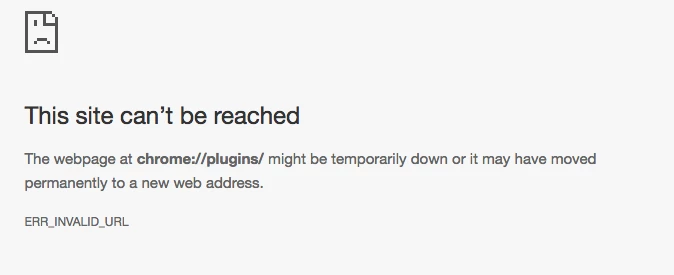
Why is this coming up? Is this the only way to enable Adobe Flash Player on Chrome? I have already downloaded it, but it is still not working.

Thanks.

    This topic has been closed for replies.

    1 reply

    Legend
    March 30, 2017

    Is your PC part of company network? If so, they may have blocked Flash. Talk to IT support, it is a seriously wrong thing to do, in some companies, to switch on Flash.

    If it's your own PC, try a Flash forum. Chrome is controlling this, Adobe cannot change the design of Chrome. But be sure to type chrome:plugins into the address bar, inside Chrome, not into any different search bar.