

Answered
Disable "Get to Know Acrobat Reader" in registry
I want to disable the following "Get to know Acrobat Reader" prompt that appears when opening Acrobat Reader for the first time via the registry:
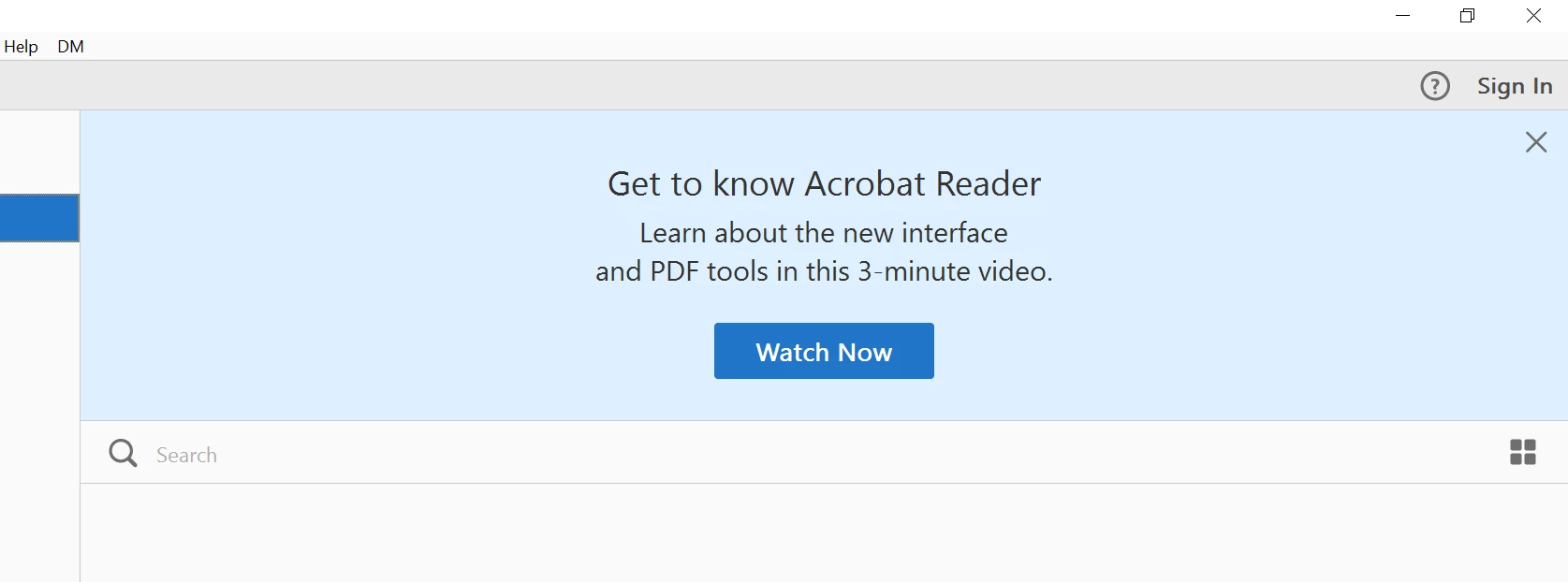
Any help would be greatly appreciated.

I want to disable the following "Get to know Acrobat Reader" prompt that appears when opening Acrobat Reader for the first time via the registry:
Any help would be greatly appreciated.
Already have an account? Login
Enter your E-mail address. We'll send you an e-mail with instructions to reset your password.

 AdChoices