Answered
Disable Signature Panel
Hi All,
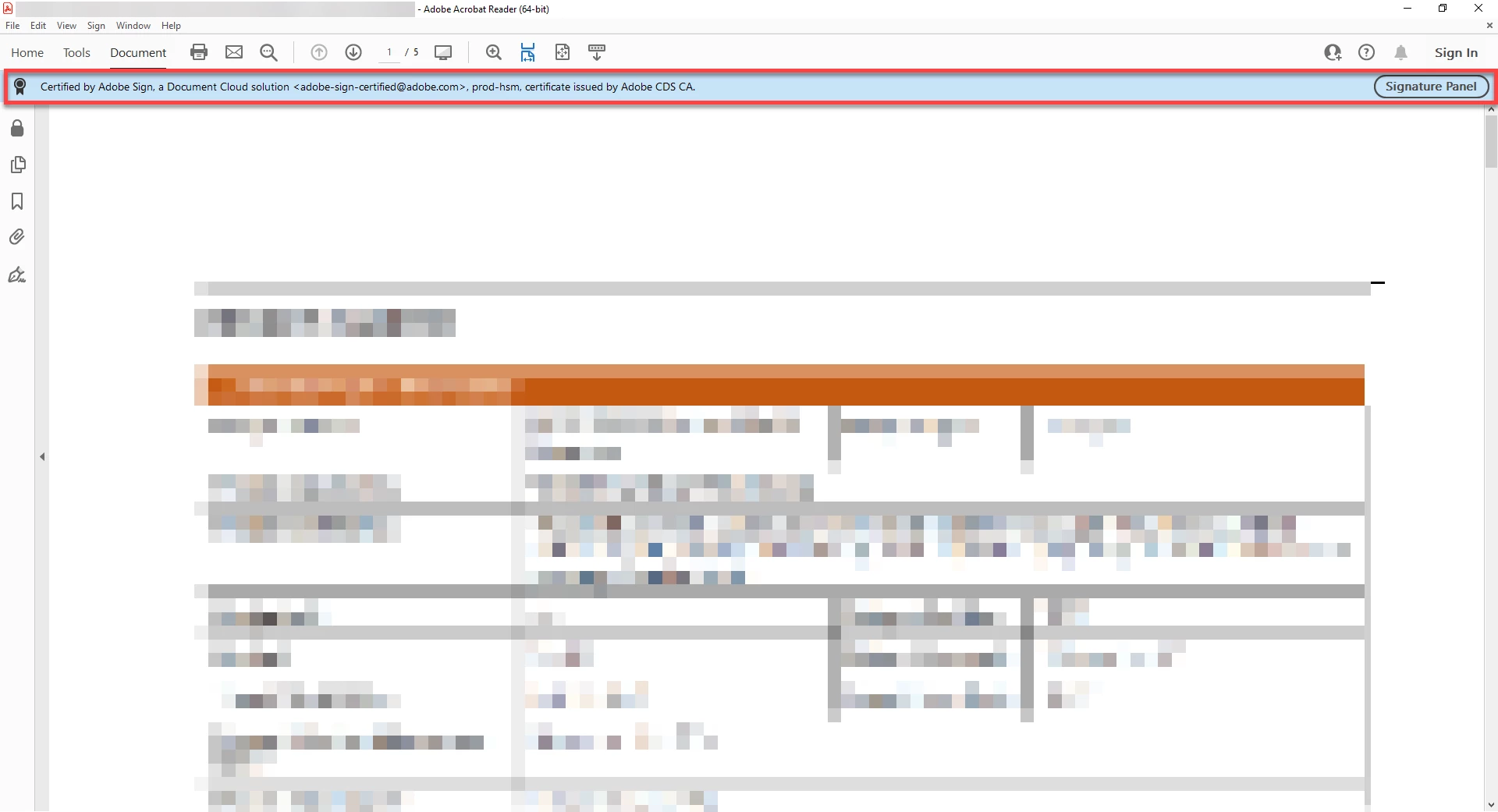
Is there a way to disable or hide the Signature Panel for documents that were digitally signed?

Hi All,
Is there a way to disable or hide the Signature Panel for documents that were digitally signed?
Hello @april_d._7962
I hope you are doing well, and thanks for reaching out.
The blue bar you see at the top (“Certified by Adobe Sign …”) is part of Acrobat/Reader’s signature validation information. It appears automatically whenever a PDF has a digital signature or certification applied. Currently, there is no option to permanently disable or hide the Signature Panel bar for signed/certified PDFs. This is by design, since the app must show the document’s trust and authenticity status. For more details, please see this Adobe article: Validating digital signatures.
Thanks,
Anand Sri.
Already have an account? Login
Enter your E-mail address. We'll send you an e-mail with instructions to reset your password.


 AdChoices