Participant
December 11, 2018
Answered

DO NOT want to use a digital ID but a simple JPG of my signature.

  • December 11, 2018
  • 1 reply
  • 1262 views

Hi, I was trying to set up a digital signature on my computer. It did work when I first set up and tried out on one random file. BUT when I did the second time, It only gave me the option of CREATING A SIGNATURE BY USING A CERTIFICATE> CREATING A NEW DIGITAL ID OR IMPORTING AN EXISTING ONE.

I DO NOT want to use a digital ID, I just WANT to use a simple JPG of my signature.

Anyone could help? Thanks heaps!
    This topic has been closed for replies.
    Correct answer Test Screen Name

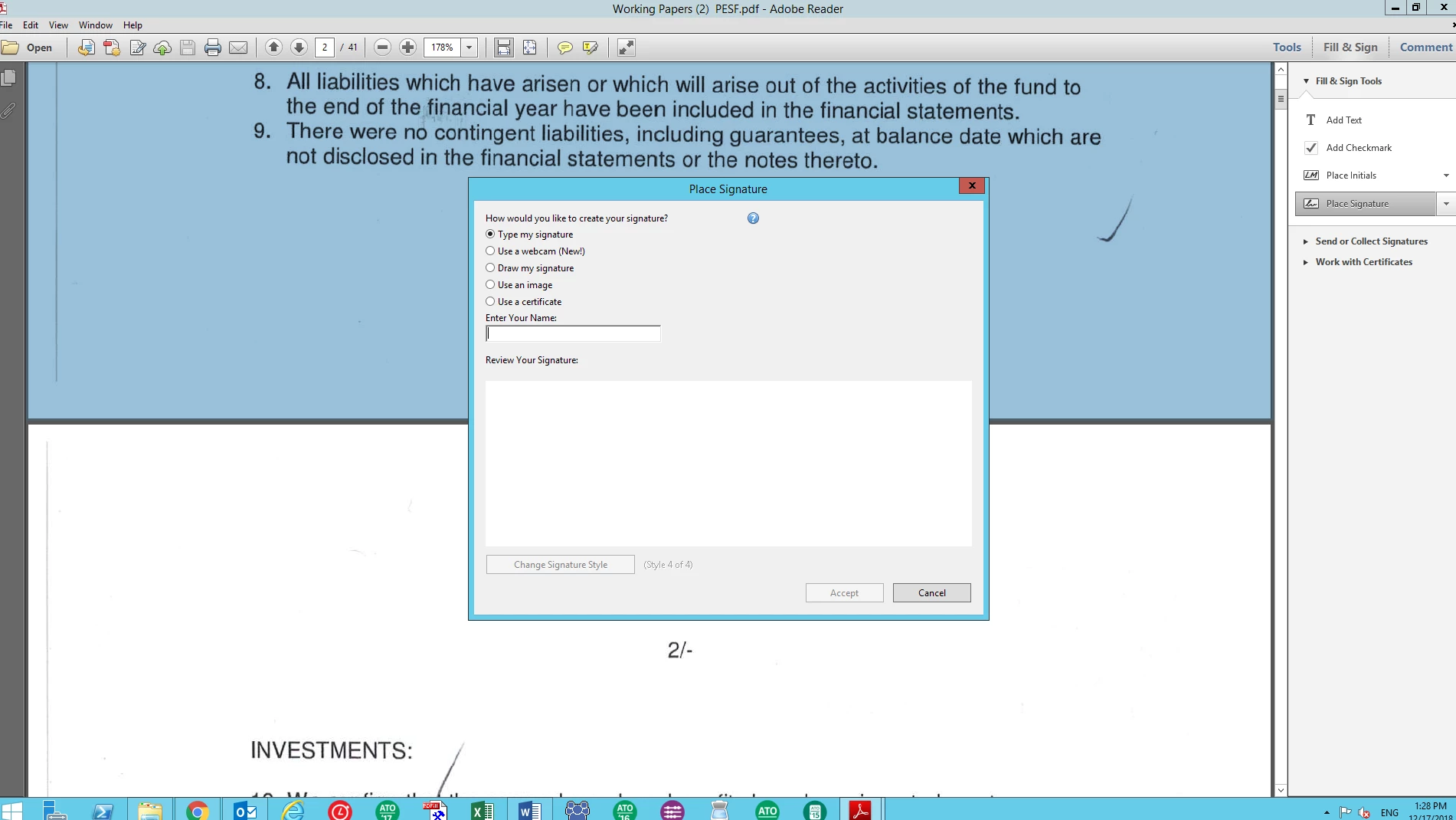
    Hi Bernd, I have tried the option you gave me. In some files, I am able to pick an image rather than a digital ID like showing in below,

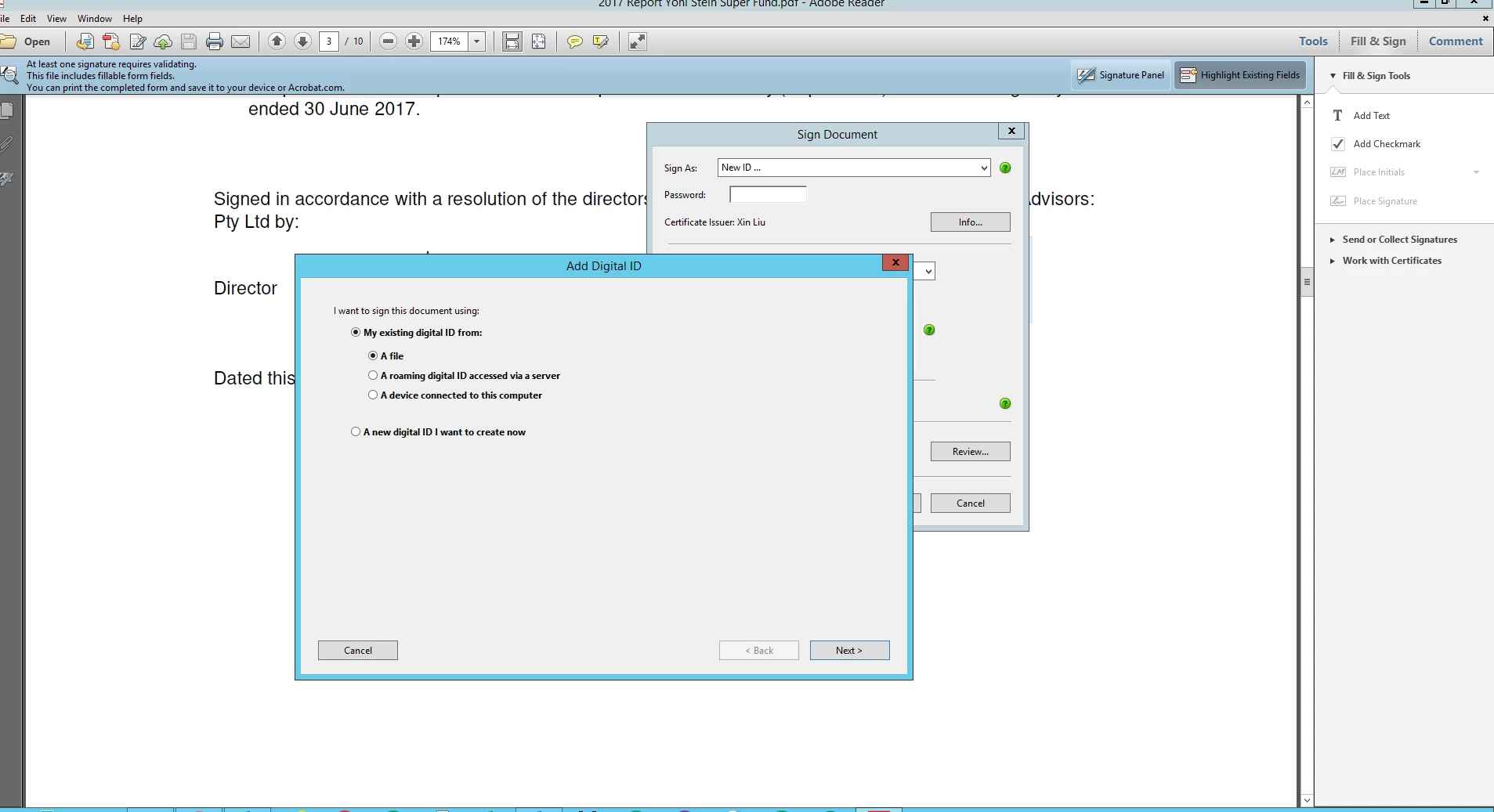
    However, I have trouble with signing a doc which has already have someone's signature in it. I only have the last option: use a certificate,

    when I click it, it will take me to sign with a digital ID, please see below.

    I wonder how can I sign with an image for the second signature? Really appreciate all your help. Thanks very much!


    My guess: Adding a JPEG would break the first digital signature, so you are limited to using a digital signature yourself. Someone has started a workflow with certificates, you have to play their game...

    1 reply

    Bernd Alheit
    Community Expert
    Community Expert
    December 11, 2018

    Use Fill& Sign

    Participant
    December 11, 2018

    Hi, I did use the fill&sign function, but I could only create a signature with a digital ID rather than an image. Can you help? Thanks.

    Bernd Alheit
    Community Expert
    Community Expert
    December 12, 2018

    Use of Fill & Sign: