
danc80983244
Participant
January 26, 2017
Question

Document Cloud not Accessible from Reader (MacOS Sierra)

  • January 26, 2017
  • 1 reply
  • 351 views

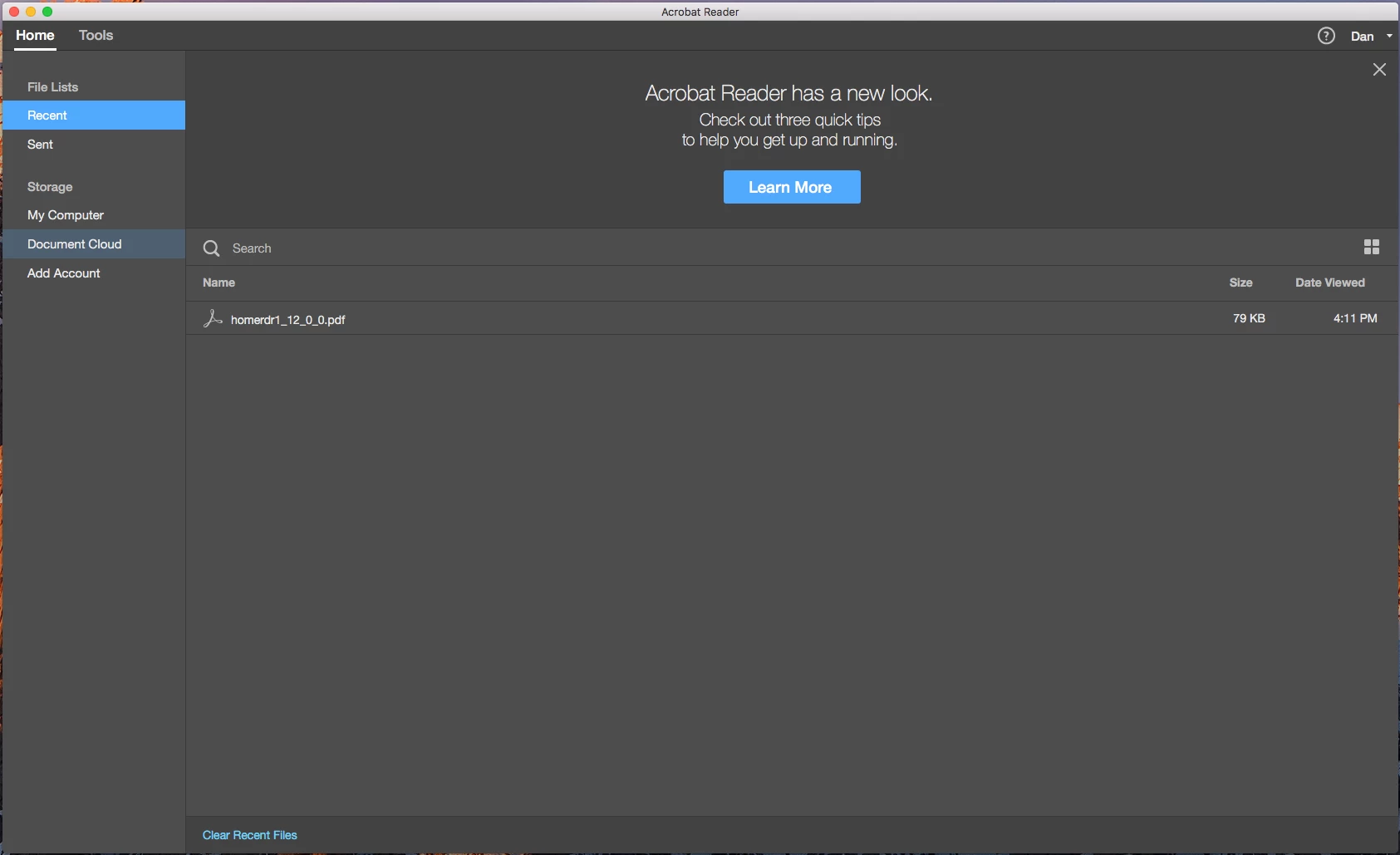
After upgrading from Yosemite to MacOS Sierra (10.12.2), I am no longer able to view anything in my Document Cloud. If I select any of the three options under the Storage heading on the left, nothing occurs in the main frame of the application. This worked before I upgraded. I attempted to fix it by uninstalling the application and deleting all Adobe files/folders then reinstalled Reader, to no avail. Any ideas? Cheers.
This topic has been closed for replies.

1 reply

Barb Binder
Community Expert
Community Expert
January 27, 2017

Dan, does it make a difference if you sign out of your DC account (top right corner) and sign back in again?

When you go to https://cloud.acrobat.com/ and click on Document Cloud in the pane of the left, do you see the files there?

If you decide it's bug with Reader DC and Sierra, you can report it here: Adobe Acrobat Reader - Feature Request/Bug Report Form

~Barb at Rocky Mountain Training