Participating Frequently
February 9, 2025
Question

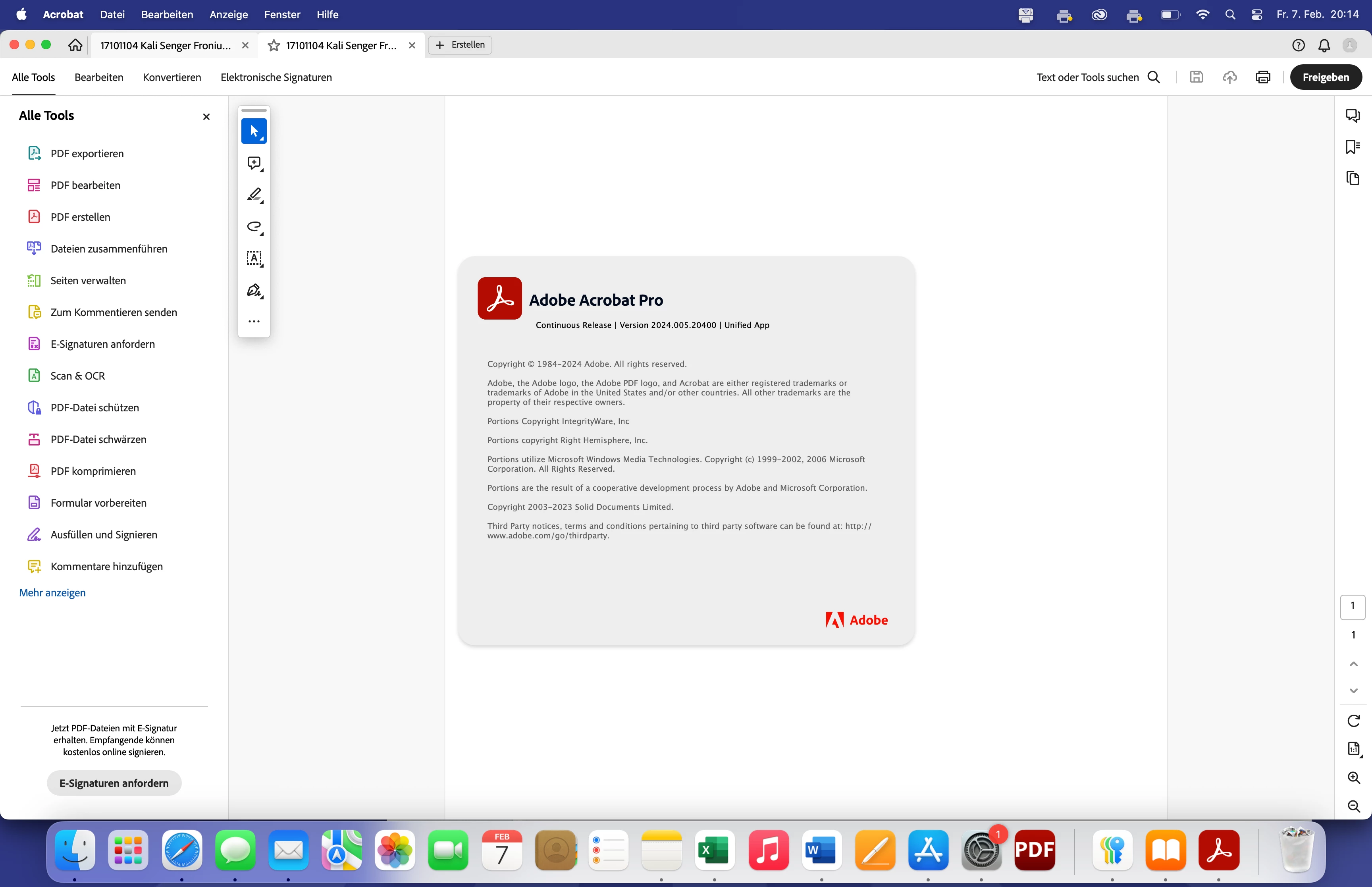
Downgrade von Acrobat für Mac

  • February 9, 2025
  • 1 reply
  • 264 views

Hallo. 


Ich hatte in einem anderen Post ein Problem geschildert, dass ich seit neuestem mit Acrobat habe. Es wurde ein automatisches Update gemacht (Ende Januar). Ich habe nun das Problem, dass ich keine schreibgeschützten PDFs per PDF Drucker drucken kann.  An meinem PDF Druck liegt es nicht. Wenn ich die PDF über Safari öffne und dort drucke, funktioniert es. Nur nicht mehr in Acrobat. Daher gehe ich fest davon aus, das irgendwas geändert wurde durch das Update und ich somit keine geschützte PDF mehr drucken kann. Wird nur eine leere Seite ausgegeben. Somit nun zu meiner Frage.


Wie kann ich bei MAC auf die vorigen Version zurück kommen?


Vielen Dank für die Hilfe.
 

1 reply

AnandSri
Legend
March 6, 2025

Hello Nikolai,


I hope you're doing well, and we apologize for the delayed response and the trouble.


Please ensure you have the latest version of Acrobat installed on the machine: 25.001.20428 Planned update, Mar 04, 2025. Check for any pending updates from the Menu > help > check for updates, install the updates, restart the app and the machine, and check. For more information, see this: https://adobe.ly/41O73kv.


Also, see this article and try the solutions, and let us know how it goes: https://adobe.ly/3DgMiWj


Thanks,

Anand Sri.

Participating Frequently
March 7, 2025

Hallo Anad Sri.


Vielen Dank für deine Nachricht.

Ich habe das Downgrad schon gemacht, aber auch das hat mein Problem nicht gelöst.

Ich würde nur gerne wissen, ob hier einfach eine Sicherheitslücke geschlosse wurde oder ob es einfach eine Einstellung hierzu gibt?


Eine schreibgeschützte pdf, wird nach Drucken als PDF, als leere bzw unbeschriebenes Dokument ausgegeben. Würd wirklich gerne ein Antwort darauf haben. Sonst brauche ich Akrobat nicht mehr und beende mein Abo.

AnandSri
Legend
May 29, 2025

Hello @nikolai_5564!


I hope you're doing well, and we apologize for the delayed response and the trouble.

Please ensure you have the latest version of Acrobat installed on the machine: 25.001.20474 (Win) | 25.001.20476 (Mac), Apr 28, 2025. Check for any pending updates from the Menu > help > check for updates, install the updates, restart the app and the machine, and try again.


The behavior you're seeing (where a write-protected PDF outputs as a blank file when using “Print to PDF”) is not a bug or error, but rather a result of intentional security restrictions. When a PDF is protected (e.g., no copying, printing, or editing allowed), Acrobat and macOS respect those permissions and prevent users from bypassing them, even through printing. In earlier versions, users could "print to PDF" to flatten the content, but this loophole has been closed in newer versions for document security and copyright compliance.


Let us know if the issue still persists with the latest version of Acrobat.

Thanks,

Anand Sri.