
E-Sign Credential Crash following new license.
Hi All,
To cut a long story short, I have users who purchased licenses for Adobe themselves and have been using Acrobat Pro to send E-Sign documents to customers and new employees (contracts)
We have since centralised our licences through Adobe Admin Console and sent employees new E-Invites for thier new Adobe Licenses.
No issues with sigining in/installations. However when trying to send a PDF for E-Signatures, some users are getting the attached error.
The MSCUK is the old license and the Mediterranean Shipping Co (UK) is the new license. Which seem to be clashing.
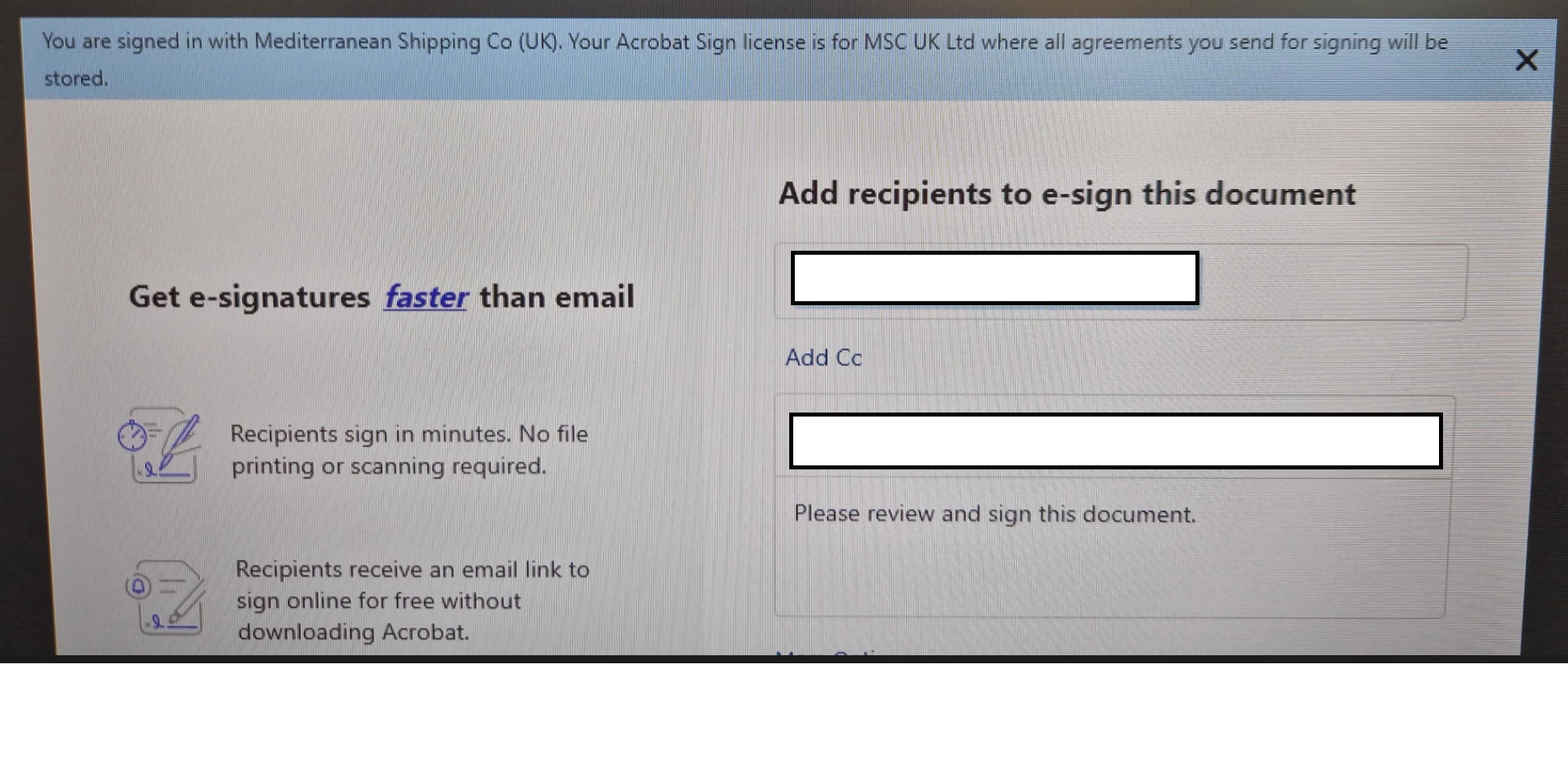
Have tried uninstalling all Adobe, and signing in with new account.
Have tried clearing all credentials and certs stored within Windows Credential Manager
But still getting same error. I assume the license(s)/Credentials that are clashing are stored locally on the users machine.
My questions is does anyone know where the Adobe Acrobat Sign license is stored locally, so that it can be cleared to remove the conflict. Is there anything stored within the Registery or C: Drive files that can just be deleted, which will then be recreated when signing in to Adobe?
Many thanks!


 AdChoices