Answered
Each time I open a PDF I get a box that does nothing. I then simply close it. How can I avoid getting it in the future? Then I use Acrobat Reader as normal. The box is just a waste of time...
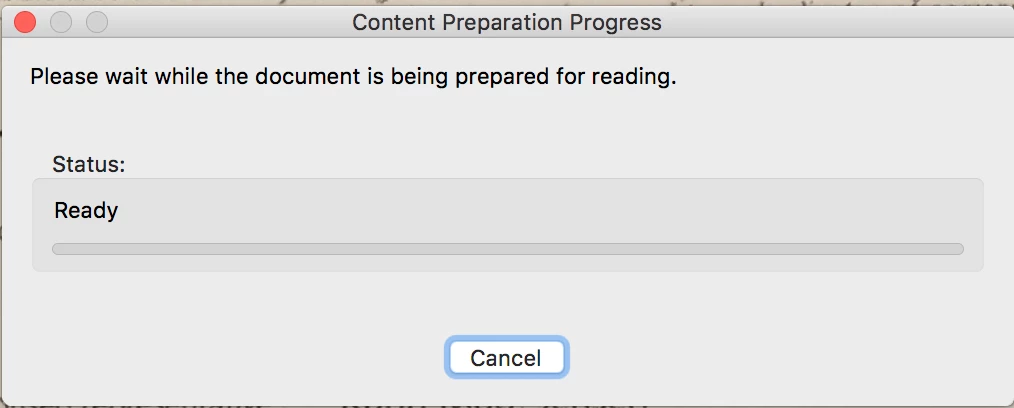

This means the document is "untagged". To turn this OFF try these steps
1. Go to Edit>Preferences>Accessibility
2. In the section marked "Other Accessibility Options" deselect the checkbox that says "Enable assistive technology support".
3. Click OK.
4. Done.
Already have an account? Login
No account yet? Create an account
Enter your E-mail address. We'll send you an e-mail with instructions to reset your password.


 AdChoices