

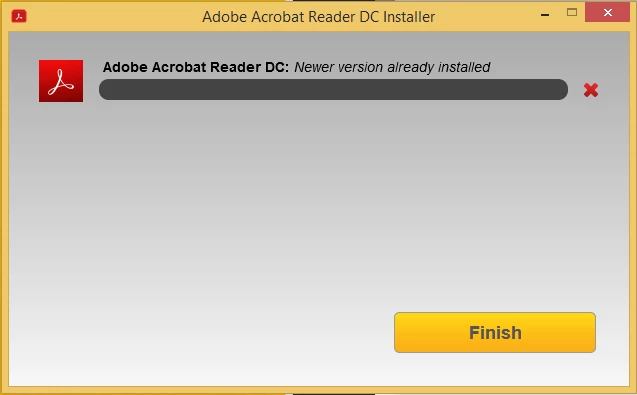
Error: Newer version already installed- Acrobat Reader DC
Installing Acrobat Reader DC for the first time and receiving Error “Newer version already installed”
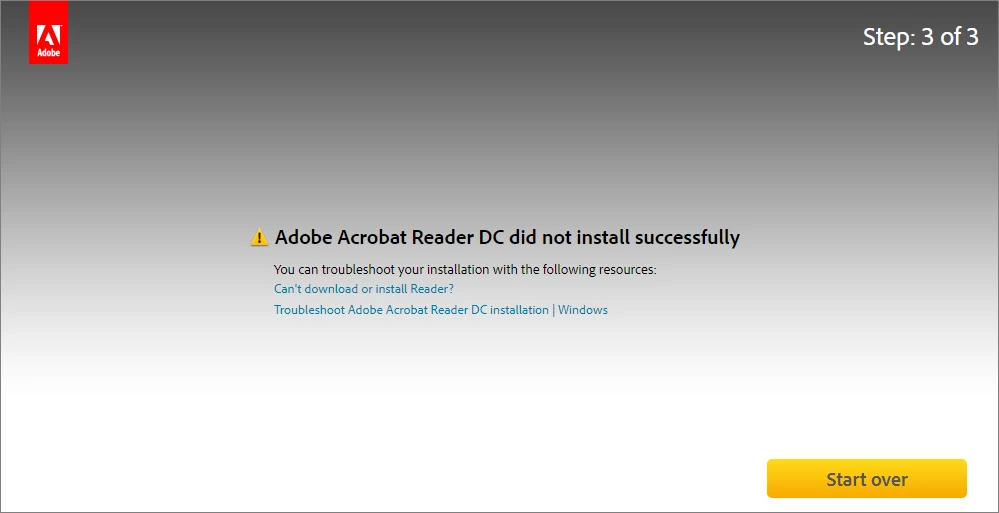
When you manually install Acrobat Reader DC from the Reader Download Center following error appears due to a missing update for Universal C Runtime in Windows. Install the update using one of the following ways:
Solution 1
Download the update manually from Microsoft Download Center.
Once the required update is installed, retry the Acrobat DC/Acrobat Reader DC installation.
Note: You must be on Windows 7 Service Pack 1 (SP1) or higher to apply this update.
Solution 2
Use Windows update to update the OS automatically.
Retry Acrobat DC/Acrobat Reader DC installation, once all the available Windows updates are installed.
Solution 3
- Download Visual C++ Redistributable Packages for Visual Studio 2013 from Microsoft Download Center.
- If you're on a 64-bit machine navigate to the folder C:\Windows\SysWOW64\ else navigate to C:\Windows\System32, on a 32-bit machine.
Note: If C:\Windows\SysWOW64 folder exists then you're on a 64-bit machine.
- Search for the file msvcr120.dll and msvcp120.dll, and rename both the files.
Don't delete the files. If the Visual C++ redistributable (vcredist_x86.exe) package fails to install, you can rename the files back. - Double click the downloaded Visual C++ redistributable (vcredist_x86.exe) package to install it. After the installation completes, check that msvcr120.dll and msvcp120.dll files are installed back. Once confirmed, you can delete the files that you renamed in step 3.
Do not delete the latest installed msvcr120.dll and msvcp120.dll files. - Install Acrobat DC/Acrobat Reader DC.
Still unable to install Acrobat Reader DC? Join the conversation here. We are listening!
To discover a host of other great features – Go straight to: 5 Best features that you get in Adobe Acrobat Reader DC: Free | Adobe Acrobat Reader Learn & Support


 AdChoices