
Error when trying to open pdf files in Acrobat Reader
I'm a musician that uses the music notation software program Finale to create music. I have always automatically generated PDF versions of my work from that application and on several random files I keep getting this message when I open the PDF files that I have just created:
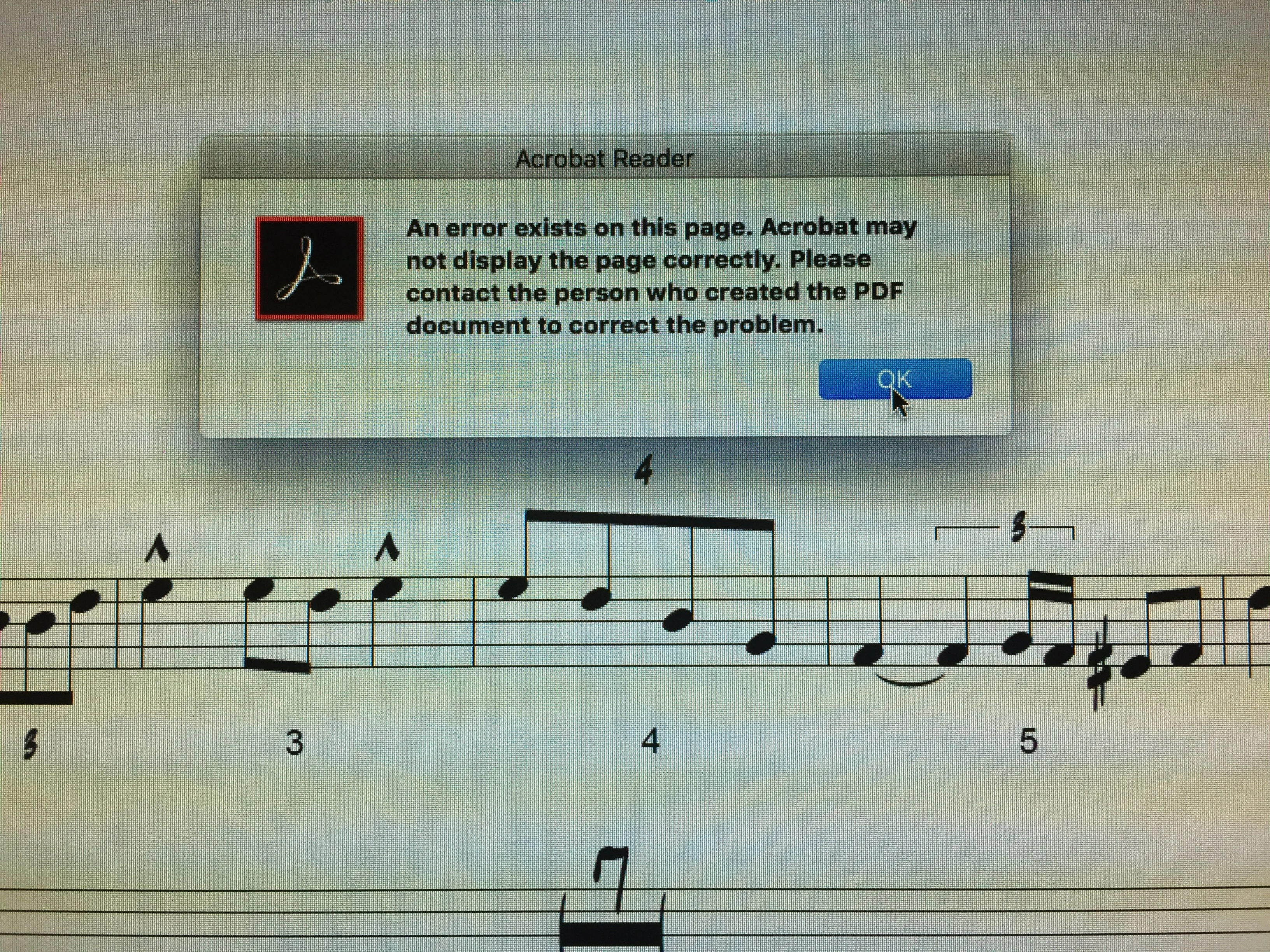
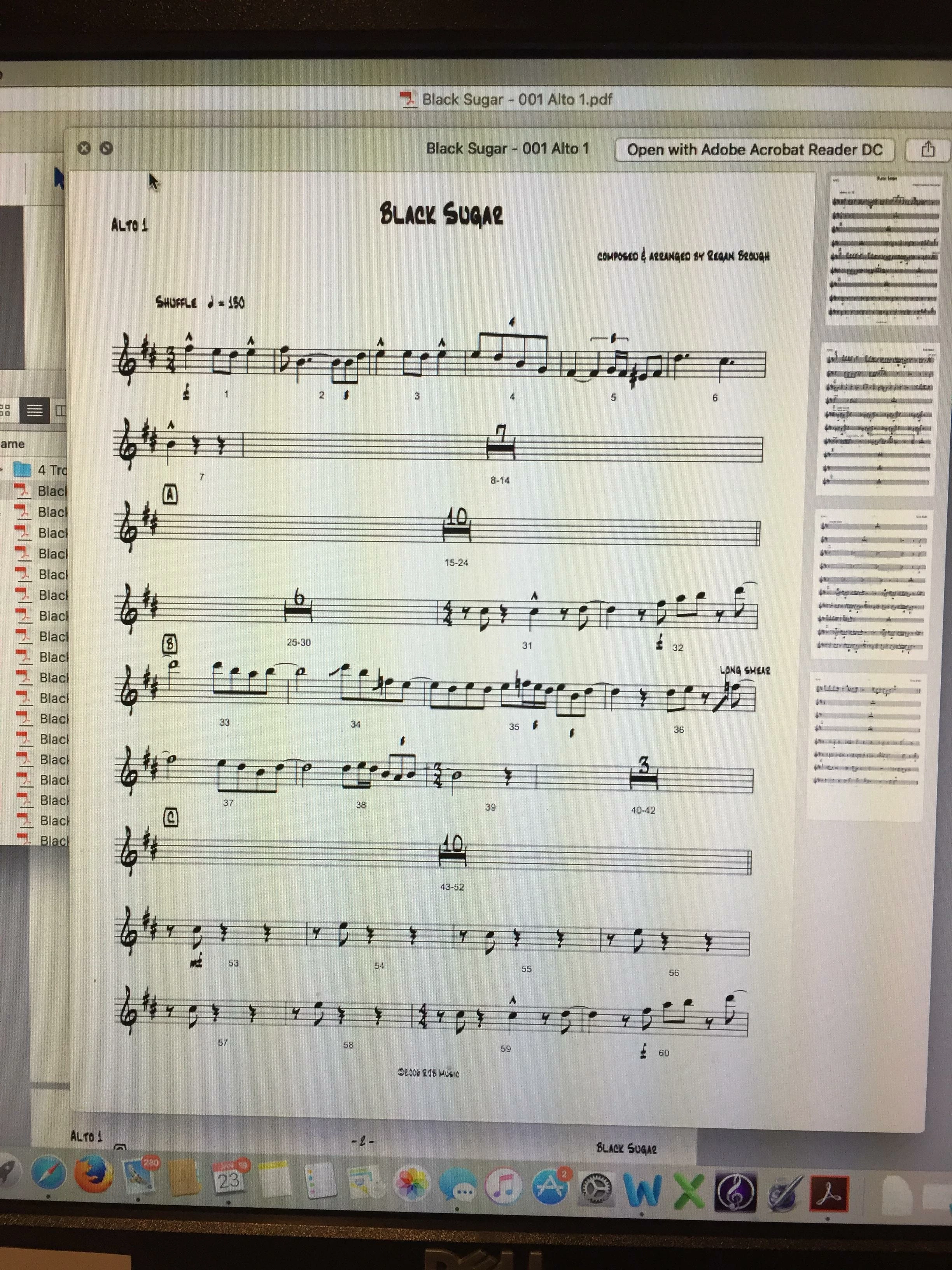
The files are missing several things that are always random. This file should look like this:
But it looks like this when it's opened in Adobe Reader.
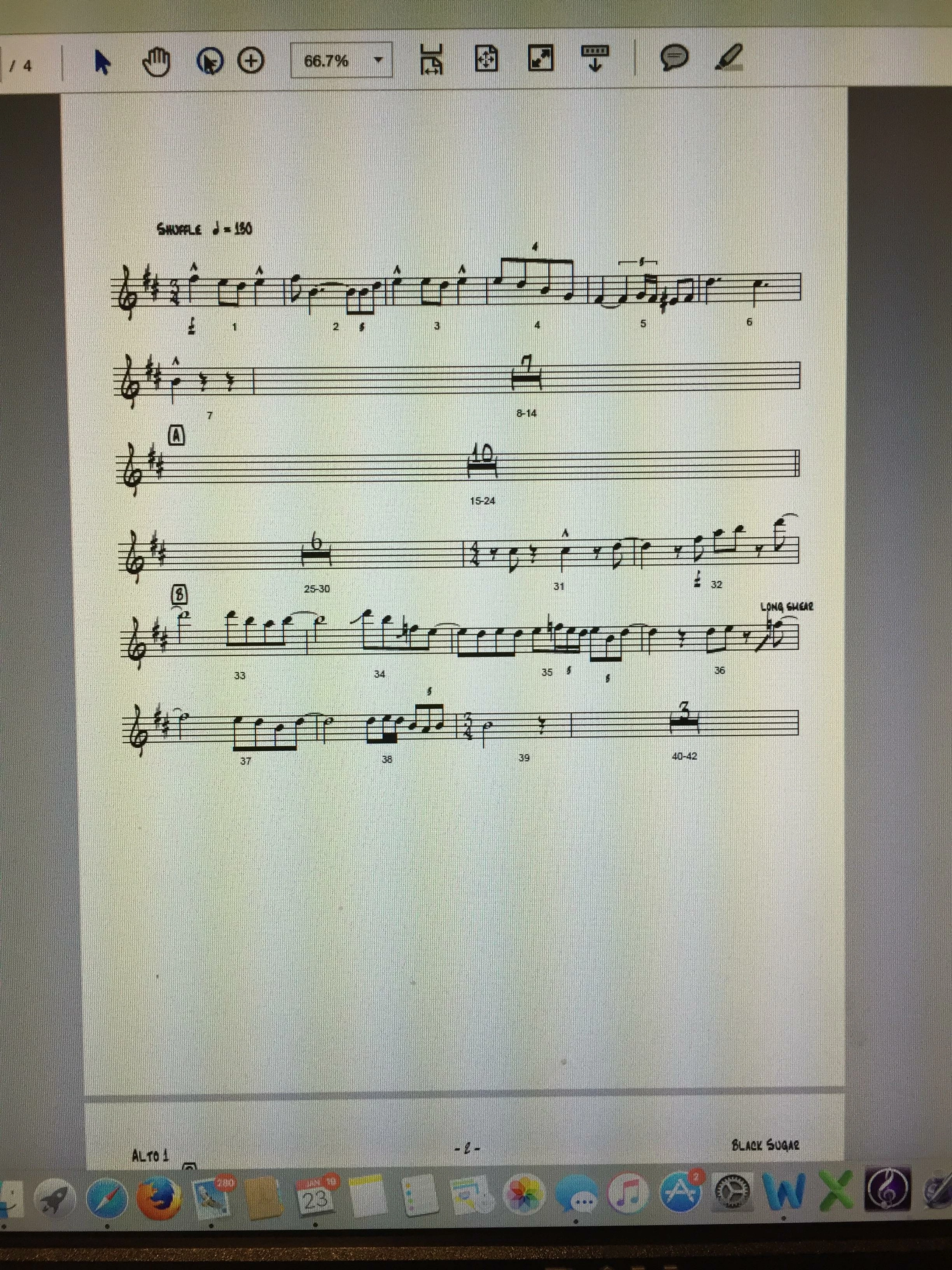
Several staves of music are missing, as well as the title etc. If I print the file, it will print as it's displayed here (which is a big problem as it's incomplete). This happens at random in a variety of places depending upon the file. This file hasn't been e-mailed so it hasn't been corrupted. I'm a Mac user, and if I open the file in the Preview Application, it opens and prints just fine. I sell printed music via my website. Clients pay for the music and download PDFs of the parts for printing. Several of them are not Mac users and this poses significant challenges for them and my business. Can anyone help me figure out what's going on and a possible workaround for PC users?
 AdChoices