September 26, 2019
Question

Extra Lines only when printing PDF

  • September 26, 2019
  • 1 reply
  • 2068 views

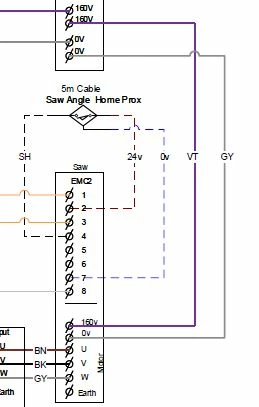
I recently updated Microsoft visio 2010 to latest version. When i save the drawing as a PDF it looks exactly as it should. However when I print the drawing (electrical schematic) I get a random line appear between two connectors. It is happening on most drawings we have on file. It only appears on the printed document.


Any ideas?
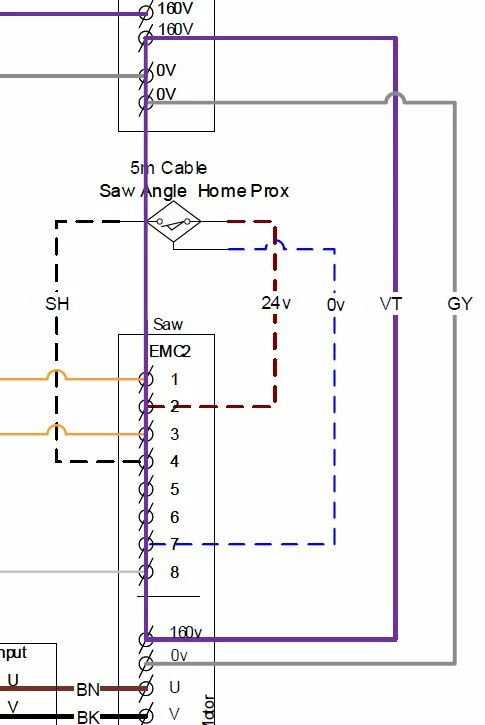


Note the left drawing has the purple verticle line when printed!

    This topic has been closed for replies.

    1 reply

    Legend
    September 26, 2019

    What app, and exact version of the app, is doing the printing? 

    September 27, 2019

    Continuous Release Version 2019.012.20040

    AkanchhaS8194121
    Legend
    September 27, 2019

    Thanks for sharing the product details. Since you have already got the most recent version of Acrobat Reader. You may try the following steps-


    Thanks,

    Akanchha