
File not found error in Acrobat Reader 2020 Classic
Hi,
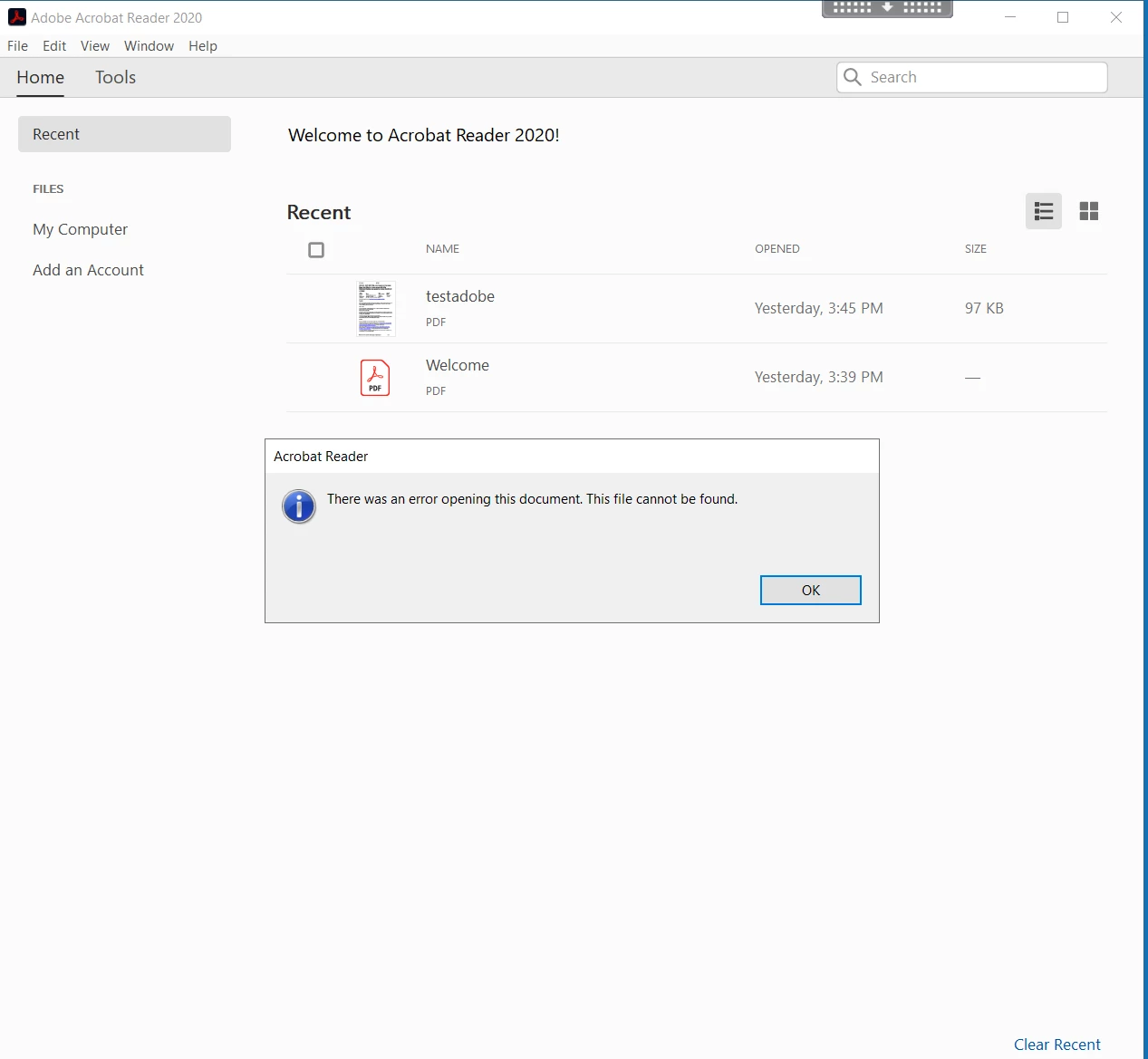
In our Citrix XenApp environment running Windows Server 2019 we are unable to open PDFs directly from the Open button (or double-click). There is the error - There was an error opening this document. This file cannot be found.
We can open the files from within Adobe Reader or right-click and choose Open with Adobe Acrobat Reader 2020.
The same error is received when opening attachment from Outlook or copying the file locally to c:\temp, as we normally use redirected folders for desktop and documents.
The issue is not experienced with Adobe Reader DC but is with Adobe Reader 2017 Classic as well.
I have been through all articles pertaining to this and tried all settings within preferences / registry. To note, we are using FSlogix for profile management but the issue occurrs with accounts not using FSLogix so I do not believe this to be an issue.
I have re-installed Reader on the golden image using the Adobe cleaner tool.

Any ideas would be very much welcomed.


 AdChoices