
Participant
September 22, 2022
Question

filename with # no preview of pdf in windows explorer

  • September 22, 2022
  • 2 replies
  • 479 views

Hello,


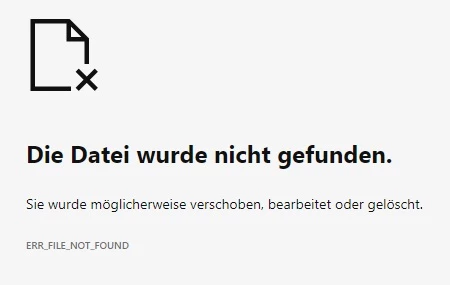
when I rename a PDF file in Windows Explorer and insert a # in the file name, I get an error message in the file preview. Other special characters that Windows accepts do not cause problems.
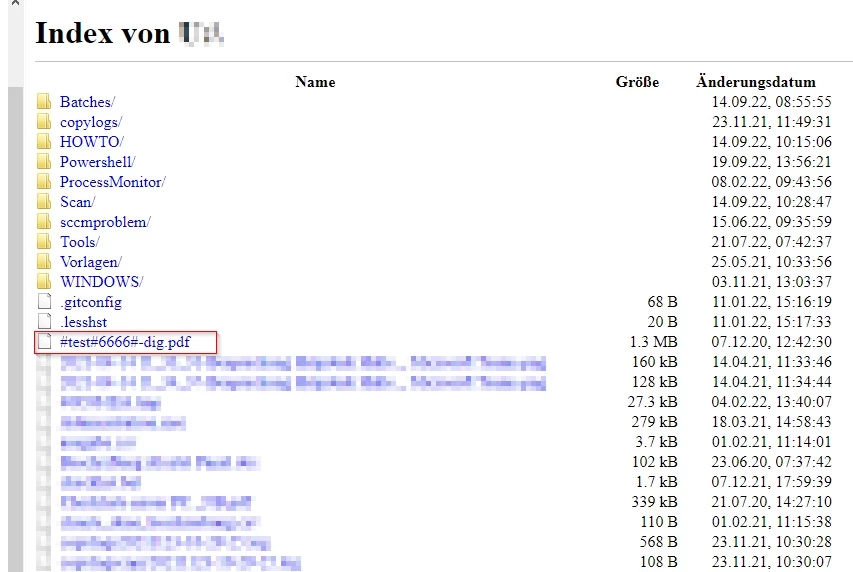
If I put the # at the beginning of the filename, the content of the folder is displayed to me in the view of a browser. 
is this a known bug?
can i fix the error?

This topic has been closed for replies.

2 replies

Bernd Alheit
Community Expert
Community Expert
September 22, 2022

Remove the # from the filename.

gpdwAuthor
Participant
September 23, 2022

ACTUALLY

Legend
September 22, 2022

For what it's worth, you should be able to open such files with File > Open. You may have to give up on double clicking on them. 

gpdwAuthor
Participant
September 23, 2022

open by double click works fine. it's about the bug. it has time until adobe addresses the problem or someone offers a solution that allows file preview in this scenario. thanks for your reply

Legend
September 23, 2022

Sorry, I missed the connection to preview. The info that double click works is useful. Well, it may be a bug, but you seem to be the first to mention it in these forums. It won't be fixed unless someone reports with a bug report. Bug reports here: Feature Request/Bug Report Form (adobe.com)  When you post a bug report, please come back here to share the URL, so that other people can vote for it. Adobe only fix "popular" bugs based on votes.