Participant
September 30, 2019
Question

Fill & Sign Not working

  • September 30, 2019
  • 2 replies
  • 714 views

    This topic has been closed for replies.

    2 replies

    KAM3Author
    Participant
    October 8, 2019

    I have tried that request for below but didn't solve.

    I need to have the another solution to them.


    1- Check for the Acrobat's update. Open Acrobat>Help>Check for update.

    2- Try signing a different file, if same thing happens again then please share the screenshot of the spinning wheel that appears.

    AkanchhaS8194121
    Legend
    October 1, 2019

    Hey there!


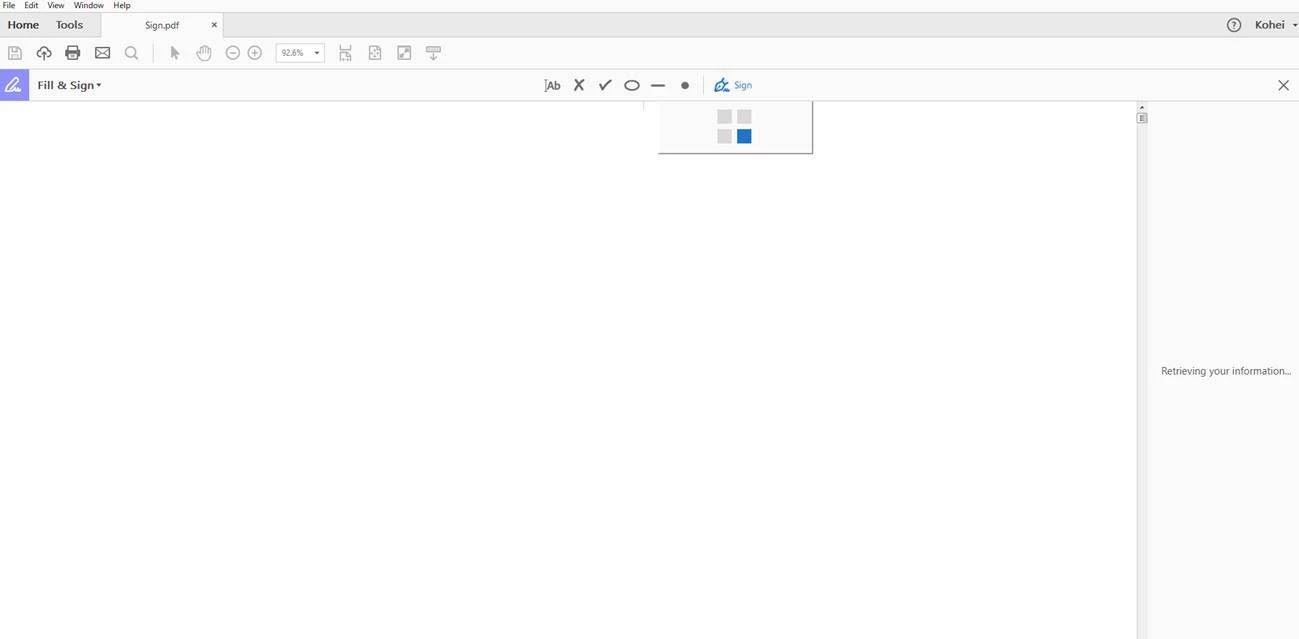
    From above description, if I understand your issue correctly you are getting a spinning wheel when you click on the fillable text box or its spinning when you select "Fill & Sign" tool?

    If spinning wheel appears continuously while signing the document then-

    1- Check for the Acrobat's update. Open Acrobat>Help>Check for update.

    2- Try signing a different file, if same thing happens again then please share the screenshot of the spinning wheel that appears.

    [You can select the insert image option available in the above menu bar]
     

    Thanks,

    Akanchha 


    KAM3Author
    Participant
    October 2, 2019
    Hi Akanchha Thank you for that reply. I will check that and let you know about results. Thanks Seiji
