
Participant
February 26, 2024
Question

Font problem just in the header

  • February 26, 2024
  • 1 reply
  • 391 views

Hello Everyone,

I looked a lot and asked the technical people at adobe, but couldn't solve the problem. 

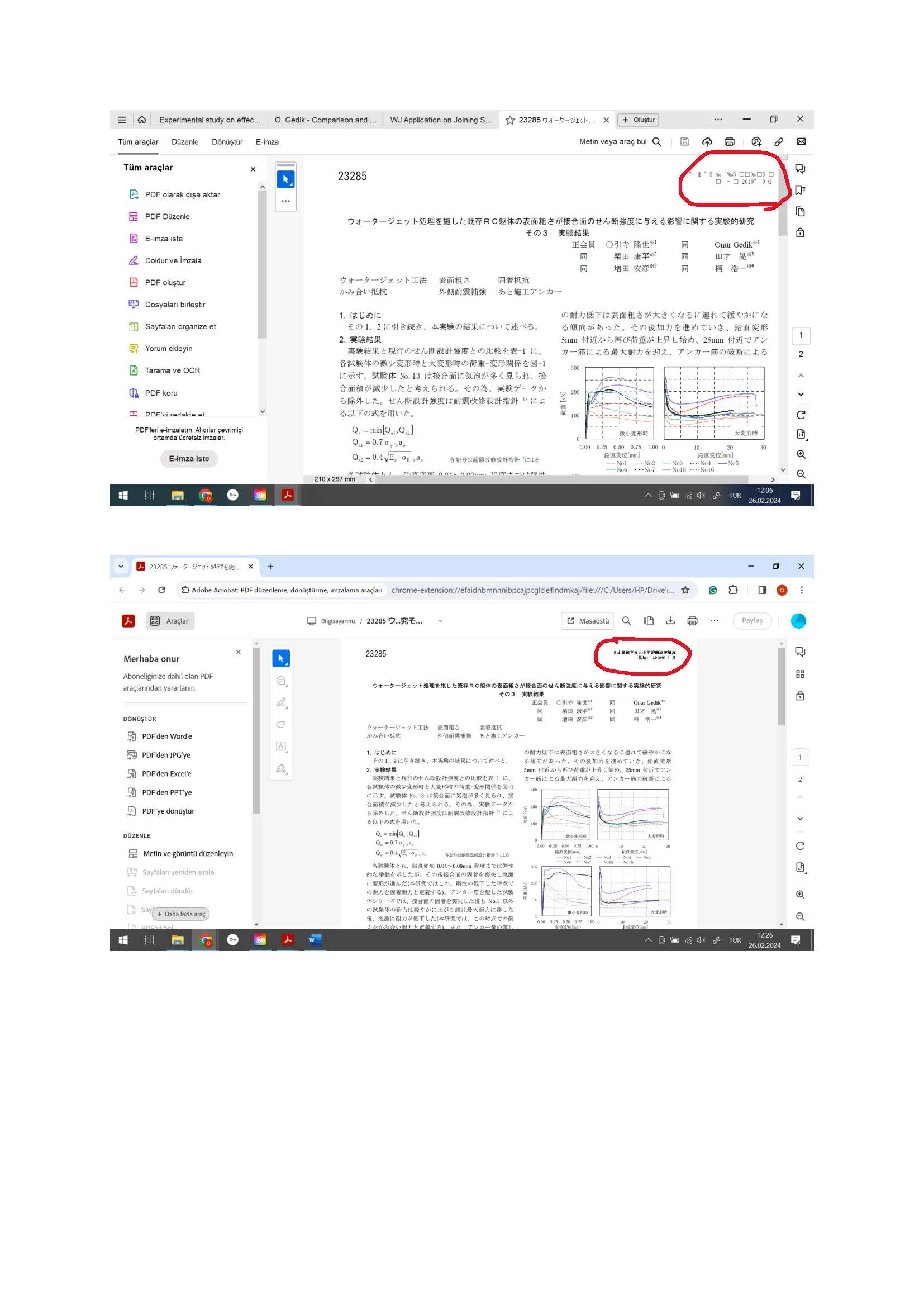
I have some Japanese documents and only the fonts of the header become gibberish, while the main body of the documents looks OK. The file is secured so I can't control the fonts. In some other files I was able to change the fonts and the problem was solved. But not in this case, the files I'm dealing with are protected.

When I view them online there is no problem, but when I open them on the software, header goes crazy.
$

[Moderator moved the thread to the correct forum]

This topic has been closed for replies.

1 reply

Abambo
Community Expert
Community Expert
February 26, 2024

This is a PDF issue that is probably due to the document creation. Check with the creator of the document how they created this. You can find a hint in the properties (CTRL/CMD D) in Acrobat.


ABAMBO | Hard- and Software Engineer | Photographer
Participant
February 26, 2024

The file created by Architectural Institute of Japan more than 10 years ago. Is there a way to change the fonts? Because in other unsecured files when I changed the fonts to MS Mincho for instance, everything got corrected. But this is a secured file and I can't do anything...


Abambo
Community Expert
Community Expert
February 26, 2024

If you do not have the password, you can't change the document. The only solution I see is to print and scan and modify the header on the scanned document.

ABAMBO | Hard- and Software Engineer | Photographer