

Question
Form/PDFs obscured by black grid and incorrectly rendered
I want to fill out an application, in this case a Canadian passport application, using Adobe Reader DC Version 2020.009.20074 on Windows 10. While the form initially renders correctly, after a second or two it becomes corrupted, replaced with a black grid and manged text. Here is a screenshot:
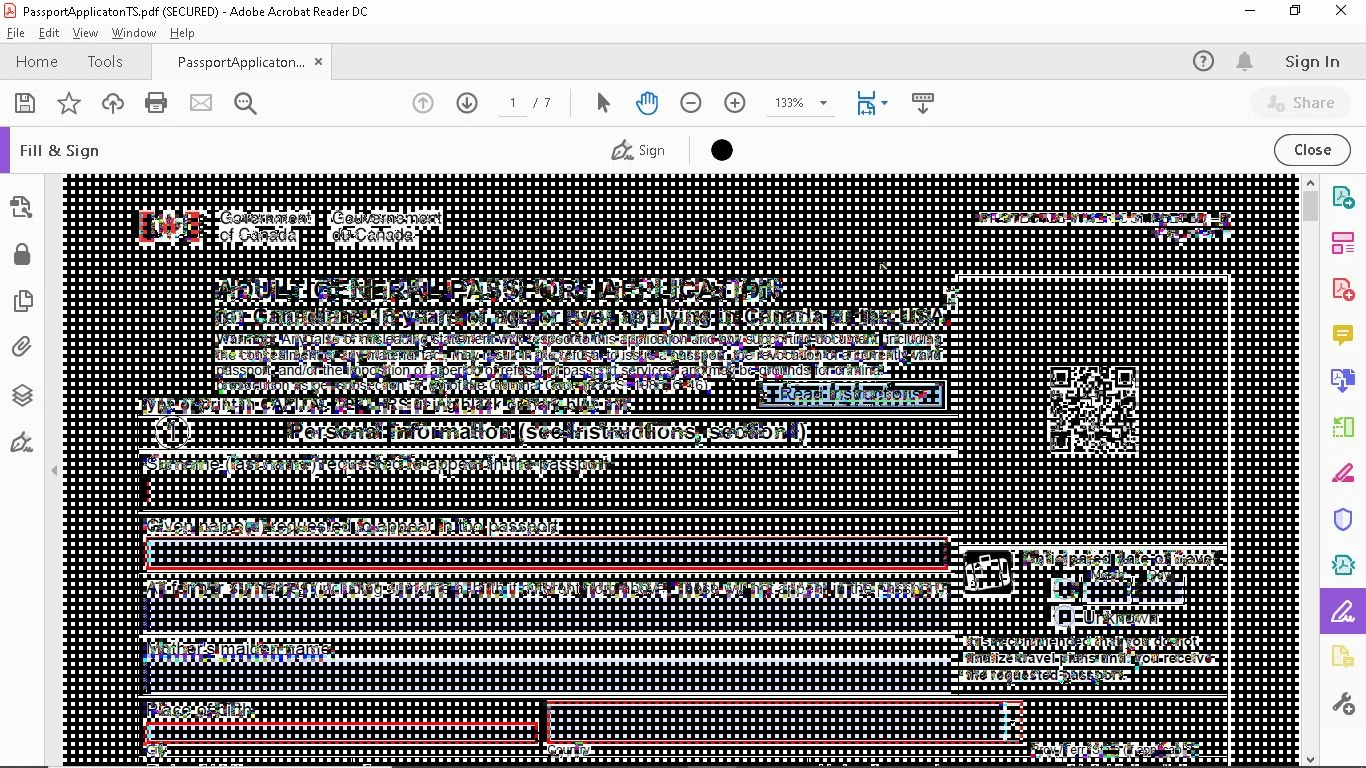
I'd love to know if there is an obvious reason this is happening. Is there a problem with the PDF, and I should contact the government? Or is this a known issue with the reader? I would appreciate any help with this, because this is a new problem for me.
Edit: I tried a few other documents, and this happens in every case, whether it is a form or simply a PDF document. This is the first time I've had this problem.


 AdChoices