
Found a higher version Adobe Acrobat Reader...
Hello,
I removed Adobe Acrobat Reader by myself in the "Applications" Folder on my macOS Mojave 10.14.1 and since then I can not reinstall a new version, remove Adobe with AcroCleaner Tool or update to a newer version in Managed Software Centre.
My problem is now, I can not reinstall any new Adobe Acrobat Reader because during the installation I got the error "Found higher version Adobe Acrobat Reader in the installation location. Installation will terminate." But there is no Adobe at all on my computer! All files have been removed manually in any folder that exists about Adobe (Applications, Library, Preferences and whatever exists and I did found on the Internet).
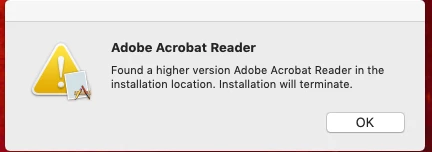
Error when Installing or updating via Managed Software Centre
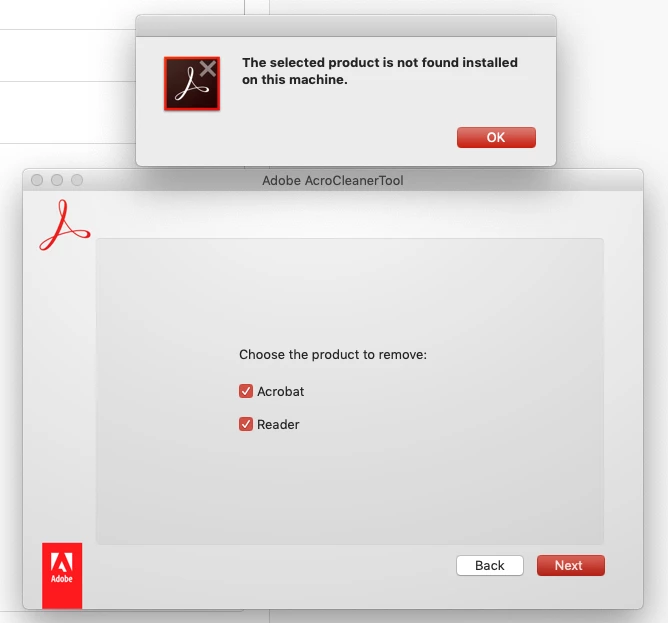
Error when trying to remove with AcroCleaner Tool.
What can I do?
Best regards,
Josip
 AdChoices