Participant
August 5, 2018
Answered

Getting An Error Message - From Scan Import!

  • August 5, 2018
  • 1 reply
  • 3064 views

Hi Folks,

Can you help me please?

I am scanning a  document and saving it as a PDF from an Epson Workforce WF-2750 printer.

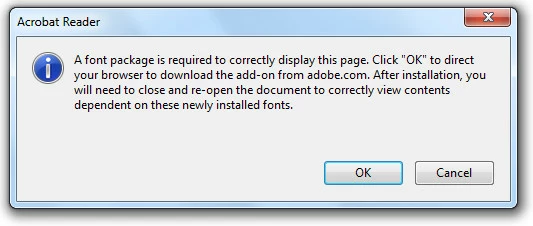
The document scans ok and saves as a pdf but when I try to open it in Adobe Reader I get the following error message:
When I click OK it opens a web page ( Adobe) but I get this error message:
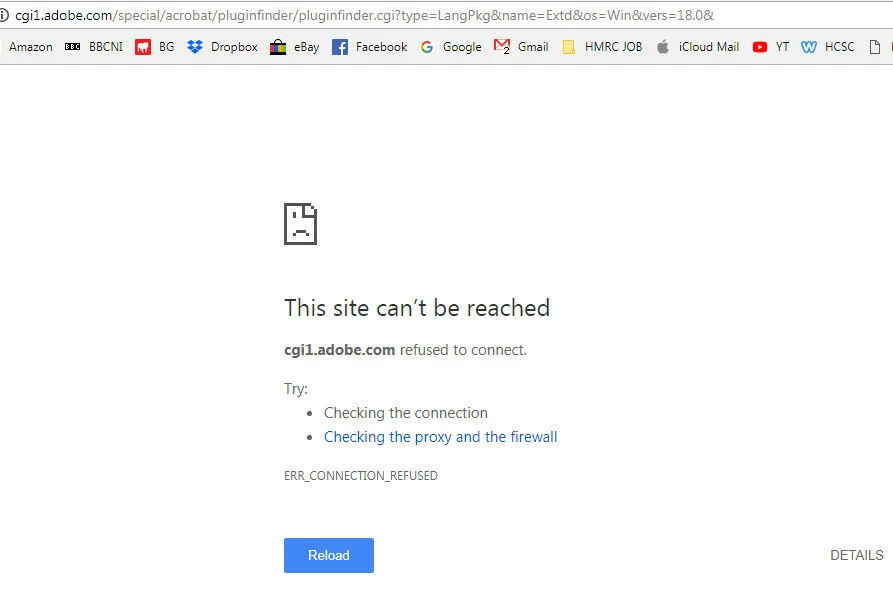
I have tried several times to complete this action but the program fails miserably.

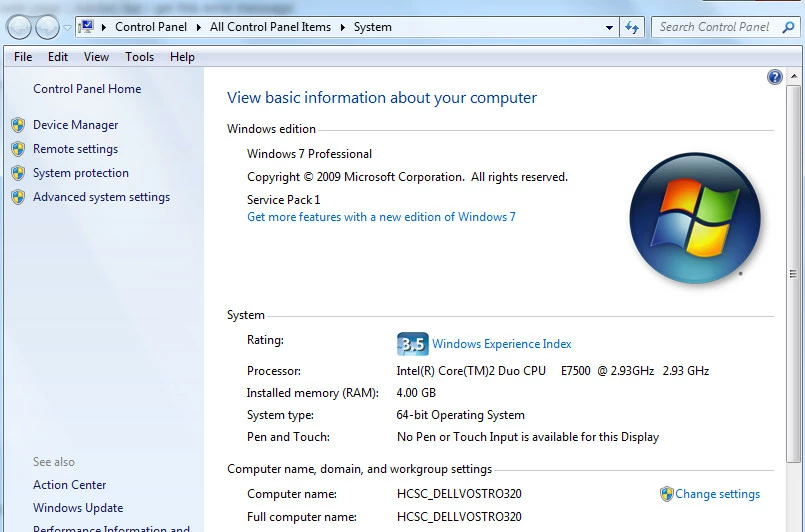
My computer is running the following system details:
Is there any way to resolve this error message?

The image captured is a simple document scan with ordinary text, no graphics and no 'strange' fonts, as it is a government related document ( claim form).

Hoping you can help me please,

TIA

Sam.

Message was edited by: Sam Skelly -typo's corrected!

    This topic has been closed for replies.
    Correct answer Test Screen Name

    Try this one Adobe - Adobe Reader : For Windows : Adobe Acrobat Reader DC Font Pack (Continuous)

    And complain to Epson about them putting Japanese fonts into a scan of non-Japanese text!

    1 reply

    Test Screen NameCorrect answer
    Legend
    August 5, 2018

    Try this one Adobe - Adobe Reader : For Windows : Adobe Acrobat Reader DC Font Pack (Continuous)

    And complain to Epson about them putting Japanese fonts into a scan of non-Japanese text!

    Participant
    August 5, 2018

    Thank You!

    Worked very well indeed.

    Mind you, I know at times my writing can be lazy but it never looks anything like a Japanese character LOL

    Thanks once again,

    Sam.