
Participant
April 21, 2020
Question

Getting some pixels in Acrobat Reader

  • April 21, 2020
  • 2 replies
  • 1058 views

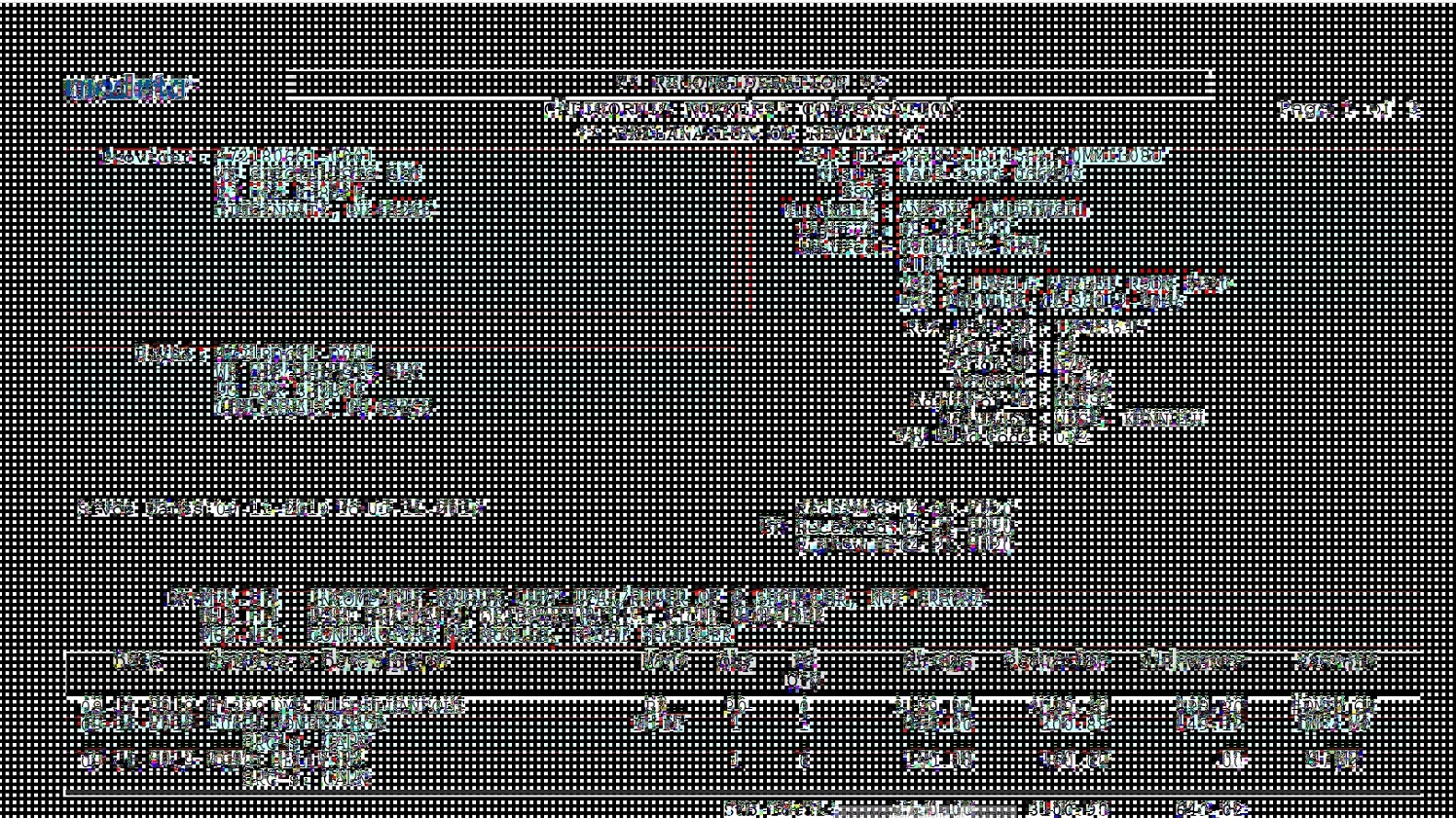
I'm getting a weird display issue when scrolling through my documents. I used to have Adobe reader XI and recently switched to Reader DC and I'm getting these weird pixels when scrolling up and down. Adobe is tied to another program so a reinstall/uninstall would like to be avoided. 

When I finish scrolling.. document is back to normal. Printing the document is also fine. 
This topic has been closed for replies.

2 replies

Participating Frequently
July 9, 2020

Apparement ca arrive avec les cartes graphiques vega d'AMD, j'ai réussi en épluchant le forum à trouver une solution donnée par un employé Adobe, qui fonctionne chez moi:


Adobe Employee ,
Apr 22, 2020
 

Hey Peter


We are sorry for the trouble. The issue is due to a rendering feature VSYNC.


Please try the following registry setting to disable VSYNC:

[HKEY_LOCAL_MACHINE\SOFTWARE\Policies\Adobe\Acrobat Reader\DC\FeatureLockDown]
"bEnableVSYNC"=dword:00000000


Regards

Amal"

En gros il faut creer une clé DWORD dans le registre Windows qui desactive la synchro verticale de l'ecran dans Adobe (VSync)

Certains disent aussi qu'il sufft de lancer adobe en mode de compatibilité Windows 7

J'espere que ca va vous aider

Participant
April 22, 2020

I have been having the same issue for about a week. It happens when I scroll, try to highlight, or sign a document. Closing it out and reopening it, restarting my laptop, uninstalling and reinstalling DC did not help either. All my computer software updates are completed. Please help as this is slowing down my work greatly.