


Getting the "Please wait..." error in Adobe Reader DC
Hello,
I am using a Macbook with a fresh installation of MacOS Mojave. Sometimes I'll get PDFs that when trying to open them in Preview or in a web browser, they only display a warning like so:
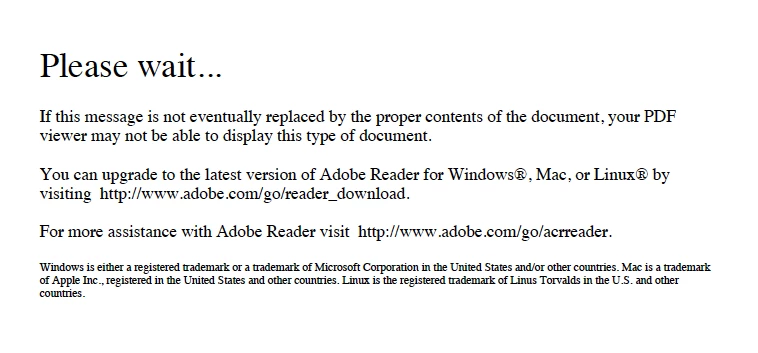
When this happens, I always open the file in Adobe Reader and I'm able to get in. However, recently, there have been a number of PDFs that show this error even when opening them in Adobe Reader. Just now, a co-worker needed to fill out a form. So I found the blank form and verified that I could open it in Reader and then sent it to him. He filled it out (again, using Reader on his laptop), and then sent me back the file. But when I try to open it to make sure he filled out all the right information, I just get that error message.
Please advise - how can I get Adobe Reader to properly open these PDFs?
Thanks,
Doug
 AdChoices