Participant
July 14, 2026
解決済み

Help

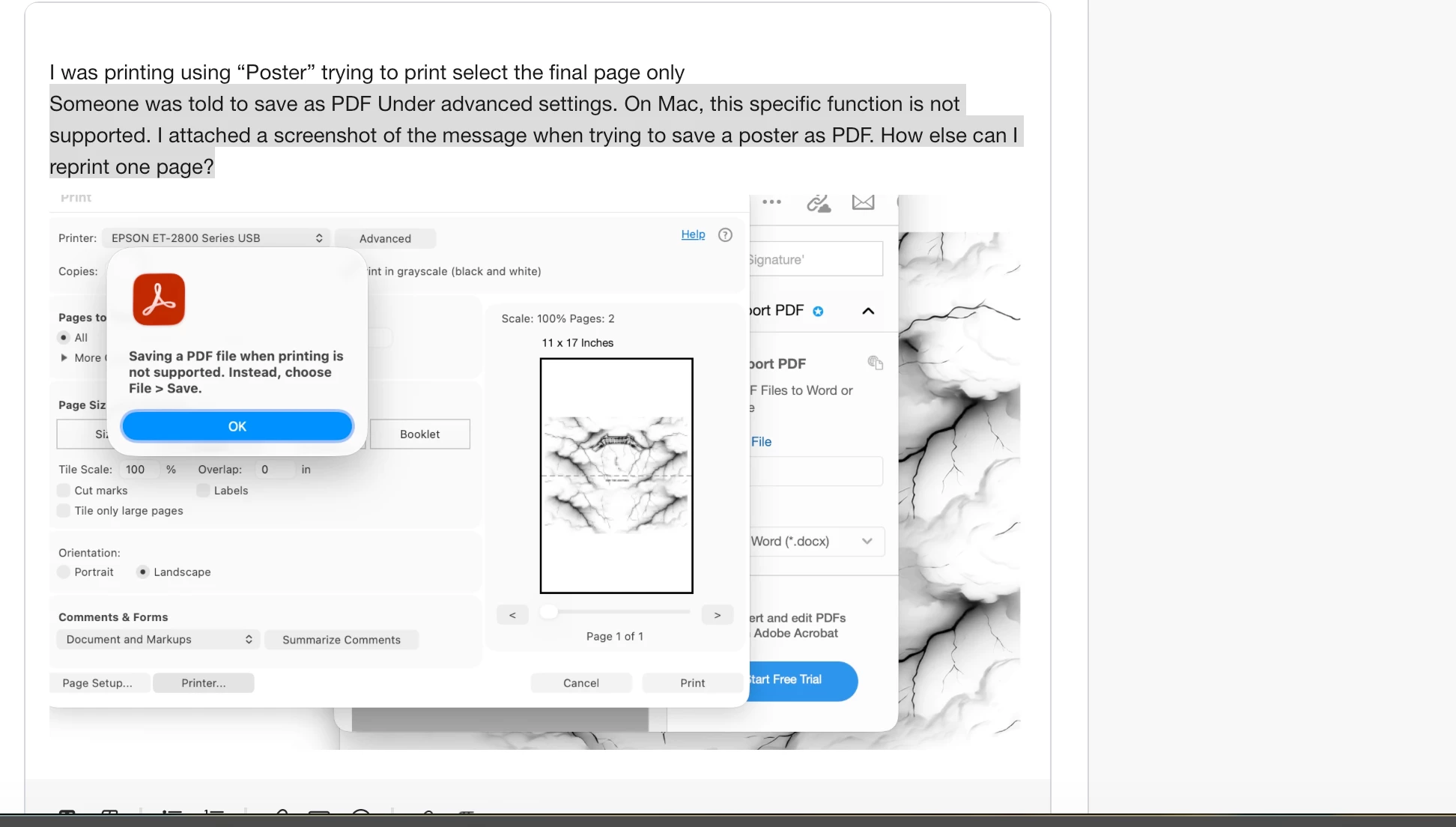
See screenshot


    解決に役立った回答 hunter0604\

    Answering my own question but apparently apple blocks the print from PDF option from Adobe and you can't use the system options.
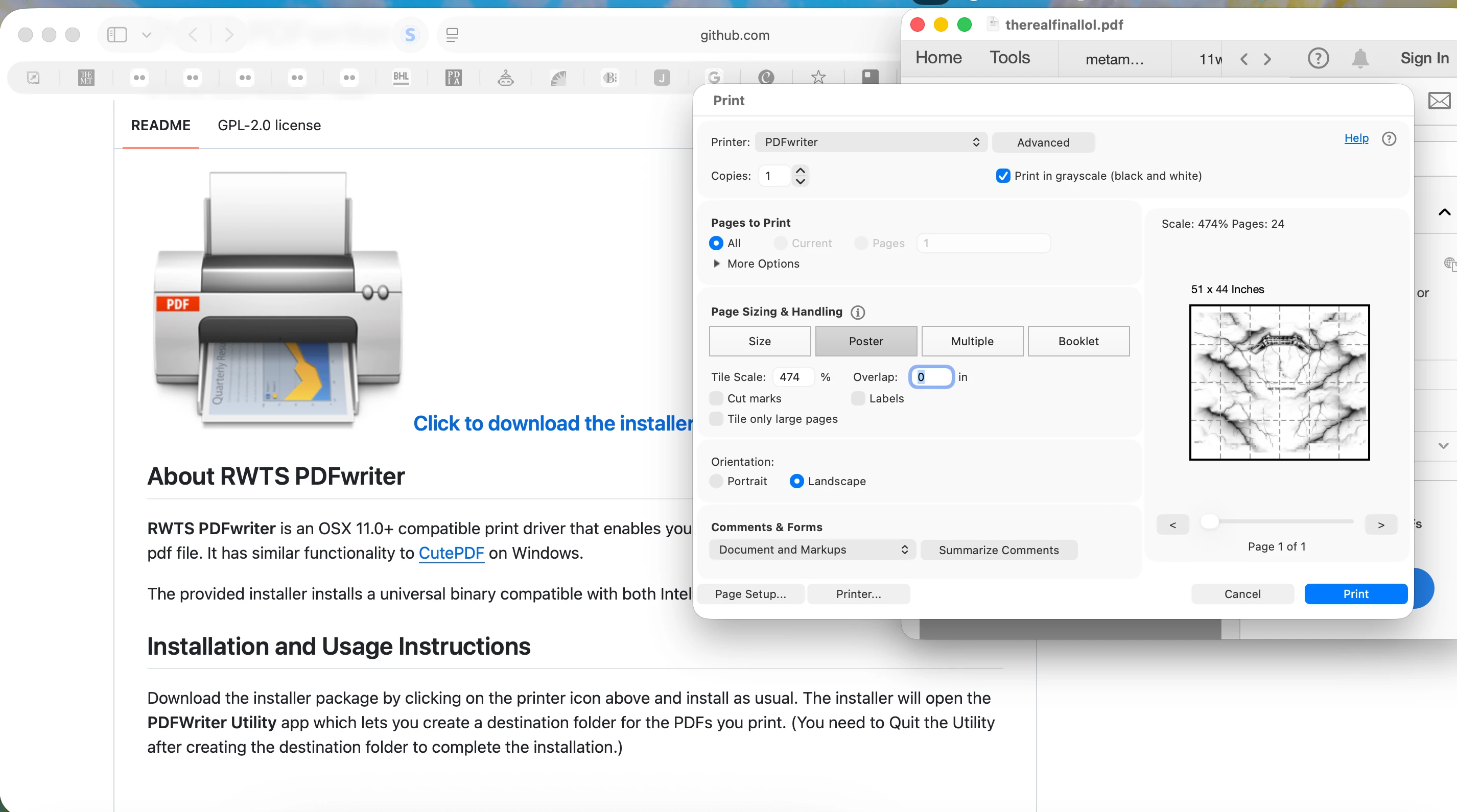
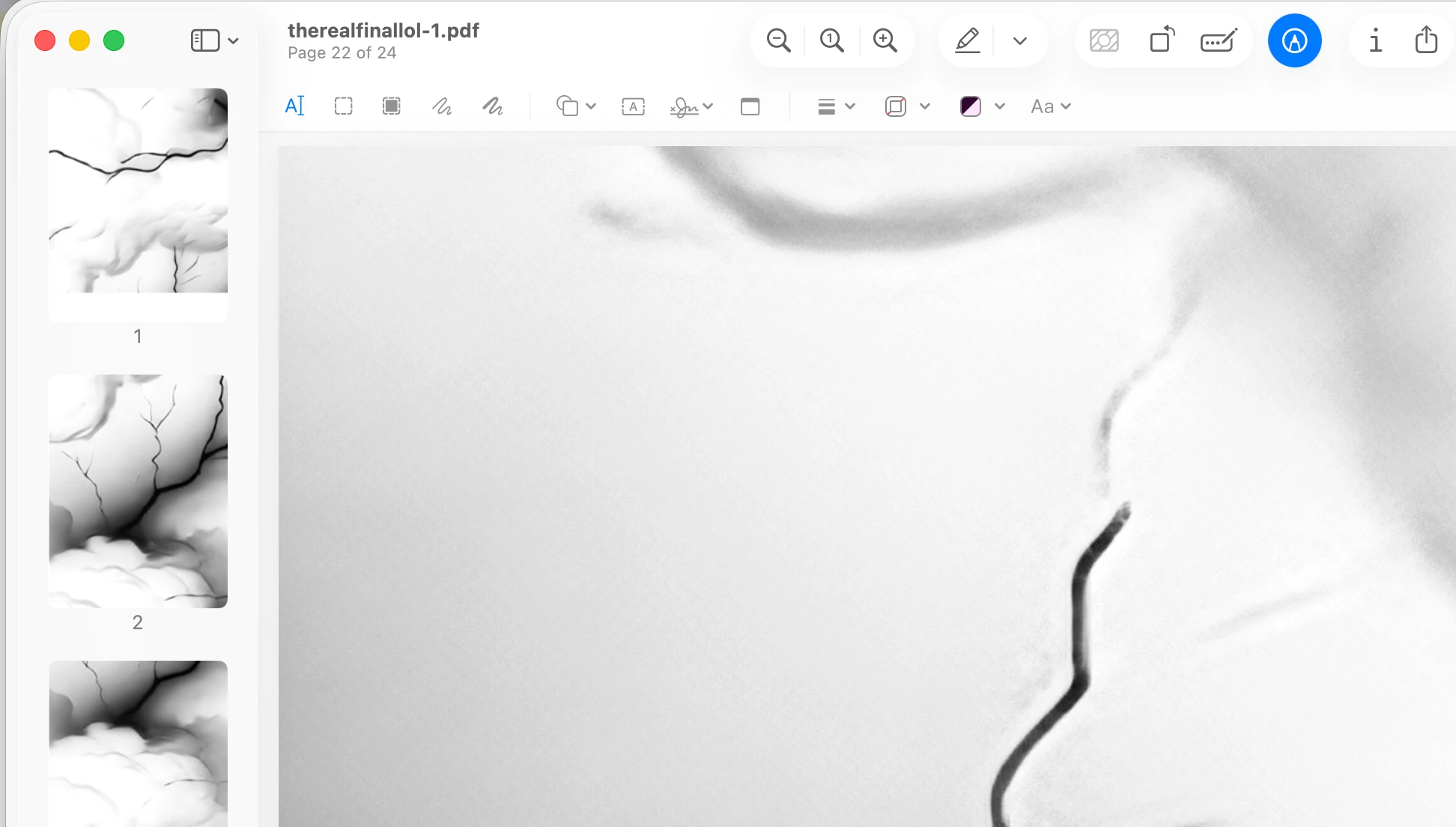
     

    I thought well then I need to print to a printer that just saves as PDF and found a free option online.


    https://github.com/rodyager/RWTS-PDFwriter


    This puts a new printer in your option and saves the poster pdf as a new document of letter pages.


    Not sure why they haven't worked around this I saw a post from adobe 2018 that had the same issue on Mac but oh well.


    Hope this helps someone else

    返信数 1

    hunter0604\作成者
    Participant
    July 14, 2026

    I was printing using Adobe Acrobat’s “Poster” mode when my print was interrupted and canceled. I cannot recover from where it was and only have enough paper for the final two pages, but it won’t let me select the final two pages, instead trying to print all 15 again.

    Is there any way to choose the pages under “Pages to Print”? I’ve looked through every forum and video and haven’t found an answer.


    This was someone else's question


    The answer was “Save as pdf under advanced” but this exact feature is disabled on Mac. How would I select just certain pages to print in poster mode on a MAC?

    hunter0604\作成者解決!
    Participant
    July 14, 2026

    Answering my own question but apparently apple blocks the print from PDF option from Adobe and you can't use the system options.


    I thought well then I need to print to a printer that just saves as PDF and found a free option online.


    https://github.com/rodyager/RWTS-PDFwriter


    This puts a new printer in your option and saves the poster pdf as a new document of letter pages.


    Not sure why they haven't worked around this I saw a post from adobe 2018 that had the same issue on Mac but oh well.


    Hope this helps someone else

    Anand Sri Bhattacharya
    Community Manager
    Community Manager
    July 14, 2026

    Hello ​@hunter0604\ 


    I hope you are doing well, and sorry for the trouble.


    Thanks for sharing the solution, which will help other users experiencing a similar issue. 


    Please feel free to reach out if you need any assistance.

    Regards,

    Anand Sri.