

Answered
HELP - have Reader but cannot open PDF files ???
Hi, I am new here, never had a problem with Reader before.
I reinstalled Windows 10 this morning, this kept my folders and files but removed most of my apps.
So I downloaded Acrobat Reader DC from the Adobe site, and made it the default app for opening PDF files. Here are some resulting PDF file icons:
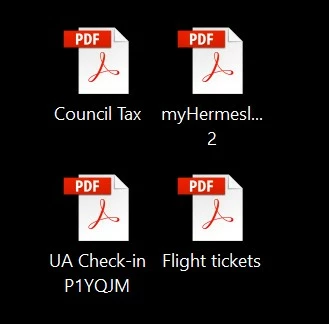
But double-clicking on any of these files does nothing. I get this message:
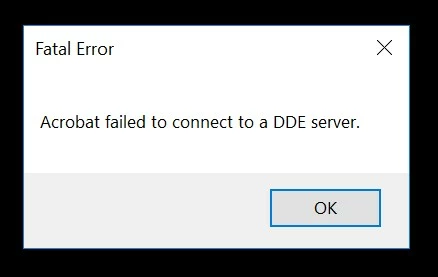
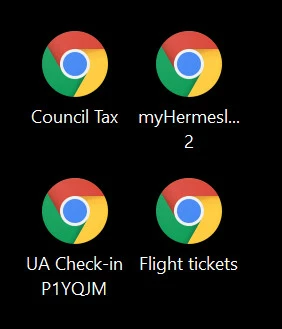
So I decided to uninstall Reader and start again. I first made Chrome the default app for opening PDF files, here are the resulting PDF file icons:
Then I tried to uninstall Reader and got this, several times:
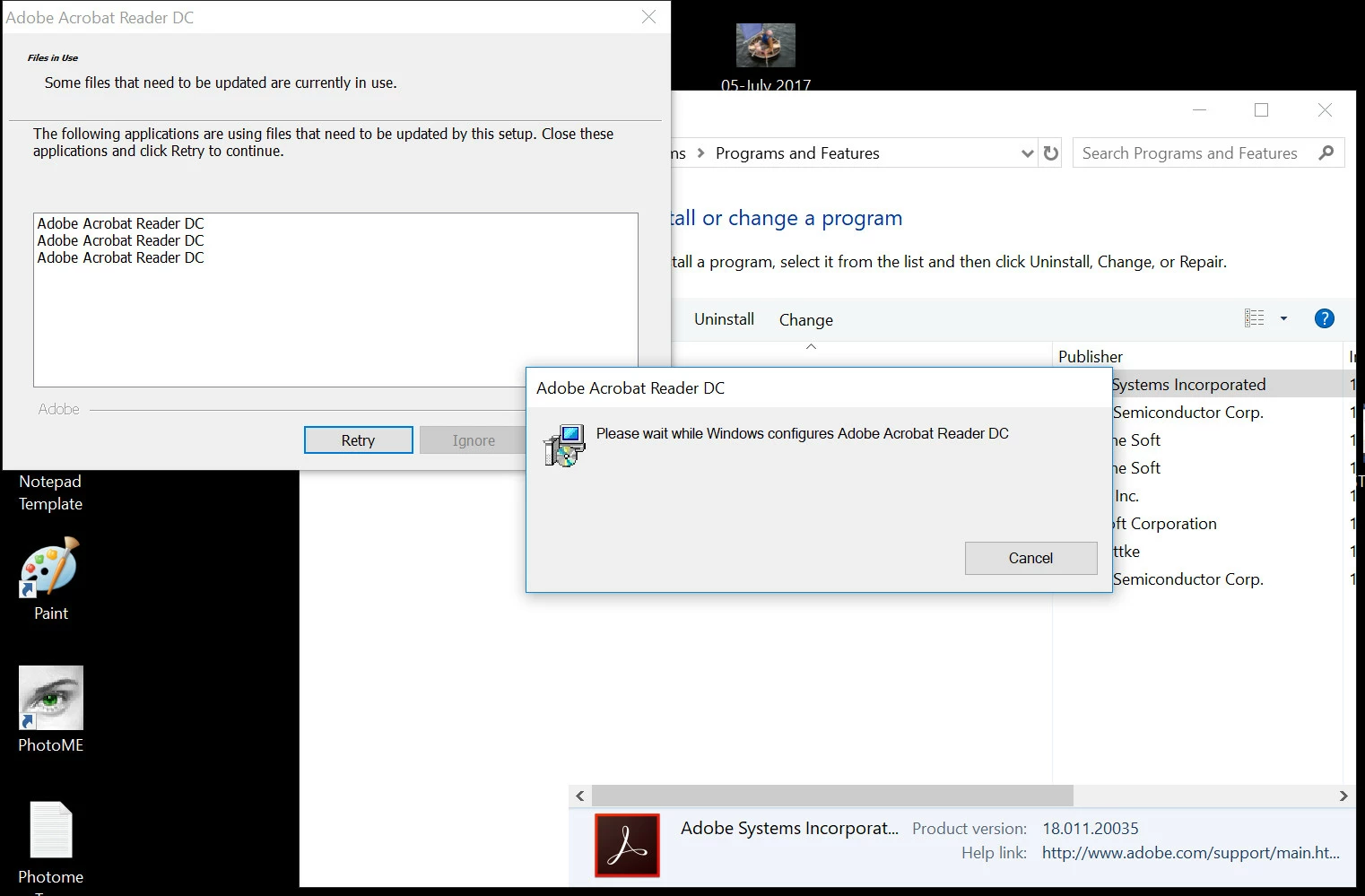
I had no idea what it was on about.
How do I uninstall Reader please, and then re-download it and get it to work ???
Any help would be much appreciated.
Regards,
Mike


 AdChoices