
Participant
September 17, 2022
Question

Help with a form calculation

  • September 17, 2022
  • 1 reply
  • 1104 views

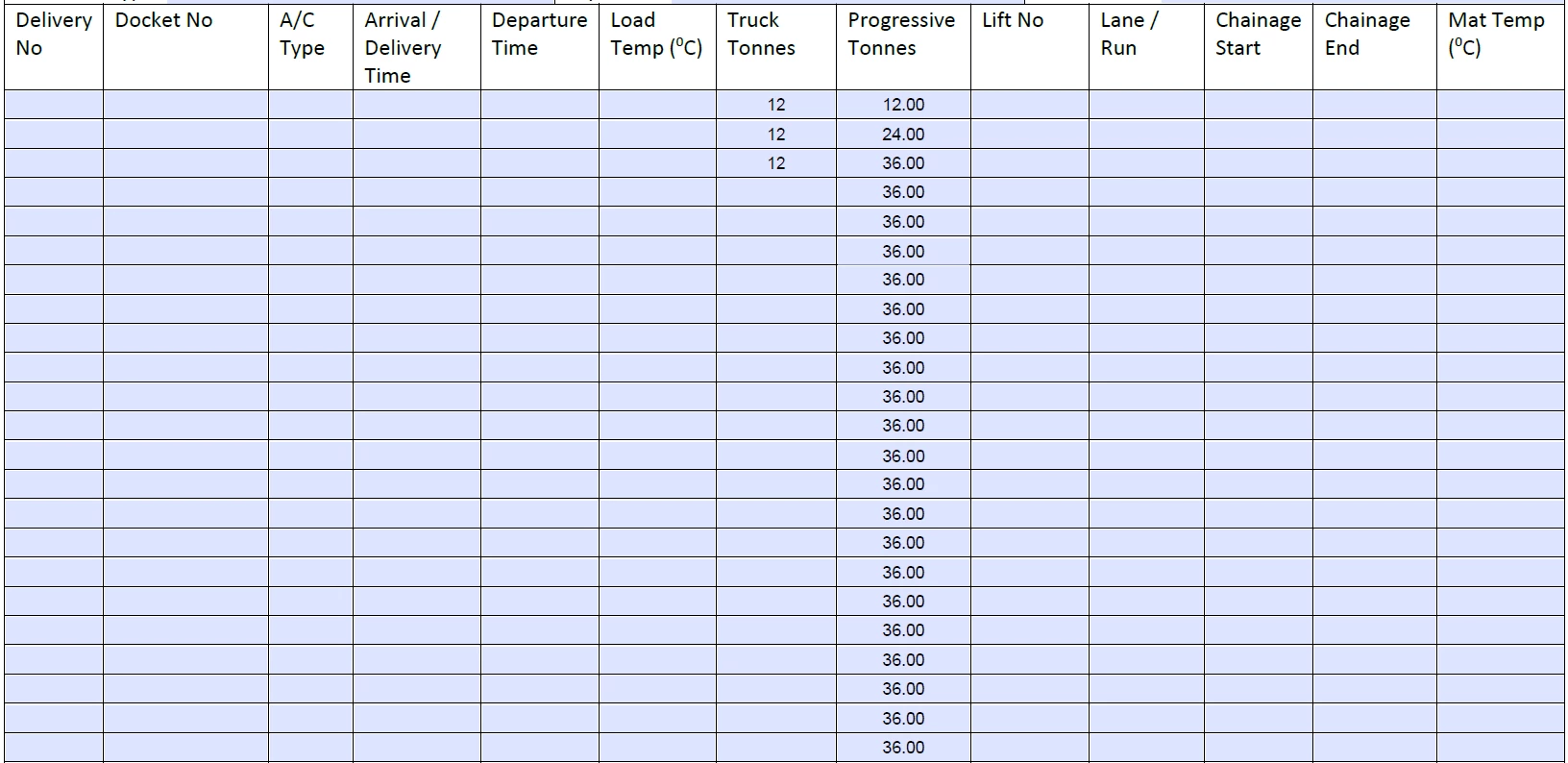
Hi all. I was just wondering whether someone could assist with a form I have created in Adobe.  I have a form which has to two columns which store numbers used for a progressive calculation. Doing the simple addition calulation is fine, but I dont want the progressive total to show up in all the rows where there is no data.  In excel it would be a simple IF formula, where if there is no data, it doesnt calculate.  Here is snapshot below of what I mean.  As you can see, where there is only three truck loads, the entire colums is filled out, with row three repeated all the way to the bottom.  Is there something similar to an IF function in Adobe? I have also attached the form.  Would greatly appreciate your assistance on this.  Thank you
 

This topic has been closed for replies.

1 reply

try67
Community Expert
Community Expert
September 17, 2022

Place this code as a doc-level script and then call that function from the custom calculation event of each one of those fields:


function calcProgressiveTonnes() {
	var rowNumber = Number(event.target.name.replace("Progressive TonnesRow", ""));
	if (this.getField("Truck TonnesRow"+rowNumber).valueAsString=="") event.value = "";
	else {
		if (rowNumber==1) event.value = this.getField("Truck TonnesRow"+rowNumber).valueAsString;
		else event.value = Number(this.getField("Truck TonnesRow"+rowNumber).valueAsString)+Number(this.getField("Progressive TonnesRow"+(rowNumber-1)).valueAsString);
	}
}
Participant
September 18, 2022

Hi Mate,  thanks heaps for your reply and assistance.  As a 'very' basic user of Adobe products, I am still on my 'L' plates with Adobe Acrobat Pro. As for 'doc level scripts' and how to implement this javascript, I have no idea.  Is there any chance you would be able to implant that code into the file I originally attached.  Thank you.  Craig

try67
Community Expert
Community Expert
September 18, 2022