
Question
Highlight Opacity Problem
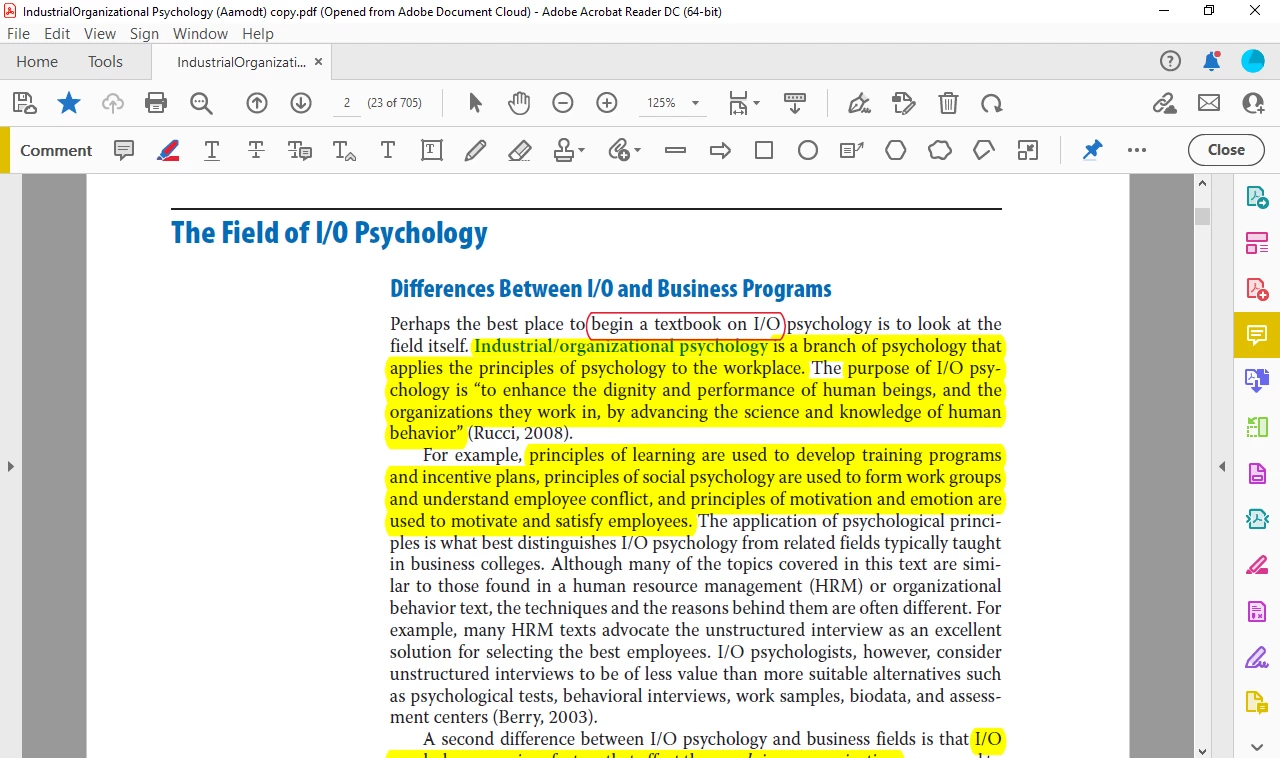
Hi! I'm having trouble with my Highlight Text tool. This never happened to me before. I'm using a Lenovo Ideapad D330. I've downloaded a book that had highlights that I needed, but when I highlight my own text, it doesn't appear to be the same as the yellow highlights. My attempt to highlight has no filled-in colors (Refer to the picture), rather it is only a red outline of the text. I've set opacity to 100% already and still no changes. Please help.


 AdChoices