
Question
How can I clear history of fill & sign ?
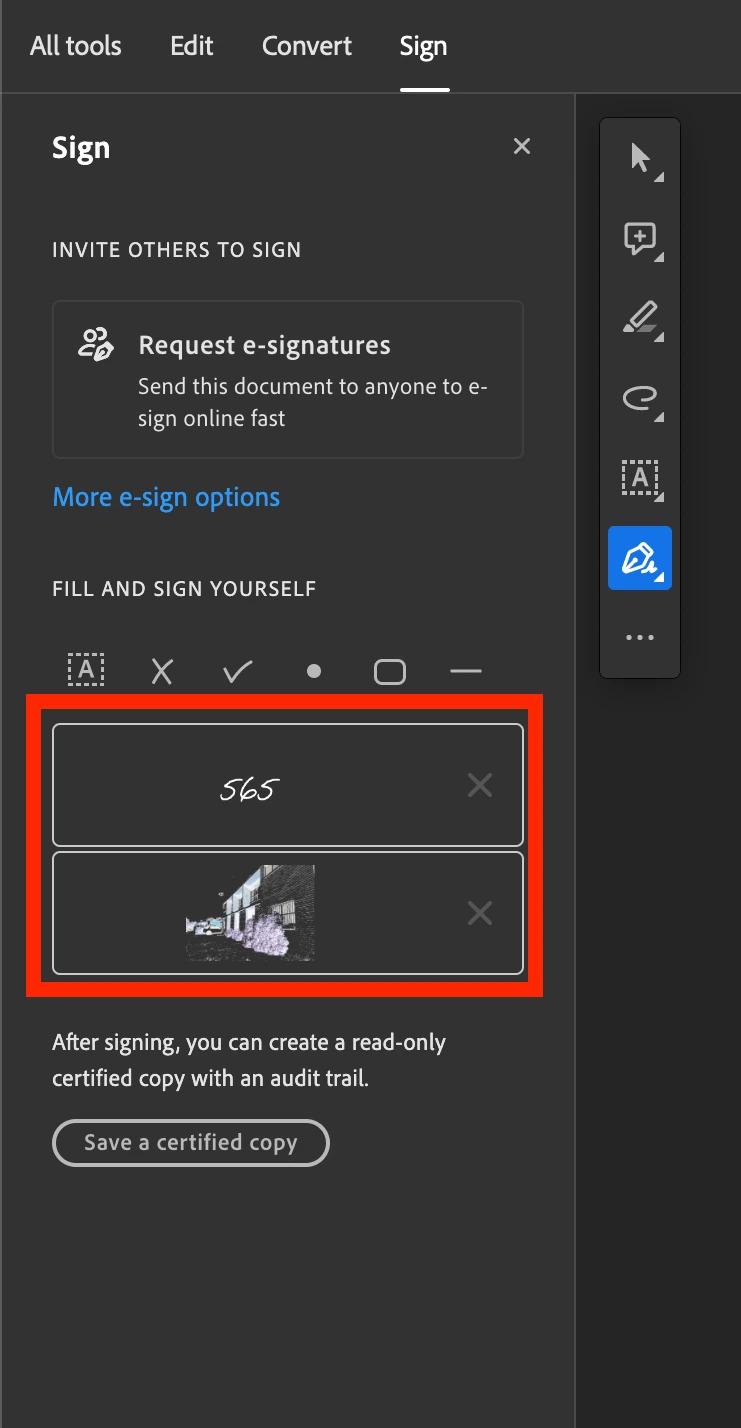
How can I clear the history of that? The "X" button is is blocked.
And try to create my account online:
• Go to https://cloud.acrobat.com/ and sign in with your credentials.
• At the top right corner of the screen, you will see a dropdown with your username on it.
• Click it and go to Settings.
• Unchecking the “Suggest words….” checkbox and/or pressing Clear All button will clear all the auto fill entries which has been stored in your account.
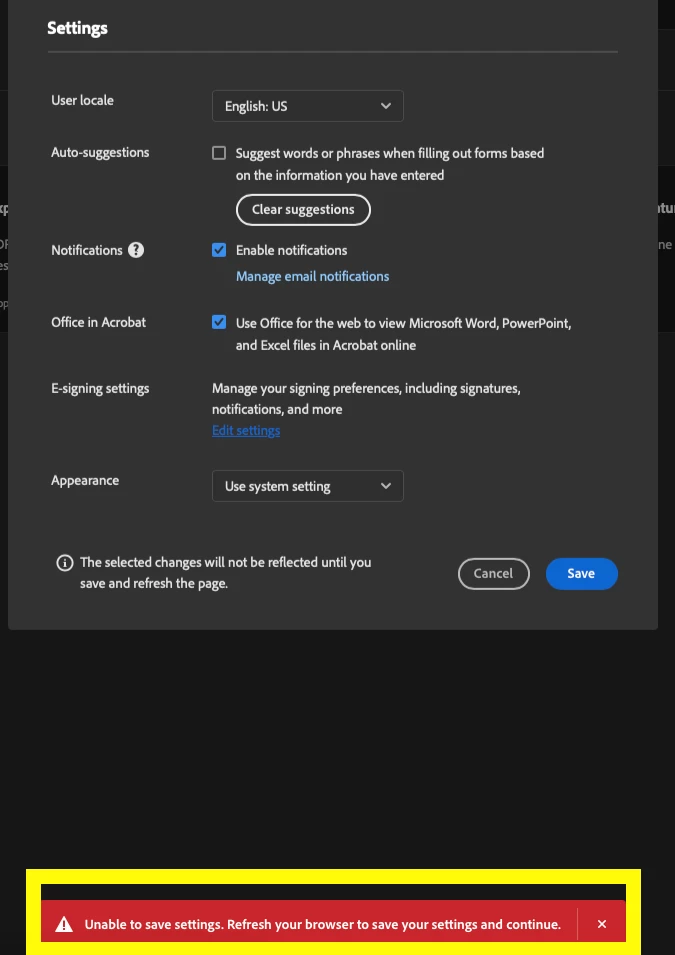
But when I check "save", it shows" Unable to save settings. Refresh your brower to save your settings and continue.
I tried doing this a few times and the result was the same.
Please find the screenshot, and please kindly teach me how to clear history of fill & sign?


 AdChoices