
jqmk
Participant
July 1, 2019
Question

How to disable auto update adobe forever on windows 10 LTSC build 17663.593

  • July 1, 2019
  • 1 reply
  • 843 views

Hi all,

How to disable auto update adobe forever on windows 10 LTSC build 17663.593?

although I disable service as image below, but when new version update, adobe auto get update and auto installing.
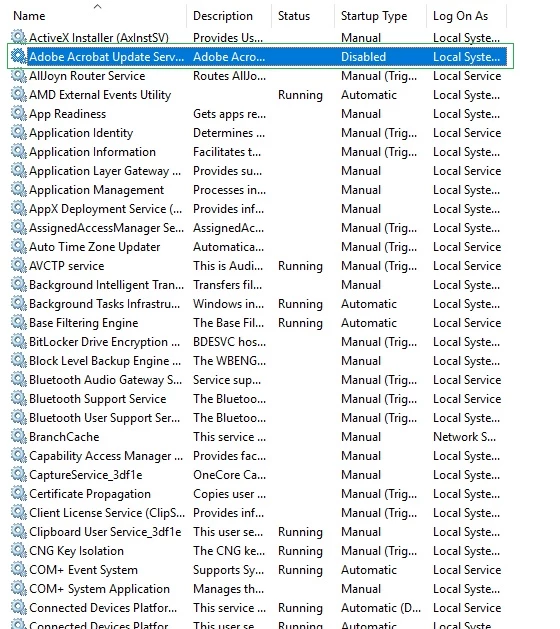
tks all,

    This topic has been closed for replies.

    1 reply

    Inspiring
    July 1, 2019

    Hi Jqmk,

    I understand your situation , Adobe Acrobat reader DC is set up for continuous update.

    As you are looking to stop the auto update for acrobat, you can try

    1. customizing your deployment package with the Adobe Customization Wizard DC (Adobe - Acrobat : For Windows : Welcome to the Wizard — Acrobat Customization Wizard DC for Windows ). 

    This way you have more control over what you users have and their default configuration.

    Also remember that if you are deploying this within an organization (company, school, enterprise )

    you need to sign the Reader Distribution License Agreement:  Adobe - Adobe Runtimes / Reader Distribution Agreement

    2.You can also try to customize Windows Registry

    For the Windows Registry setting look here:  Windows Updates

    Regards,

    Amal.