

How to disable the blue pop-ups boxes?
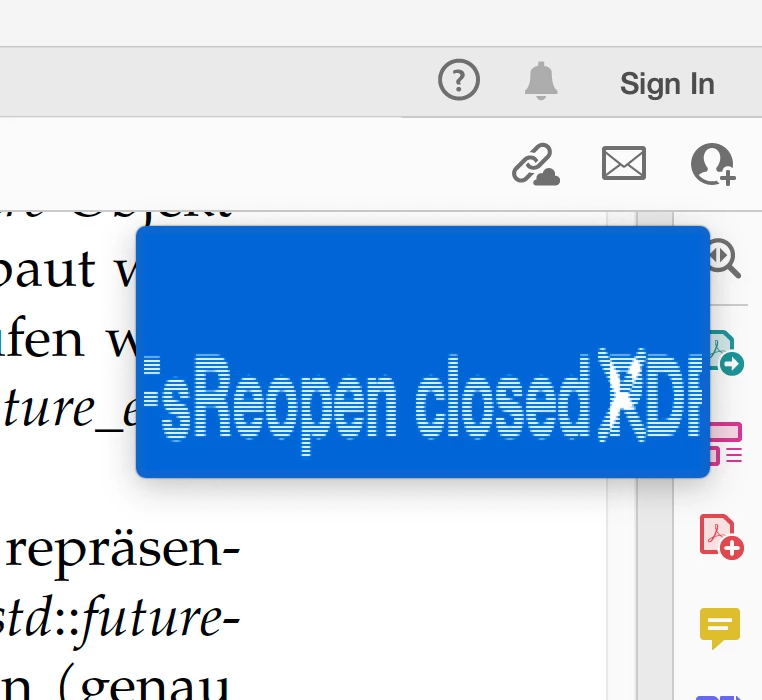
I am working with Adobe Acrobat Reader, Version 2023.001.20177, under MacOS Ventura 13.3.1 (a), using many spaces in parallel. As I want to open PDFs in the current space I am working in right now, I always create new Reader processes, using the “-n” flag of the “open” utility on the command line. This makes sure that the document isn't opened on some random tab in another space. The Reader gets frequently confused by this and presents me with these blue pop-ups which even cannot always be easily clicked away when they are distorted (see screenshot). If not distorted, the pop-up notice is titled “Reopen closed PDFs” and reads as follows: ”Acrobat Reader closed abruptly. You can restore the PDFs you had open.” and offers then the choices ”No, thanks” and “Restore”. It would be really helpful for my workflow if this could be disabled. I've tried to adjust the preferences (like ticking off ”Show me messages when I launch Adobe Acrobat Reader” etc) but to no avail. Thanks in advance for any help.


 AdChoices