


Question
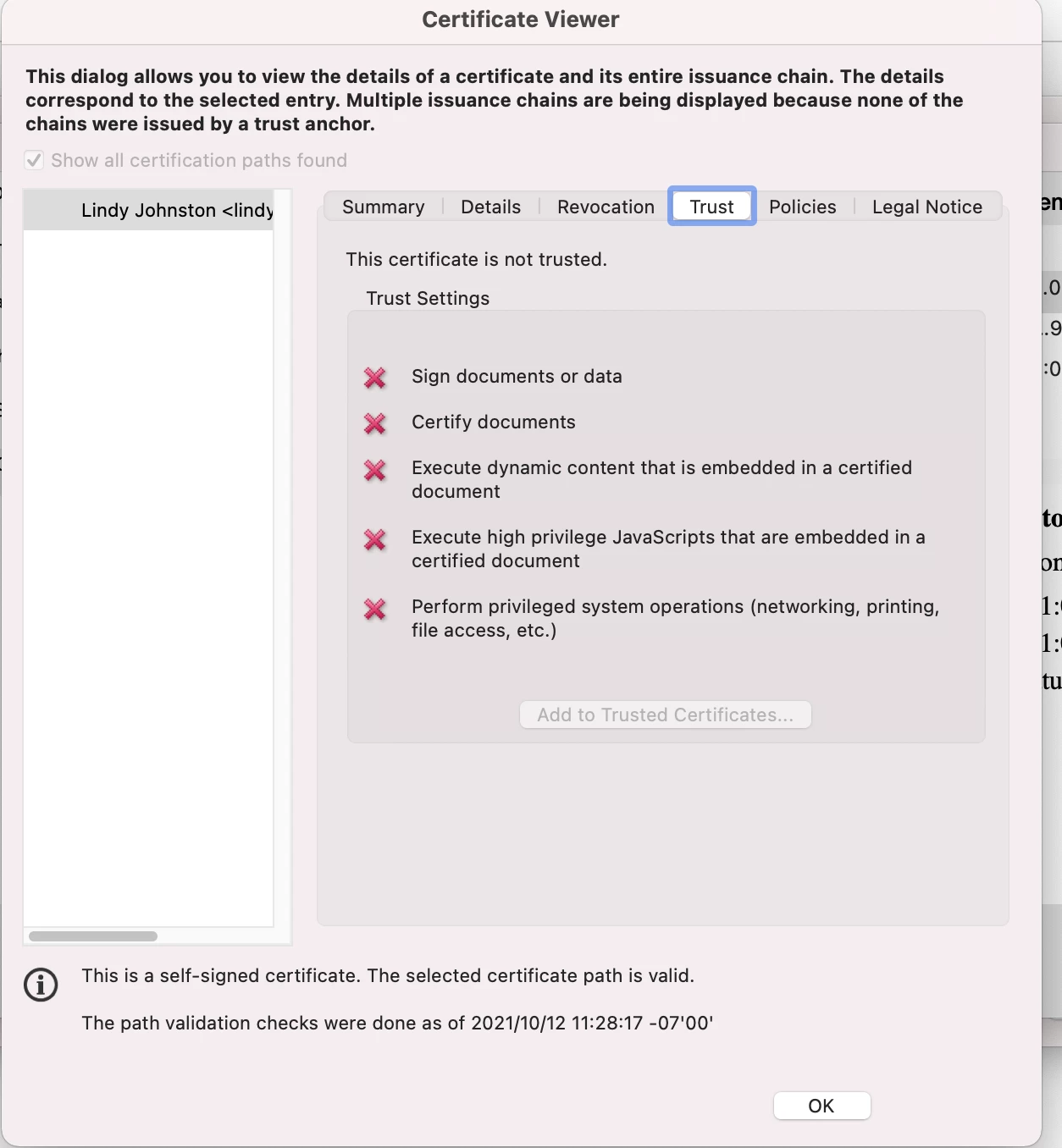
How to issue by a trust anchor
Hello,
I am trying to transfer my signature from an old laptob to a new laptop.
I have "Exported" and Downlaoded the File via "Digital ID and Trusted Certifcate Settings" on my old computer.
I have the file downlaoded as 3 file types: "cer" "fdf" and "p7c". I am on a Mac... I tried all 3 to see if one would work...
I now have it under Trusted Certficates but the certifcate is "not trusted". There I cannot use the info to Sign documents. Can someone please share how to "isse by a trust anchor" and how to ensure the certifcate is trusted.
Thanks!


 AdChoices