


Participant
October 15, 2018
Question

How to not have adobe reader home page stay open after closing PDF file

  • October 15, 2018
  • 13 replies
  • 23378 views

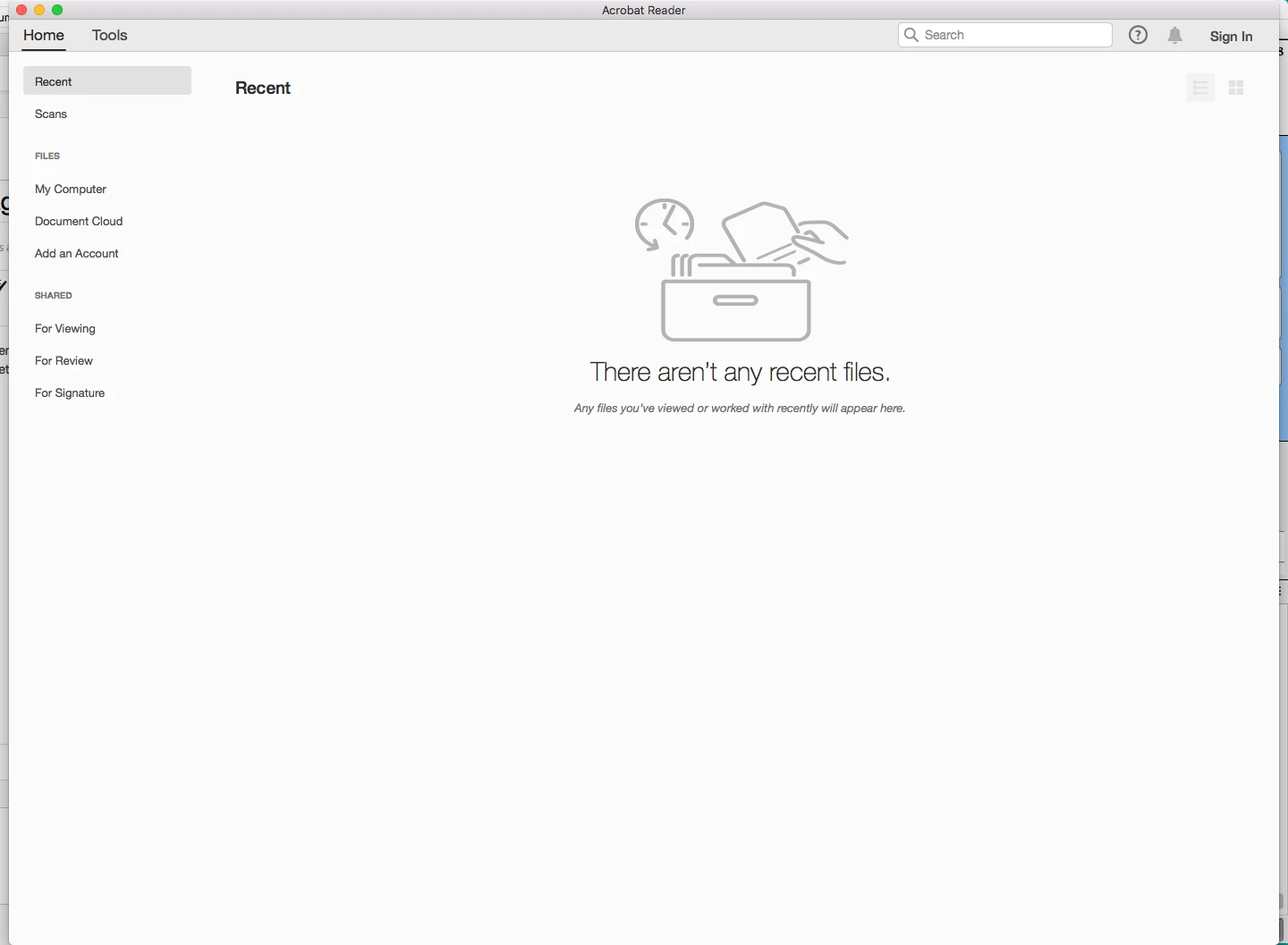
Hi, I noticed with update every time I close a PDF file I'm looking at it keeps open this page with showing 'home' , 'tools' at the top and a list of all the previously opened PDF files etc.  Any way to NOT have that page always remain open.  Getting annoying having to close it every time I don't looking at a PDF. Page showing below after closing any PDF file.  Thanks.
    13 replies

    Legend
    October 15, 2018

    What do you click to close the file instead? For me it is exactly the same number of clicks, not even one more.

    Legend
    October 15, 2018

    I use the app close button (top right) or alt+f4. It doesn't hang around for me. If I close a tab, even the last tab, the app stays open.

    AnandSri
    Legend
    October 15, 2018

    Hello Jpearce,

    Are you referring to hide the 'Home' and 'Recent' tab in Adobe Reader DC? If yes, I am sorry, currently it is not possible to remove/hide these tabs.

    If you want to close the default window, you have to click on the red x to close the application, as this is the designed behavior of Adobe Reader/Acrobat.

    You may use Adobe Wish form to file a feature request or request modifications in the existing feature Feature Request/Bug Report Form

    Thanks,

    Anand Sri

    jpearce8Author
    Participant
    October 15, 2018

    I know how to close the page with the small X. 

    I meant that the page would by default auto close as currently I would have to click the 'x' every time after closing a PDF file, which is very annoying.  It didn't do this on prior versions. 

    Thank you for the suggestion, I submitted a feature request.