
Question
How to remove annoying boxes from arrow and box commenting
I use Adobe Acrobat Reader 2000 to share training presentations for virtual audiences. I frequently use the arrow tool to point to important items on the screen and am frustated by the boxes that appear around the tool if I try to move it from one item to another. Is there any way to get rid of them other than keeping my mouse key down and rotating from a set point? See below:
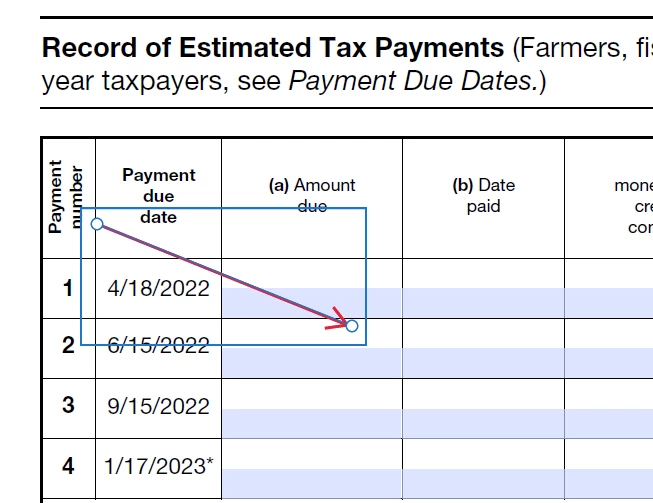
Thanks in advance!


 AdChoices