
Participant
November 8, 2023
Question

How to turn off auto suggestions in the new interface?

  • November 8, 2023
  • 1 reply
  • 2034 views

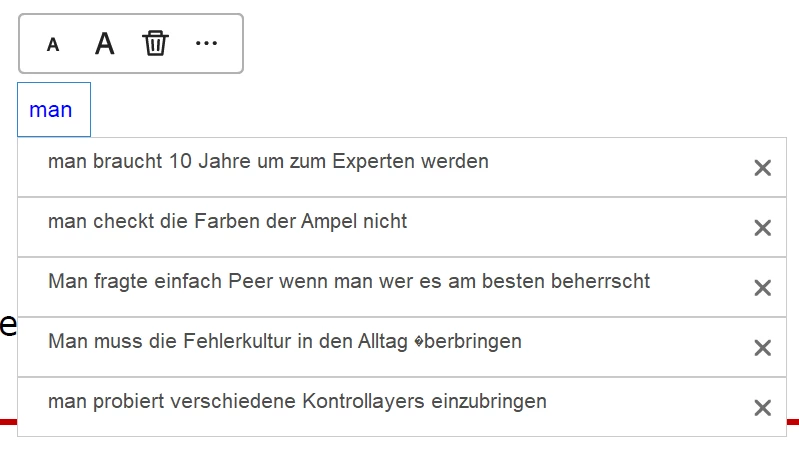
Today (08.11.2023) my Acrobat reader updated and i now have a new interface. Now i get super annoying auto suggestions for everything that i type in. How can i turn them off? All the explanations describe that i need to edit this in the "prefereces" menu, however i don't even find this in the new interface....


THANKS for your help!!!
This topic has been closed for replies.

1 reply

Bernd Alheit
Community Expert
Community Expert
November 8, 2023

You can disable this in your account.

Participant
November 8, 2023

Yes but the question is how? Can you tell me which steps i need to take? Every explanation tells me to do it in the "perferences" however i dont find them in the new interface...

Bernd Alheit
Community Expert
Community Expert
November 8, 2023

Open https://acrobat.adobe.com/link/home/ in a Web browser and change the settings at your account.