
Participant
June 18, 2022
Answered

I accidentally press Ctrl+Shift+8 please help

  • June 18, 2022
  • 1 reply
  • 19287 views

Hello.
When i was press Ctrl+Shift for doing text shortcuts. I accidently press with * or 8 and it deletes every comment i put. i tried ctrl z but nothing happenend. the only way i can restore was close the program as i did not save. i lose my little progress on that. Is there a solution to prevent pressing ctrl+shift+8 or restore comments?
thank you.
This topic has been closed for replies.
Correct answer jane-e

@Phong24917618rbob wrote:

I accidently press with * or 8 and it deletes every comment i put.


Hi

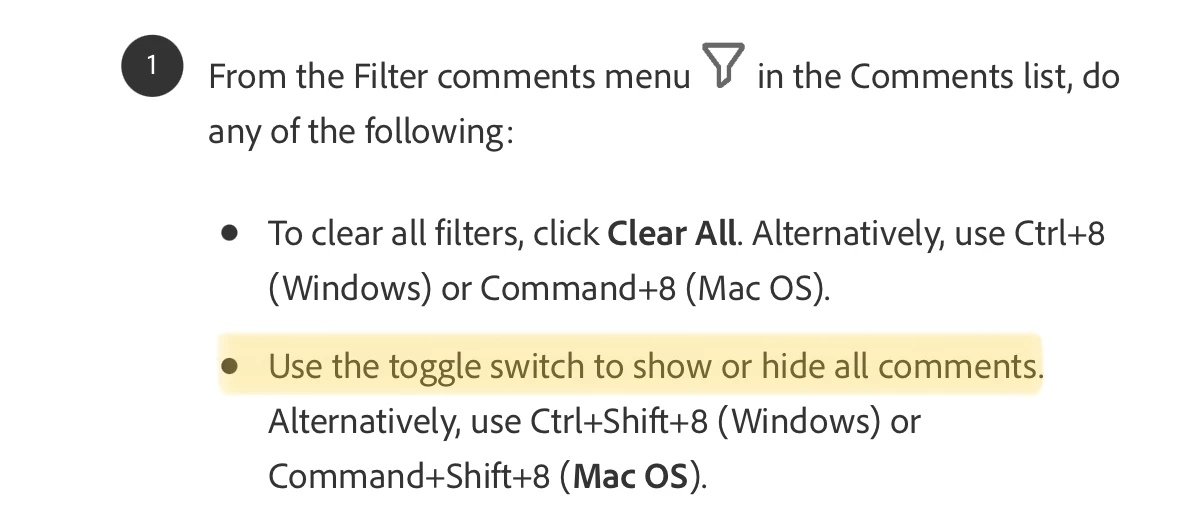
Ctrl+Shift+8 does not delete comments. It's a toggle to hide/show comments. Just use it again to show the comments.


https://helpx.adobe.com/acrobat/using/comments.html


Jane


1 reply

jane-e
Community Expert
jane-eCommunity ExpertCorrect answer
Community Expert
June 19, 2022

@Phong24917618rbob wrote:

I accidently press with * or 8 and it deletes every comment i put.


Hi

Ctrl+Shift+8 does not delete comments. It's a toggle to hide/show comments. Just use it again to show the comments.


https://helpx.adobe.com/acrobat/using/comments.html


Jane


Participant
September 11, 2023

In case anyone has a similar question for macOS, use Shift + Command + 8 to hide comments, and simply Command + 8 (do not press Shift) to show them again. At least that’s what works on my system, which is running Mojave right now.

Participant
January 19, 2024

This also works similarly with Windows. Ctrl+Shift+8 to hide, Ctrl+8 to show.