
Question
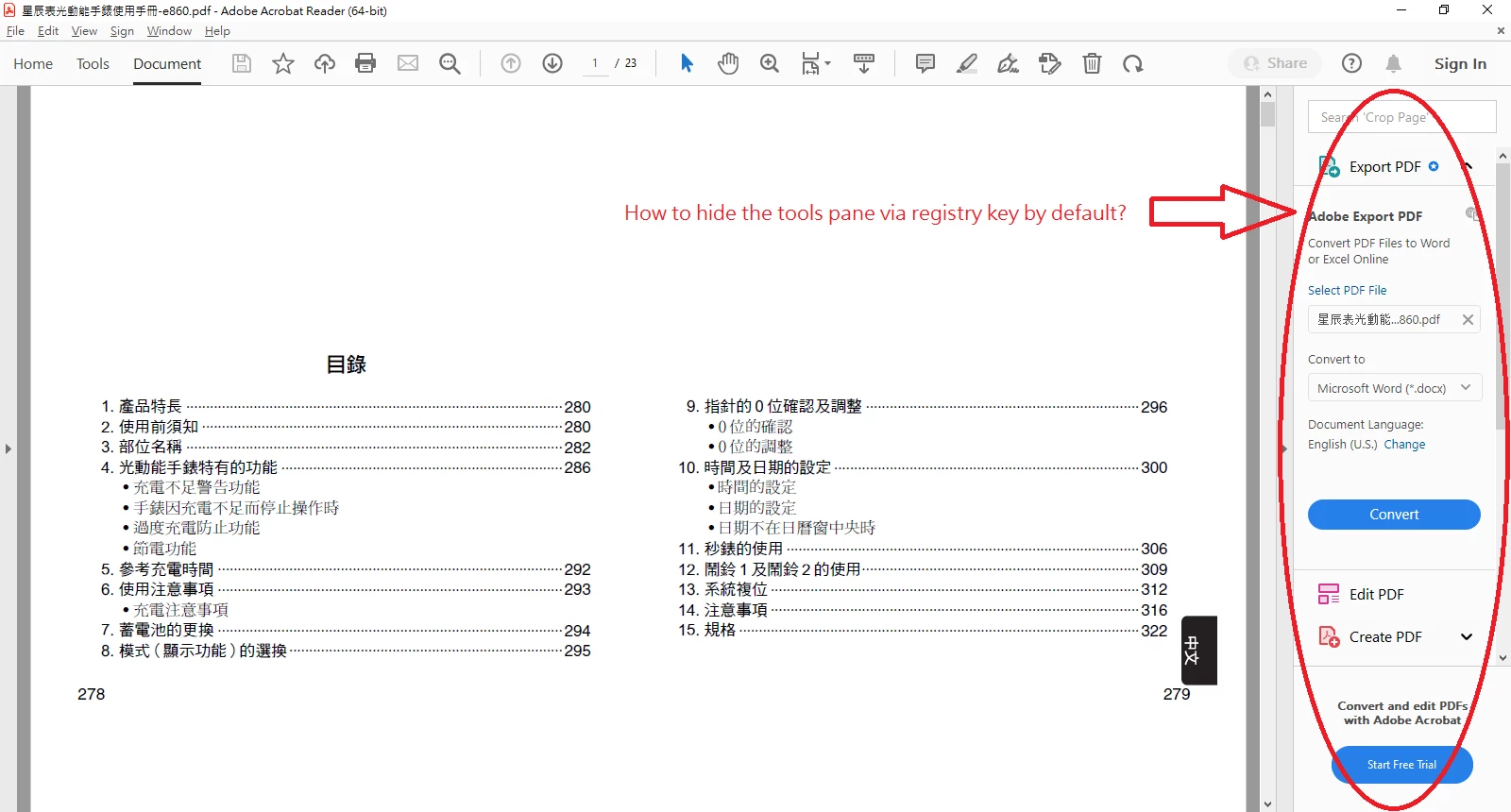
I can't hide tools pane via registry key by default the same as before.
Hi, everyone
The following registry keys could hide tools pane by default, but they couldn't work fine as before.
[HKEY_CURRENT_USER\SOFTWARE\Adobe\Adobe Acrobat\DC\AVGeneral]
"aDefaultRHPViewMode_L"="Collapsed"
"bRHPSticky"=dword:00000001
The using way of setting preferences registry keys of mine were as following.
Step 1. I applied the registry keys of settings which I preferred before opening PDF file and then reboot.
Step 2. After reboot that I opened any PDF file which I chose.
Result:
"aDefaultRHPViewMode_L"=hex:00 replaced "aDefaultRHPViewMode_L"="Collapsed" when opened PDF file and then showed right side tools pane by default now.
Q. How to hide tools pane via registry keys by default the same as before?
Thanks a lot.


 AdChoices