


Participant
August 3, 2019
Answered

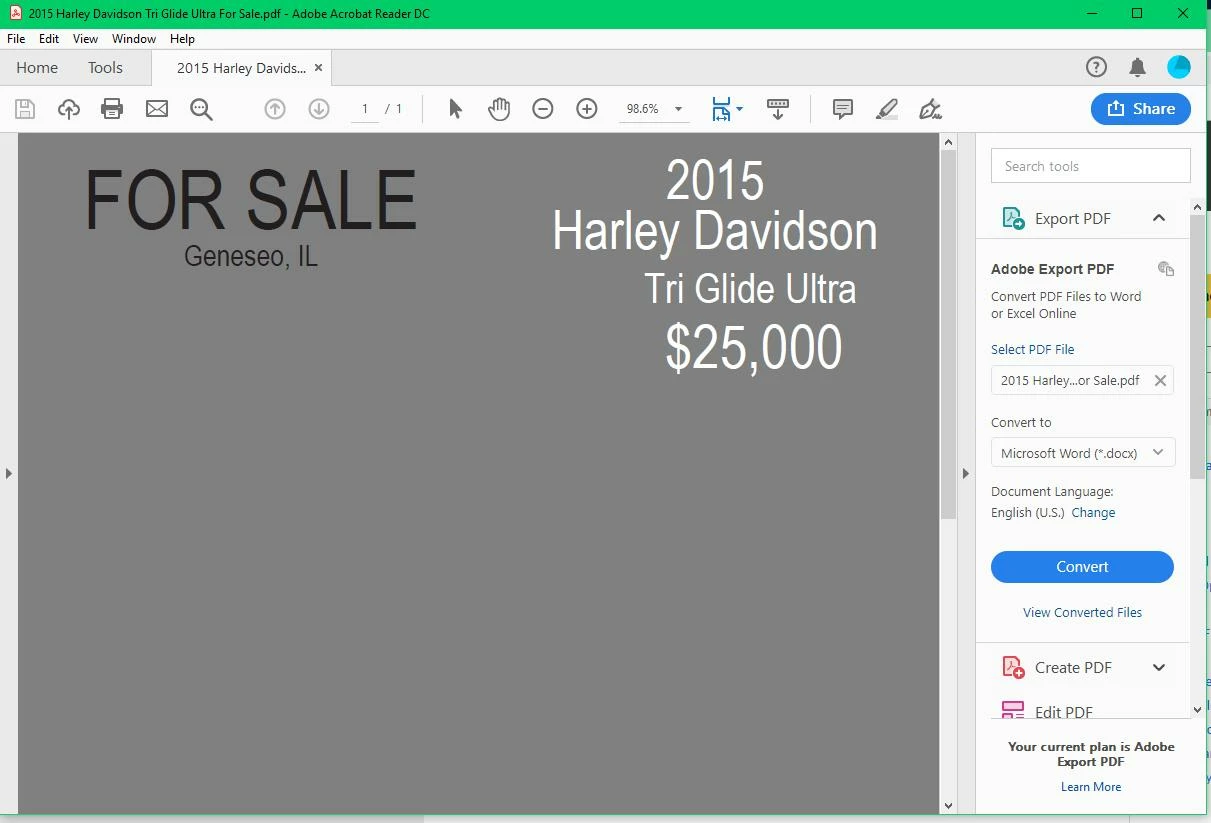
Images displayed as gray pixels

  • August 3, 2019
  • 1 reply
  • 2479 views

I just downloaded the latest version of Reader (20035) on a new computer. Now my pdf files with images show as gray pixels. I've tried several different pdf files. I've tried some of the same files on another windows 10 computer with the same version installed. Everything looks fine there.
This topic has been closed for replies.
Correct answer drbobr

I found the answer. It works now! please delete the post. Thanks

Go to Edit>Preferences>Page Display>Page content and information and check the box that says "Show large images".

1 reply

drbobrAuthorCorrect answer
Participant
August 3, 2019

I found the answer. It works now! please delete the post. Thanks

Go to Edit>Preferences>Page Display>Page content and information and check the box that says "Show large images".

jane-e
Community Expert
Community Expert
August 3, 2019

That’s very useful information — thank you for sharing it!

~ Jane