
Known Participant
December 5, 2024
Question

images/graphs in downloaded PDF are missing BUT do show when viewing via browser

  • December 5, 2024
  • 1 reply
  • 712 views

i have adobe reader v.2024.004.20220-64bit and use Chrome as browser . 


I recently downloaded a pdf file from a research website but when i opened it i found certain images/grpahs were missing.
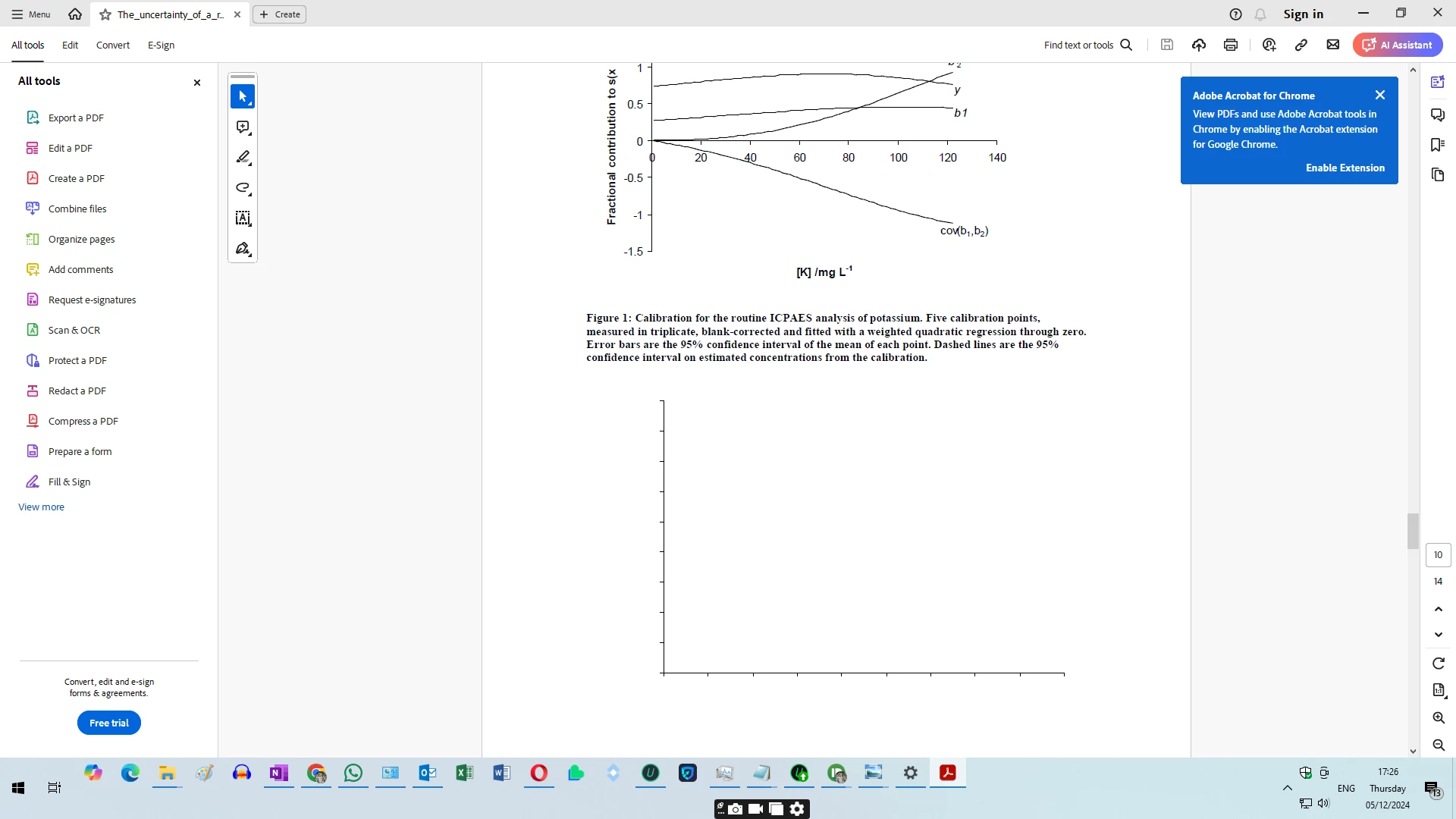
 

However if i view the same pdf file via chrome , these images ARE visible. 
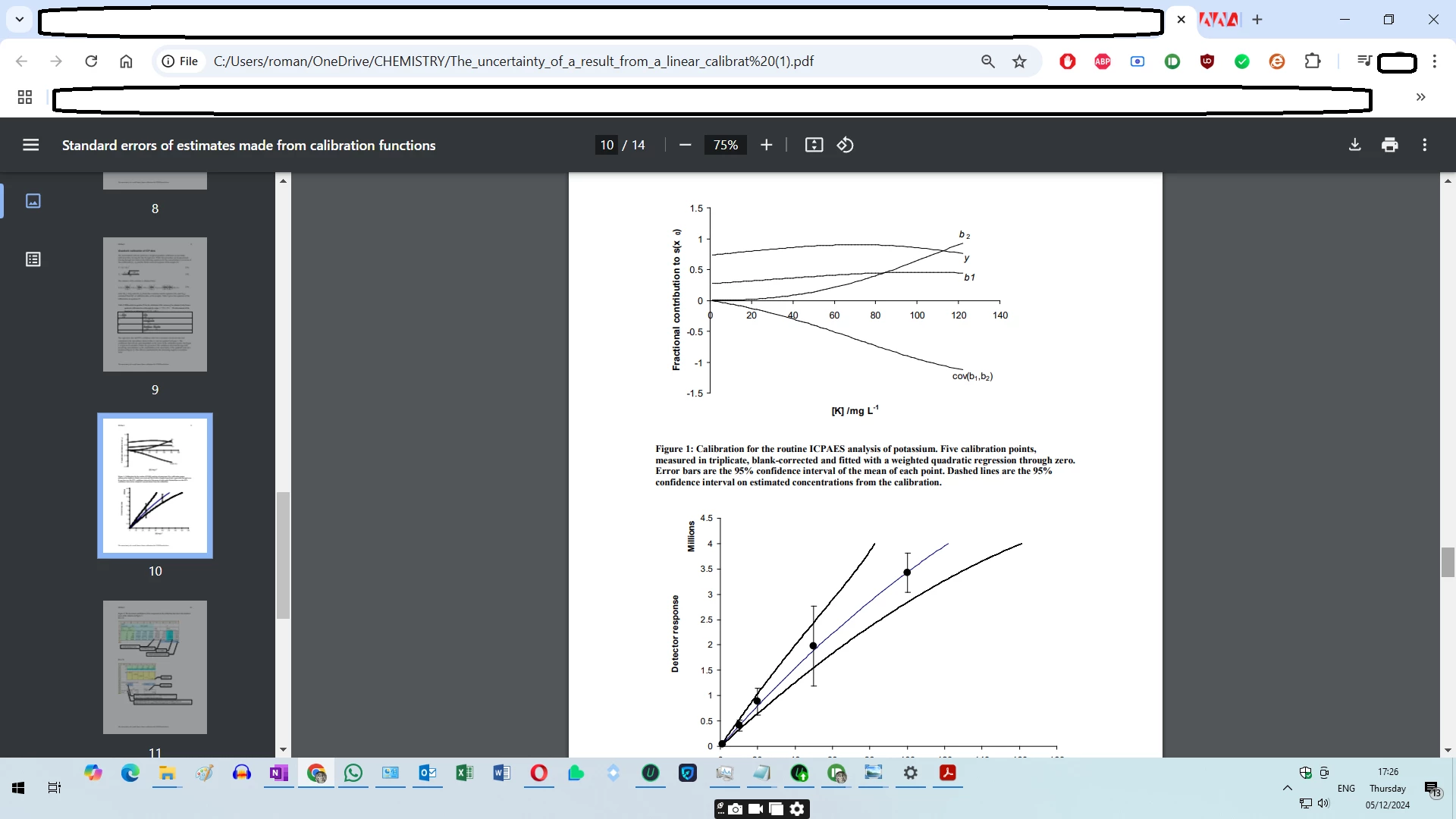


These images are also displayed if i use a different pdf reader like PDF24. 


I uninstalled and reinstalled the Adobe reader but i still see the same problem. The app itself also generated an error message i.e. 
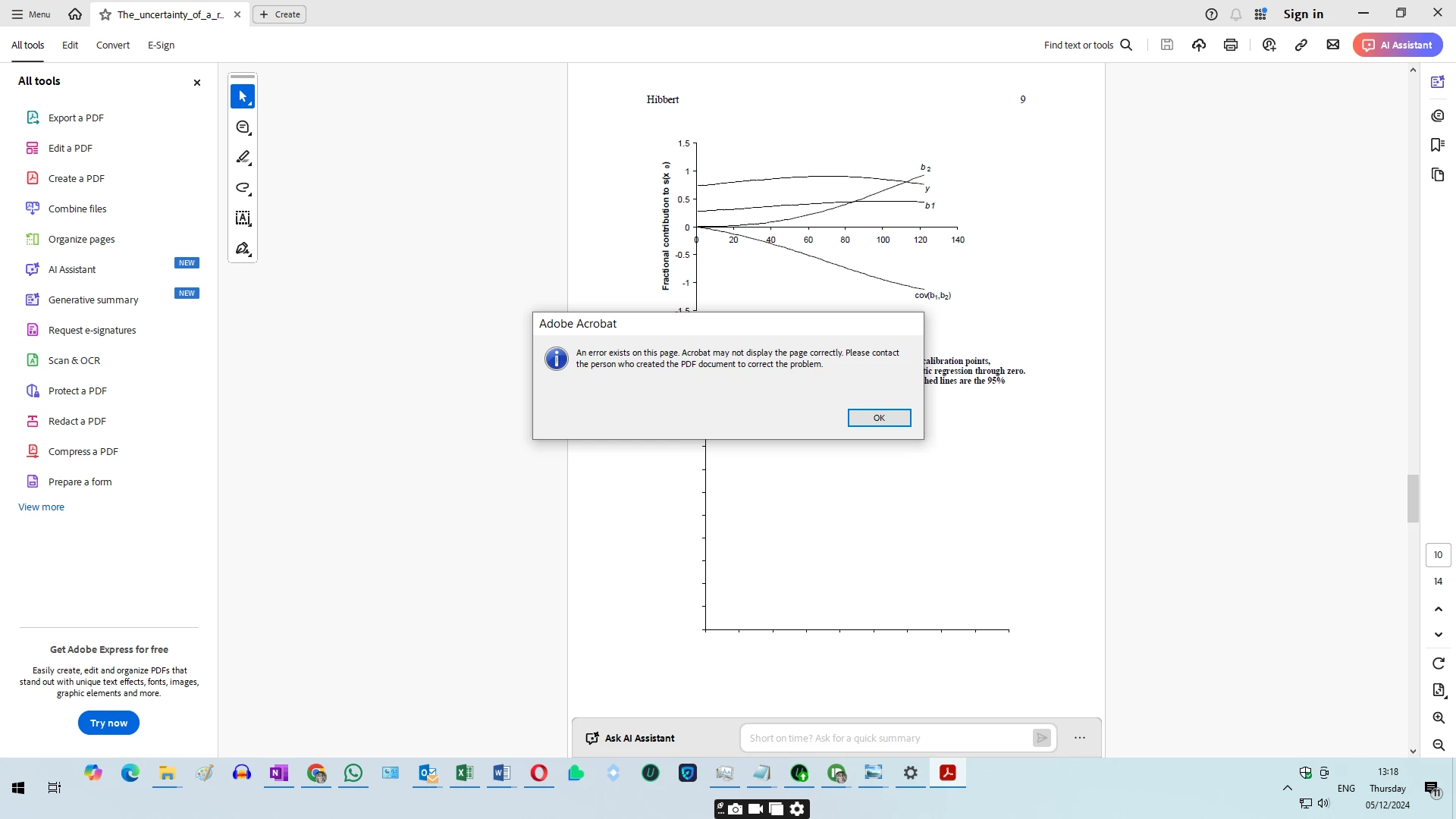


but i think this is more an error with the app rather than the author. 


Can anyone shed any light on this very situation?

1 reply

AnandSri
Legend
February 28, 2025

Hello,


I hope you're doing well, and we apologize for the delayed response and the trouble.


Please ensure you have the latest version of Acrobat installed on the machine: 24.005.20421 Optional update, Feb 24, 2025. Check for any pending updates from the Menu > help > check for updates, install the updates, restart the app and the machine, and check. For more information, see this: https://adobe.ly/41xEoRE.


If the PDF file is corrupted or damaged, such as improperly embedded images, Adobe Acrobat may not be able to display it correctly. This is because Acrobat and web browsers handle PDFs differently. If you have the Acrobat desktop app installed, you can use the Preflight tool to check the PDF syntax. This tool can fix any errors found.


Let us know how it goes.

Thanks,

Anand Sri.

surfing69Author
Known Participant
February 28, 2025

hello


thank you for your mesage. Hoever it doesnt explain why a different PDF viewer i.e. PDF24 IS able to view these images correctly?

xdvsdc  why isnt there a spellchecker in this message field ?

Souvik Sadhu
Community Manager
Community Manager
May 25, 2025

Hi @surfing69,


Hope you are doing well. Sorry for your experience with rendering files on Acrobat Reader, and the delayed response.


We did release an update which has a fix for the issue. Would you mind updating the app to the latest version (2025.001.2047x) and letting us know if the issue is fixed for you?

To do so, go to Menu > Help > Check for Updates.


If the issue persists, please share a sample file where you experience the issue for us to test this in-house and get to a resolution quicker.


Look forward to hearing from you.


Regards,
Souvik.