

Import data from Excel file to PDF file
Hello all,
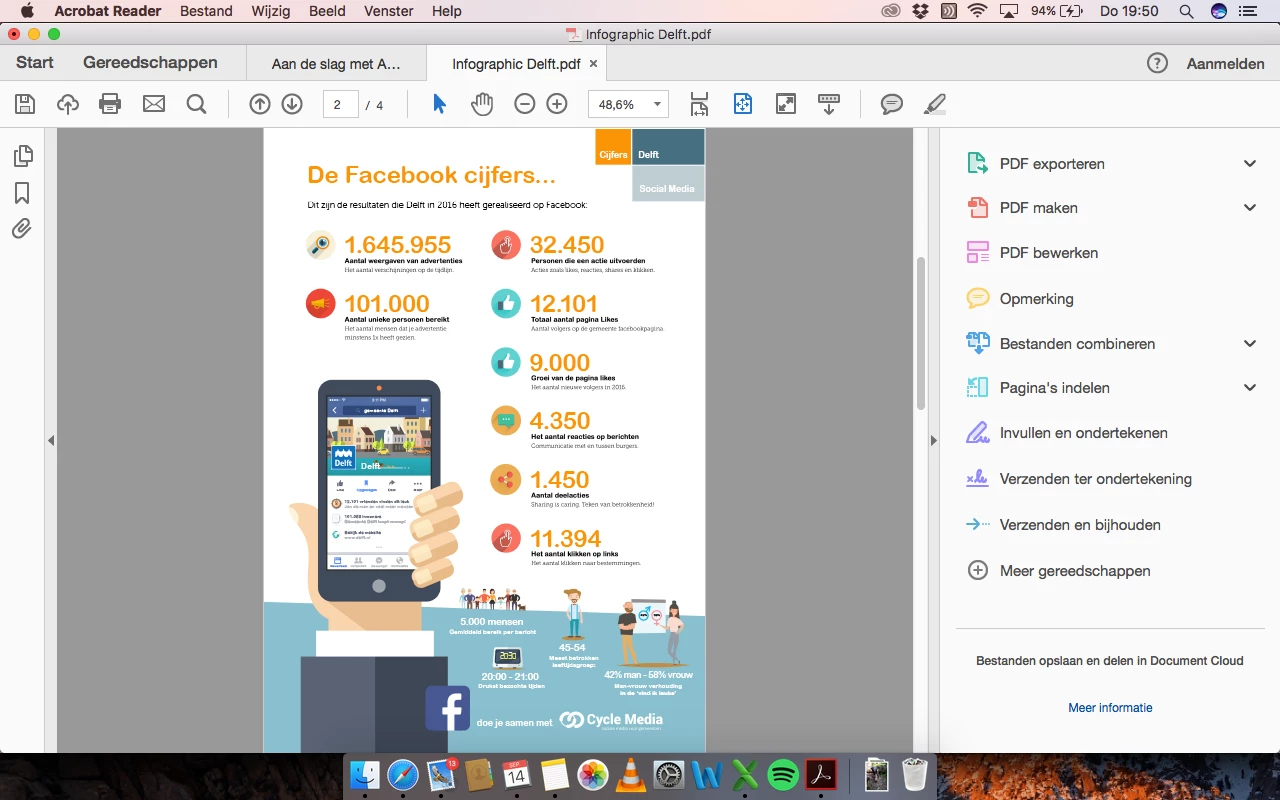
My goal is to import a set of data in Excel to a PDF file. I have illustrated an infographic in Illustrator that I saved as a PDF file (you can find the illustration in the attachment below). I read the following link but I can't seem to find the import file described in this link to import the data with. I am using Adobe Acrobat Reader DC to open PDF files:
Import data from Excel into fillable pdf using Acrobat XI Pro - is it possible? How?
Just to be clear. My goal is to be able to automatically import a set of numbers and I want them to be lined out where the orange numbers are in the screenshot attached below. So for instance. If I have a new set of data (numbers) in Excel, all of the numbers below will have to change according to the specific data. I hope I am being clear and I hope you guys can help me out. I am looking forward to any replies!


 AdChoices