
Participant
October 9, 2022
Question

Install Adobe Acrobat Reader DC without Rosetta

  • October 9, 2022
  • 3 replies
  • 3606 views

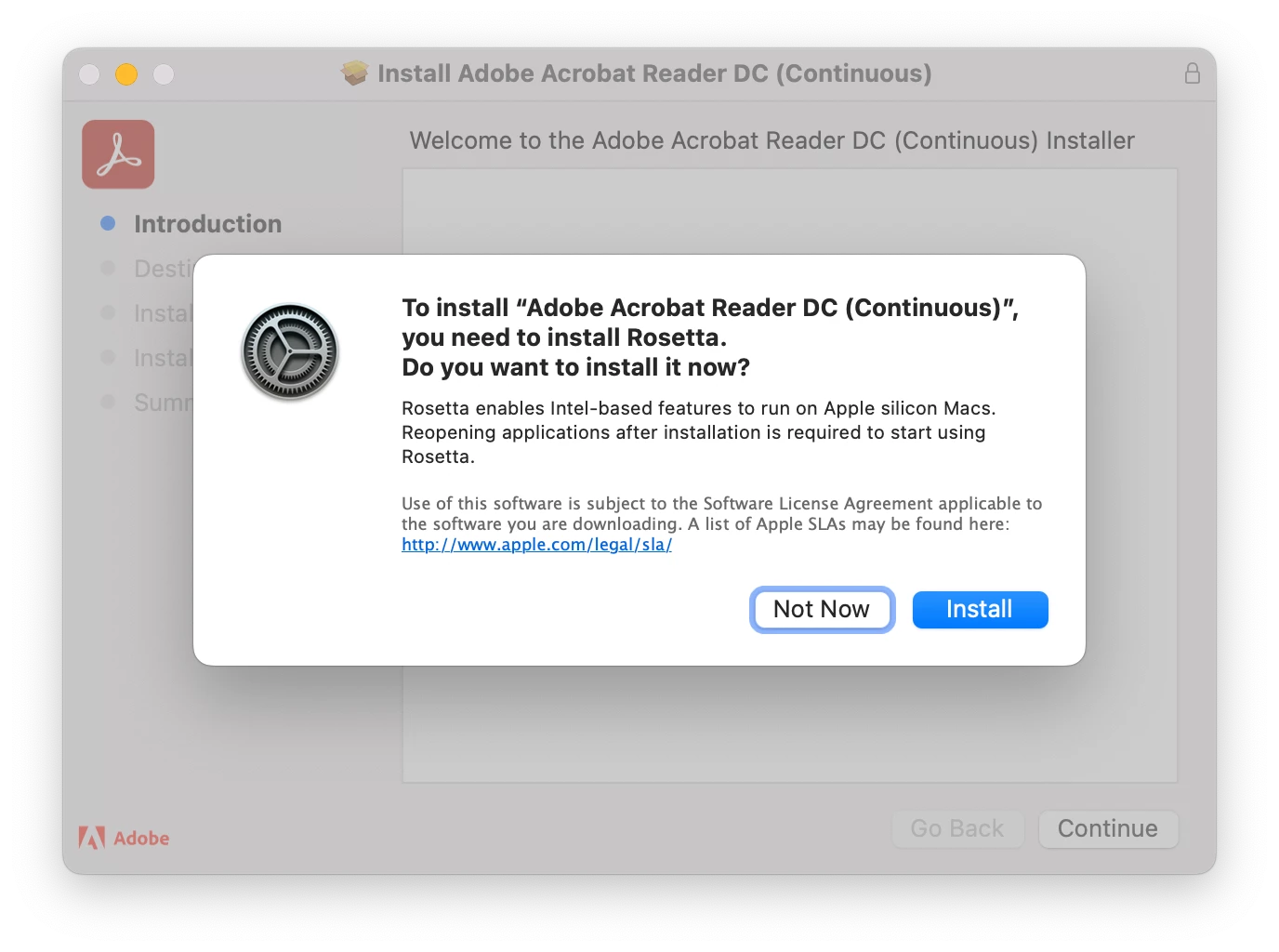
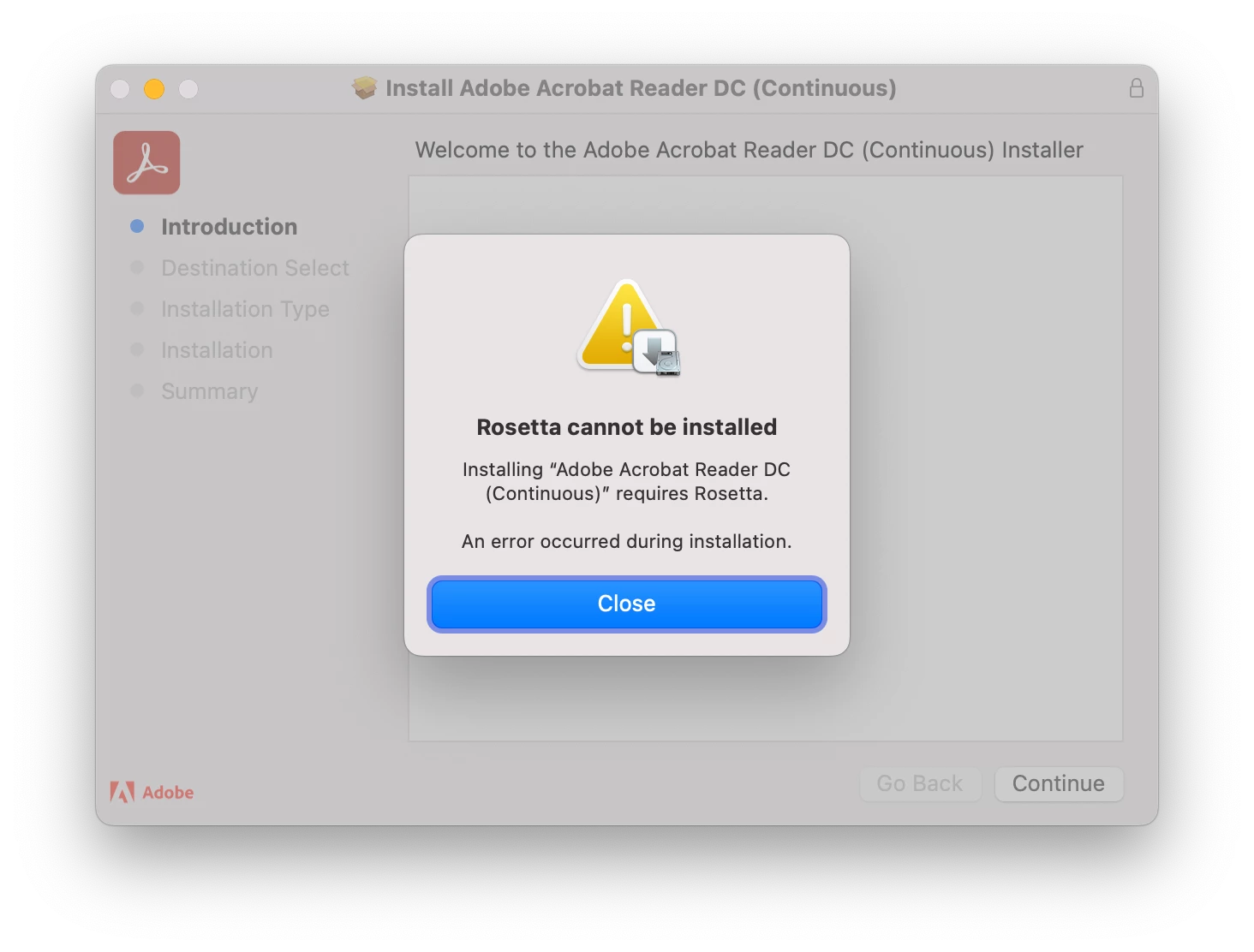
I would like to install Adobe Acrobat Reader DC on an Apple Silicon based Mac without having to install Rosetta. Please make an installer available that does not require Rosetta to be installed.
 

This topic has been closed for replies.

3 replies

Participant
May 21, 2023

Guys This problem is now solved. I just downloaded Acrobat for Mac through the official link ofcourse and it did not make me install Rosetta on my Mac Mini and Macbook. Well Thanks Adobe for curing my OCD with a native installer.

Participant
May 21, 2023

Hurray! Thanks for posting that update. I just downloaded and installed the latest version on my Rosetta-free MacBook.

Participant
March 30, 2023

I would like the same. It's strange that people have been asking for this for nearly two years, and Adobe still hasn't released a native arm64 (Apple Silicon) installer. Every other major software company has been supporting the new architecture for months. Why is Adobe different?

Participant
April 10, 2023

Doubly ridiculous when you consider Photoshop, Premiere, etc. can be installed without Rosetta.  Why not Acrobat?

tlmurray23
Inspiring
February 9, 2023

You would think the installer would say, "Rosetta enables XYZ features. If you are not going to need these, you don't need to install Rosetta. Skip?" Needed for a third-party tool? By now, there may be a better tool elsewhere. Besides, if the source of the tool has not made an Apple silicon version by now, they are probably letting that product die on the vine. 

I bought a new MBPro M2, installed Acrobat, and am happy to find several sources for how to uninstall.

qpandaAuthor
Participant
February 9, 2023
quote

You would think the installer would say, "Rosetta enables XYZ features. If you are not going to need these, you don't need to install Rosetta. Skip?"


Indeed, especially because most users won't need support for Twain-based scanners and Third-Party plug-ins.